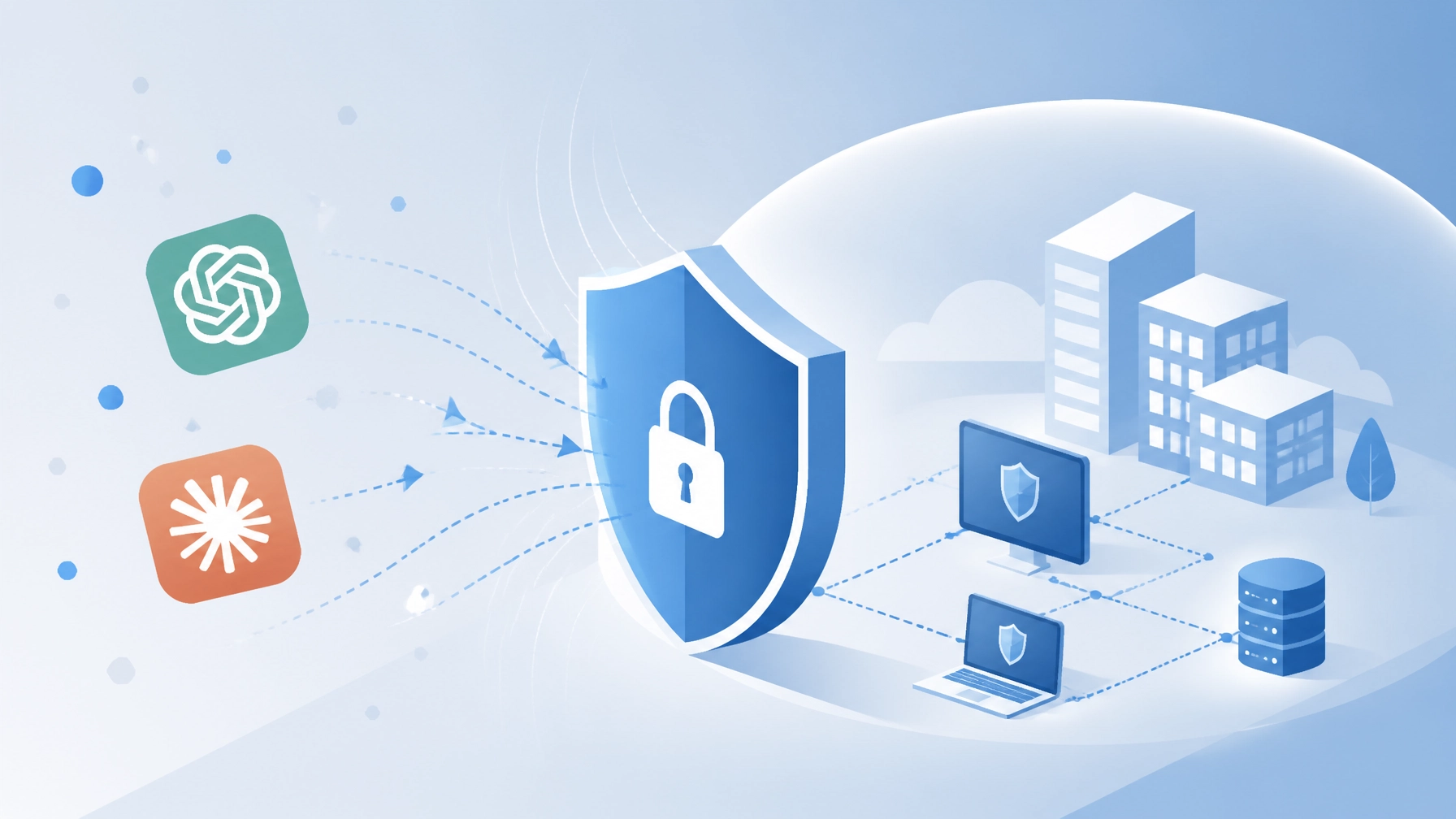
AI tools like ChatGPT, Claude, and DeepSeek have changed how we work. We use them to write emails, analyze data, and solve problems faster. This popularity is exciting, but it also creates a new path for digital threats. Recently, we've seen a sharp rise in "fake" AI tools designed to harm businesses.
The Massive Surge in AI-Themed Threats
A new report from Kaspersky in 2026 shows a worrying trend. Attacks using fake AI software have increased five times compared to last year. Between January and April 2026 alone, over 33,000 attacks targeted small and medium-sized businesses. These attacks don't come from the AI itself. Instead, they come from criminals who hide malware inside files that look like AI installers.

When we look at the data, three names appear most often. ChatGPT accounts for about 42% of these fake files. Claude follows at 24%, and DeepSeek is at 20%. These are the tools our teams know and trust. This trust is exactly what attackers are trying to use against us.
How These Scams Work
Most of these threats don't come through the official AI websites. Instead, they appear when we look for "shortcuts" or "free versions." Here are the common ways these fake tools find their way onto our systems:
- Fake Desktop Installers: Most major AI tools run in a web browser. Criminals create "desktop versions" that look official but are actually trojans.
- Malicious Browser Extensions: Some extensions promise to add AI features to our browser but steal our saved passwords instead.
- Phishing Emails: We might receive an email offering "early access" to a new AI model. Clicking the link can download a file that locks our data.
- Social Media Ads: Adverts on platforms like Facebook or LinkedIn sometimes promote "pro" versions of AI for free. These often lead to dangerous downloads.
Once these files are on a computer, they can do a lot of damage. They might steal login details, watch what we type, or even give hackers remote access to our entire network.
Why SMBs Are the Main Target
Small and medium-sized businesses are often the focus of these campaigns. We might not have a dedicated security team watching every download. We also rely heavily on tools that help us stay competitive. Attackers know that if they can get one person to download a fake app, they might get access to the whole company’s data.
At Your IT Specialist, we see this as a shared challenge. We can't simply stop using AI, as it is too valuable for our growth. Instead, we can work together to build safer habits. If you're worried about your current setup, our cyber security services can help identify where you might be at risk.
Spotting a Fake AI Tool
We can protect ourselves by staying alert. Most fake tools have a few "tells" that give them away. Here is what we should look out for:
- Unusual Download Sources: If a tool isn't from the official website (like openai.com or anthropic.com), we should avoid it.
- Requests for Admin Rights: A simple chat tool shouldn't need full control over our computer. If an installer asks for deep permissions, it's a red flag.
- Typos and Bad Design: While some fakes look good, many have small errors in the text or blurry logos.
- Too Good to Be True: If someone offers a "free lifetime subscription" to a service that usually costs money, it's likely a scam.

Handling "Shadow IT" and Unsanctioned Apps
Sometimes, our team members might use AI tools without telling us. This is often called "Shadow IT." People do this because they want to do a better job, but it can create security gaps. We can't always see what apps are being used on every laptop or phone.
Instead of banning these tools, we can offer better alternatives. We can create a list of "Approved AI Tools" for our team. This gives everyone the power of AI while keeping our business safe. We can also use network switching and routing services to monitor for unusual traffic that might indicate a compromised device.
Practical Steps to Stay Secure
We don't have to be security experts to stay safe. A few simple changes can make a big difference:
- Use Official Web Apps: Encourage everyone to use the web version of AI tools rather than downloading apps.
- Update Software Regularly: Hackers love old software. Regular patching and management closes the holes they try to use.
- Install Strong Antivirus: A good antivirus can stop a fake installer before it even starts.
- Enable Multi-Factor Authentication (MFA): If a hacker does steal a password, MFA can stop them from getting into the account.
How Your IT Specialist Can Help
We know that keeping up with every new threat is difficult. That’s why we offer IT support that takes the pressure off your team. We focus on finding the best, most cost-effective solutions for your specific needs.
Our security support includes:
- Firewall Installation and Support: We build a digital wall around your business.
- Antivirus Installation: We ensure every device is protected with the latest tools.
- Vulnerability Assessments: We look for the weak spots before the hackers do.
- Out of Hours Support: We can perform upgrades at night or on weekends so your team isn't disrupted. You can learn more about this on our telecom support page.

Moving Forward Together
The rise of fake AI tools is a serious challenge, but it is one we can handle. By staying informed and using the right tools, we can keep our businesses running smoothly. We don't need to fear new technology. We just need to be smart about how we bring it into our offices.
If you have questions about which AI tools are safe or want to check your current security, we're here to help. We pride ourselves on being provider-agnostic and giving honest advice. Our goal is a long-term relationship, not a quick sale.
Let's make sure your business is ready for the future of AI. You can reach out to us through our website to discuss a security audit or to learn more about our connectivity and ISP services.
