
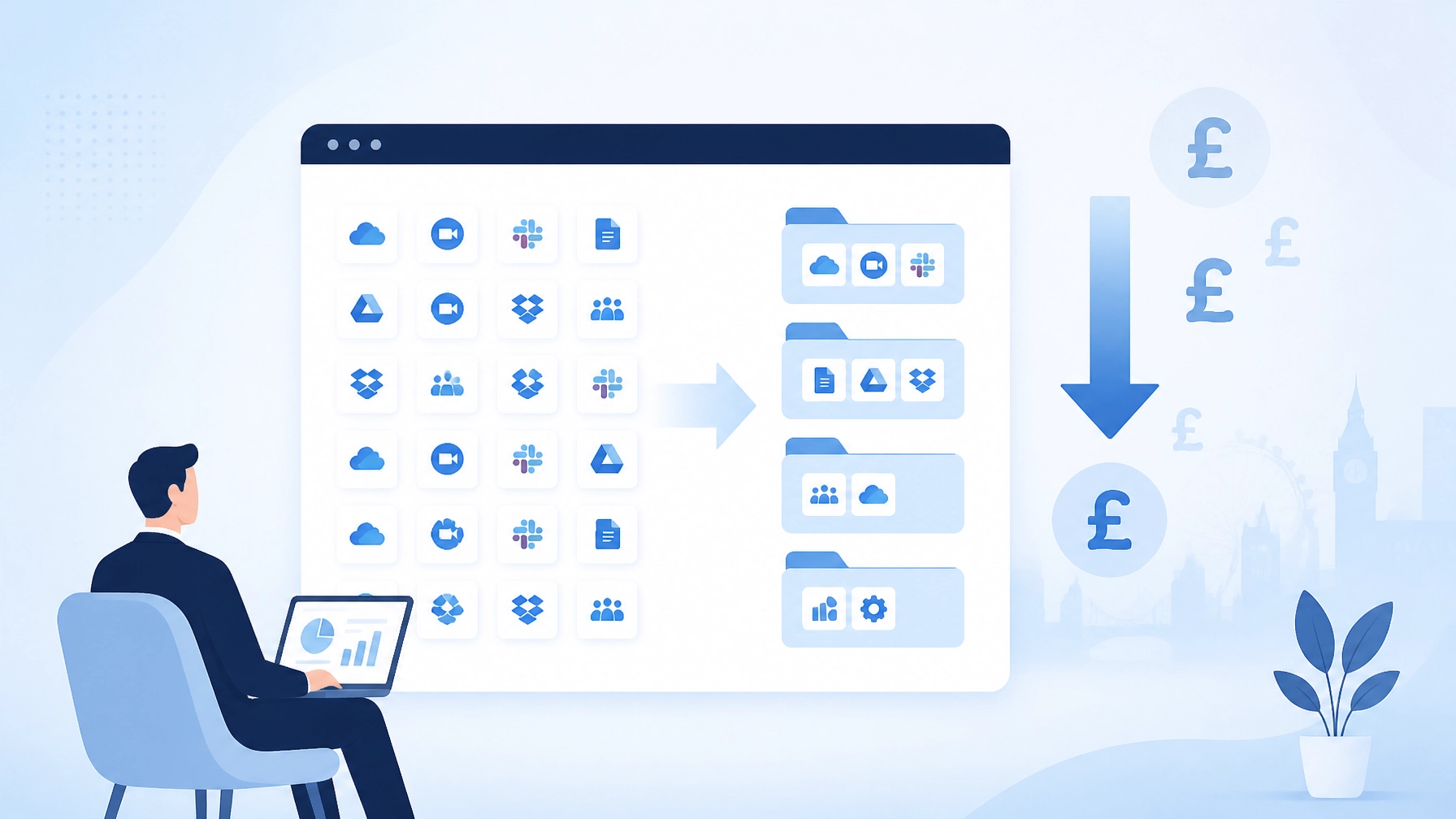
Most businesses add software one subscription at a time.
A sales team needs a CRM. A project team chooses a task manager. Finance adds an expense platform. Someone starts a free trial and forgets to cancel it. A new employee receives another licence, even though an existing one was available.
Each decision seems reasonable. Over time, the result can be expensive and difficult to manage.
This is SaaS sprawl: a growing collection of cloud applications, licences and subscriptions without a clear owner or review process.
Recent research suggests that many businesses use only around half of the software licences they pay for. UK firms also face billions of pounds in excess software spending, although estimates vary between studies. The message is consistent: unused licences, duplicate tools and forgotten renewals create avoidable waste.
The good news is that we don't need to replace everything. With a structured review, we can usually reduce costs, improve control and make daily work simpler.
Here are five practical steps to get started.
1. Audit what we actually pay for
We can't reduce waste if we don't know where it is.
The first step is to create a complete list of every business application and subscription. This should include more than the software approved by IT. Some tools may be paid for through:
- Company credit cards
- Expense claims
- Direct debits
- Department budgets
- Personal accounts later reimbursed by the business
- App stores and online marketplaces
- Free trials that changed into paid plans
Finance records are a useful starting point. We should then compare them with information from identity systems, email accounts, device management tools and application administrator portals.

For each application, record:
| Information | Why it matters |
|---|---|
| Application name | Shows what the tool is used for |
| Business owner | Gives someone responsibility for its value |
| Supplier and plan | Helps us understand the contract |
| Monthly or annual cost | Shows the real financial impact |
| Number of paid licences | Identifies the potential saving |
| Active users | Highlights unused seats |
| Renewal date | Prevents unwanted renewals |
| Data stored | Supports sensible security decisions |
| Integrations | Shows what could be affected by cancellation |
We should also look for applications that perform similar jobs. For example, we might find two project management tools, several file-sharing platforms or multiple systems collecting customer information.
A simple spreadsheet is enough for a small business. Larger organisations may benefit from a software asset management platform or a managed IT services partner.
The goal isn't to create paperwork for its own sake. It is to build a clear view of what we own, what we use and what we need to review.
2. Consolidate overlapping tools
Once we have an inventory, we can group applications by purpose.
For example:
- Customer relationship management
- File storage and document sharing
- Team communication
- Video meetings
- Project management
- Accounting and expenses
- Marketing
- Password management
- Cyber security
- Human resources
We can then ask a straightforward question:
Are we paying for several tools that solve the same problem?
Overlap is often hidden by department boundaries. Sales may use one task manager while operations uses another. Marketing may use a separate file-sharing service, even though the business already has suitable storage in its main productivity platform.
Consolidation doesn't mean forcing every team into the same tool without considering how they work. It means choosing a sensible standard where the features are suitable.

For each group of overlapping tools, we can decide to:
- Keep the application with the strongest adoption and best fit
- Combine two tools where one platform covers both needs
- Downgrade a plan where advanced features aren't being used
- Replace a costly or difficult tool with a better option
- Retire software that no longer has a clear purpose
We should check integrations before cancelling anything. A tool may appear lightly used but still support an important workflow or connect to another system.
This is where impartial IT consulting can help. An independent review should focus on what works best for the business, not on selling a particular vendor or platform. Sometimes the right answer is to consolidate. Sometimes it is to keep a specialist tool because replacing it would create more cost and disruption.
3. Remove unused licences and control renewals
Unused licences are often the quickest source of savings.
For each application, compare the number of paid seats with recent activity. Depending on the tool, useful measures may include:
- Last login
- Number of active users
- Recent file activity
- Recent projects or transactions
- Use of premium features
- Whether the employee still works for the business
We should avoid removing access based on login data alone. Some applications are used monthly, quarterly or only during specific projects. A quick check with the application owner can prevent an important account from being removed.
However, licences belonging to former employees should be disabled promptly. The same applies to abandoned trials, duplicate accounts and users who no longer need premium access.
Before each renewal, review:
- How many licences are paid for?
- How many are active?
- Which features are being used?
- Could a lower plan meet the same need?
- Is the application still supporting a current business process?
- Can the supplier offer more suitable terms?
Renewal dates should be recorded in a shared calendar with reminders at least 60 and 30 days beforehand. This gives us time to negotiate, downgrade or cancel before an automatic renewal takes place.
The saving from one unused seat may be small. Across ten or twenty applications, the total can become significant.
4. Centralise software procurement
SaaS sprawl often returns when every department can buy software independently.
We don't need a slow approval process. We do need one clear route for new applications.
A simple procurement policy can ask for:
- The business problem the application will solve
- The expected number of users
- The full cost, including setup and renewal charges
- Whether an existing approved tool can do the same job
- What business data the application will access
- Who will own the application
- How access will be removed when someone leaves
- What happens to the data if the contract ends
The request should then be reviewed by the right people. This may include the department owner, finance and IT. Security input is important where the application handles customer details, financial information, confidential documents or employee records.
Central procurement also gives us better visibility when negotiating. Instead of several departments buying separate plans from the same supplier, we may be able to combine requirements and secure clearer terms.
A central register should be updated whenever a tool is approved, changed, renewed or cancelled. This creates a reliable record and reduces the chance of forgotten subscriptions.
This approach supports good data governance as well. We can see which suppliers hold business information, who has access and how applications connect to one another.
5. Set regular review cycles
A one-off clean-up is useful, but it won't stop sprawl returning.
Business needs change. Teams start new projects, employees move roles and software providers change their pricing. A tool that was useful last year may no longer be the right choice.
We should schedule a review at least once every quarter. For smaller businesses, a six-monthly review may be enough to begin with.
Each review should cover:
- New subscriptions added since the last review
- Licence use and user numbers
- Upcoming renewals
- Duplicate applications
- Security and access settings
- Data stored with each supplier
- Applications no longer owned by a current employee
- Changes in business requirements

It helps to assign two types of owner:
- A business owner who understands the application’s purpose
- An IT or finance owner who tracks access, cost and renewal details
This shared responsibility avoids a common problem: everyone assumes someone else is checking the subscription.
We can also set a few simple rules:
- No software purchase without an identified owner
- No shared accounts where individual accounts are available
- Access removed promptly when someone leaves
- New applications checked against the existing software list
- Renewal decisions made before the contract date
- Unapproved tools reported without blame, so they can be assessed properly
The aim is control, not restriction. Staff should have a clear way to request the tools they need. When the process is simple and responsive, there is less reason to work around it.
How IT support can help
SaaS sprawl sits between finance, operations, security and technology. That can make it difficult to manage internally.
An IT support for business partner can help us:
- Build a software and licence inventory
- Review active users and application access
- Identify duplicate or unsuitable tools
- Improve account joiner and leaver processes
- Check integrations and data flows
- Plan safe cancellations and migrations
- Create a practical procurement policy
- Set up regular reviews and renewal reminders
The right advice should be proportionate to the business. We may only need a focused audit and a simple register. Larger organisations may need ongoing licence management as part of their wider IT support services.
At Your IT Specialist, our approach is provider-agnostic. We don't recommend a product simply because it is familiar or more expensive. We look at the current setup, the business goals and the likely long-term cost.
Take back control before the next renewal
SaaS sprawl rarely appears in one large decision. It builds through small purchases, unused accounts and automatic renewals.
We can start with one department or one software category. List what we pay for, check what is being used and review the next renewal date. From there, we can remove waste and build a process that keeps the software estate manageable.
Reducing the number of applications can lower costs, simplify support and improve data control. A focused review now can also make future growth easier.
For impartial help reviewing your software subscriptions and wider technology setup, explore our IT consulting and support services or read our guide to choosing managed IT services without getting oversold.
