Loading...

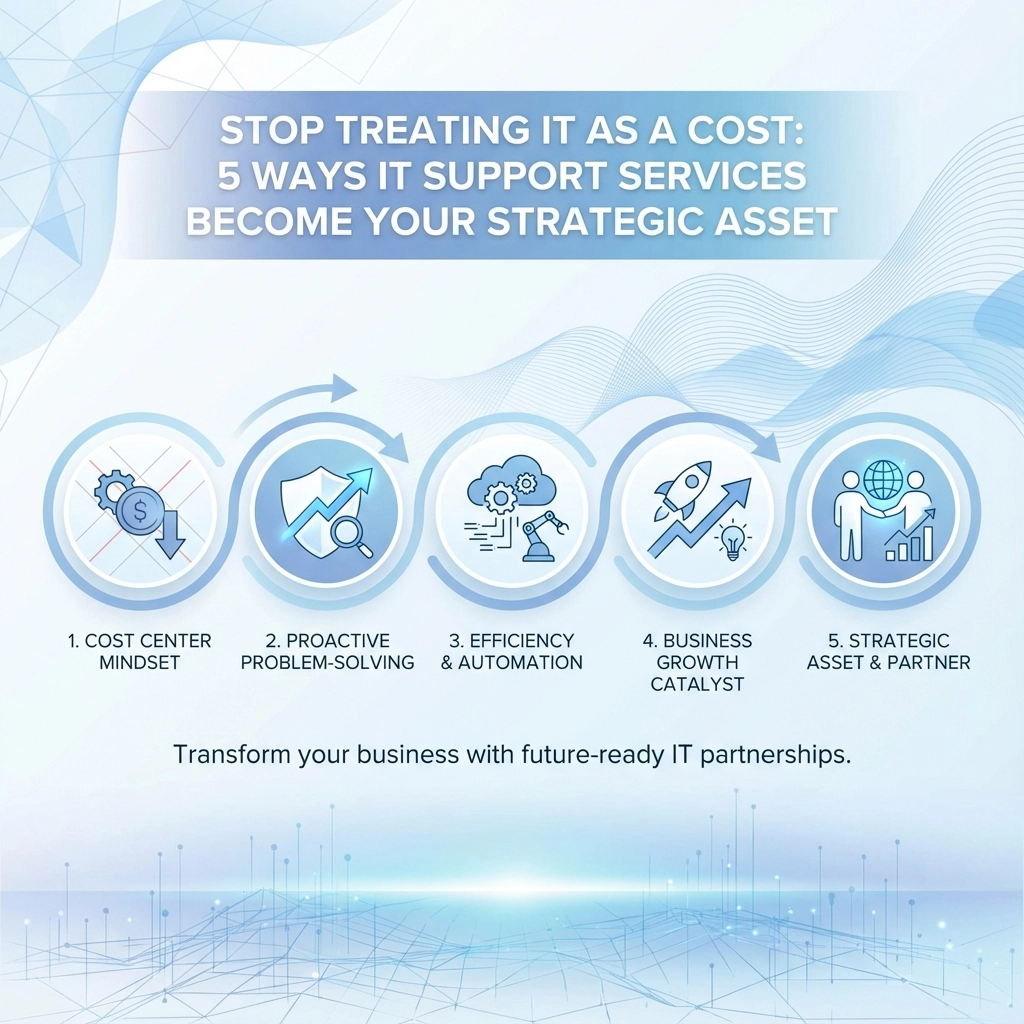
Most business owners see IT the same way they view rent or insurance: a necessary evil that drains the budget. But here's the thing: when we shift from thinking about IT as an expense to viewing it as a strategic asset, everything changes.

The businesses thriving in 2026 aren't the ones spending the least on IT. They're the ones getting the most value from their technology investments. Let's explore how proper IT support transforms from a cost center into your competitive advantage.

1. Cost Optimization That Actually Saves Money

The average business wastes about 30% of its IT budget on unused software licenses, outdated hardware, and inefficient processes. That's not a typo: we're talking about real money sitting unused in digital drawers.

Professional IT support doesn't just fix problems; it identifies waste before it happens. When we audit a client's systems, we commonly find:

  • Software licenses bought but never deployed
  • Multiple subscriptions for similar services
  • Hardware that's over-specified for actual needs
  • Cloud resources running 24/7 for 9-5 operations

image_1

One client was paying for 50 Adobe licenses when only 12 employees actually used the software. Another had three different video conferencing platforms because different departments made separate purchases. These aren't unusual cases: they're the norm.

Strategic IT support includes asset management that tracks every license, subscription, and piece of hardware. This visibility typically saves clients 20-40% on their IT expenses in the first year alone. That's not cutting corners; it's cutting waste.

2. Productivity That Translates to Profit

When we treat IT strategically, we stop asking "What's the cheapest solution?" and start asking "What solution helps our team work better?"

Consider this scenario: your team spends 30 minutes each morning waiting for computers to start, applications to load, and files to sync. For a 10-person team, that's five hours of lost productivity daily. Over a year, you're looking at nearly 1,300 hours: equivalent to hiring another part-time employee.

Strategic IT support focuses on:

  • Proactive maintenance that prevents slowdowns
  • Optimised workflows that eliminate repetitive tasks
  • Reliable systems that don't break during critical moments
  • Remote access that keeps teams productive anywhere
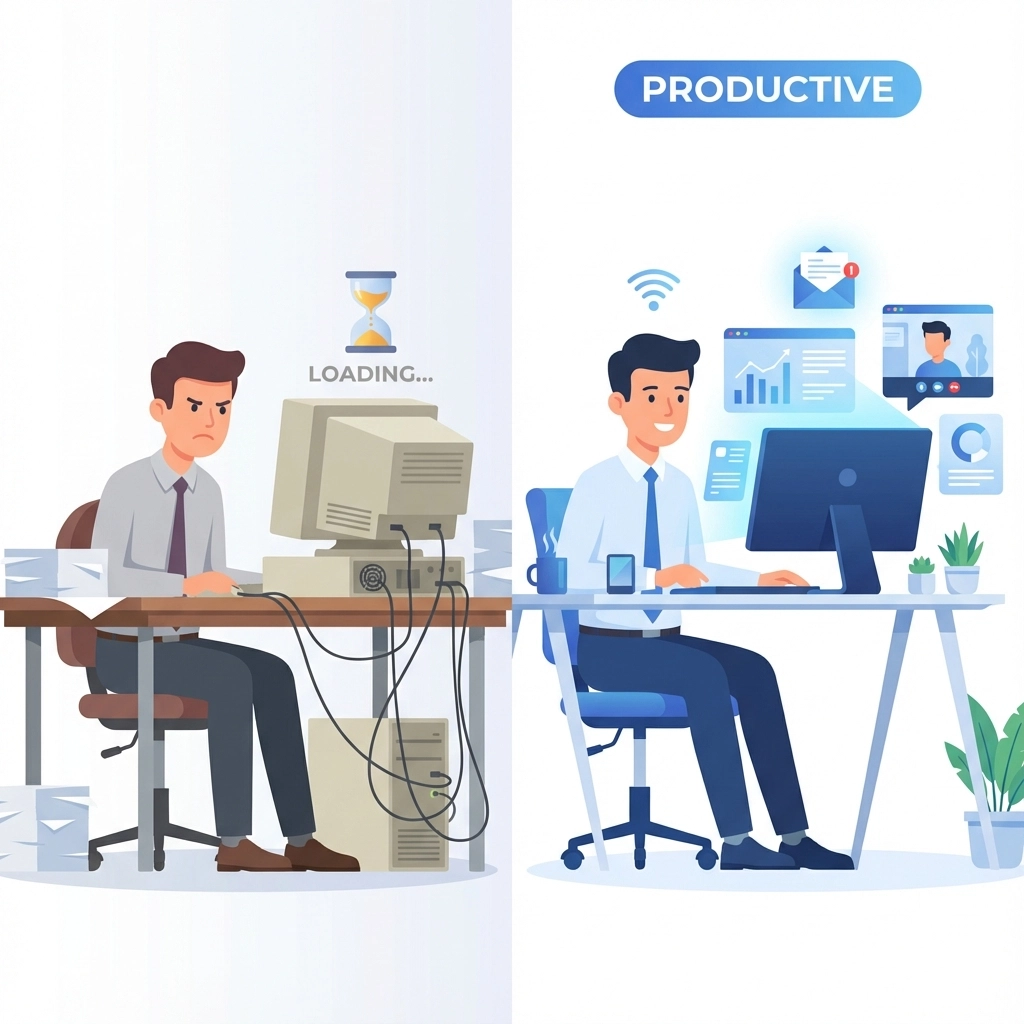
image_2

The return on investment isn't just in avoided downtime. It's in the confidence your team has in their tools, the speed they can complete tasks, and the professional impression you make on clients when everything simply works.

3. Data-Driven Decision Making

We can't manage what we can't measure. Strategic IT support provides the visibility needed to make informed decisions about technology investments.

Instead of guessing when to replace hardware or whether that new software is worth the investment, you get real data. Which applications are actually being used? Where are the bottlenecks in your workflows? What's causing the most support tickets?

This insight transforms budgeting from guesswork into strategic planning. Rather than emergency purchases when equipment fails, we can plan replacements before performance degrades. Instead of buying software based on marketing promises, we can test and measure actual impact on productivity.

Professional IT support includes monitoring and reporting that turns your technology into a source of business intelligence. You'll know which investments are paying off and which ones need adjustment.

4. Risk Management That Protects Your Future

Cyber security isn't just about preventing breaches: though that's certainly important. It's about protecting the foundation your business is built on.

When we treat IT strategically, security becomes proactive rather than reactive. This includes:

  • Regular backups that actually get tested
  • Network monitoring that spots threats before they spread
  • Employee training that prevents most security incidents
  • Compliance management that keeps you audit-ready

image_3

But strategic risk management goes beyond cyber security. It includes business continuity planning, disaster recovery testing, and ensuring your technology can scale with growth rather than becoming a bottleneck.

The businesses that struggle aren't usually the victims of sophisticated attacks. They're the ones that lose critical data because backups weren't working, or can't operate because their single server failed, or waste weeks recovering from a simple malware infection that could have been prevented.

5. Strategic Alignment With Business Goals

Here's where IT support truly becomes strategic: when technology decisions align with business objectives rather than just technical requirements.

Strategic IT support means understanding your business well enough to recommend solutions that support your goals. Planning to expand to new locations? We'll ensure your network infrastructure can handle it. Looking to improve customer service? We'll explore how technology can streamline those processes.

This approach looks at the total cost of ownership over time, considers how solutions will scale, and ensures new technology integrates with existing systems rather than creating silos.
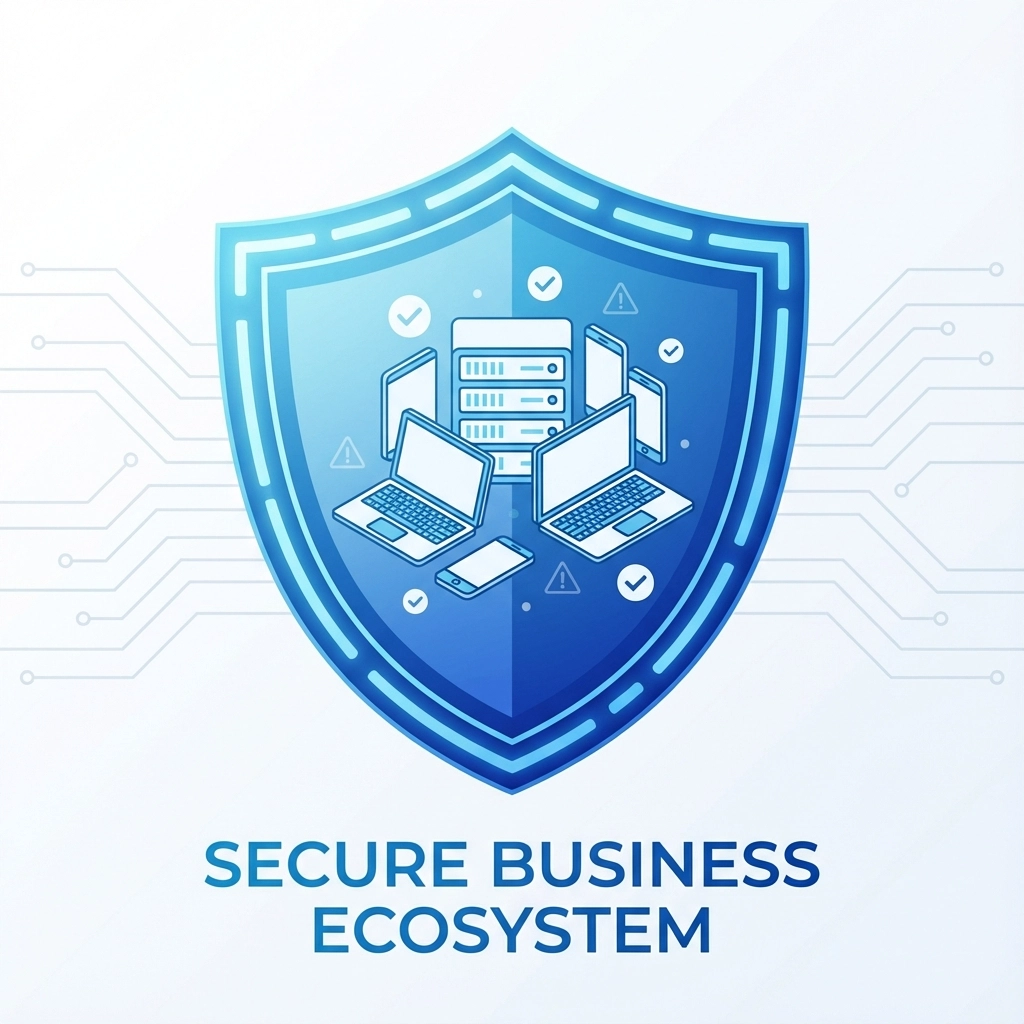
image_4

For example, instead of simply recommending the cheapest cloud storage, strategic IT support considers:

  • How much will storage needs grow?
  • What compliance requirements apply?
  • How will this integrate with existing workflows?
  • What's the long-term cost as the business scales?

Making the Shift

The transition from viewing IT as a cost to leveraging it as a strategic asset doesn't happen overnight. It requires working with IT professionals who understand business strategy, not just technology.

Look for IT support that includes:

  • Regular strategic reviews of your technology landscape
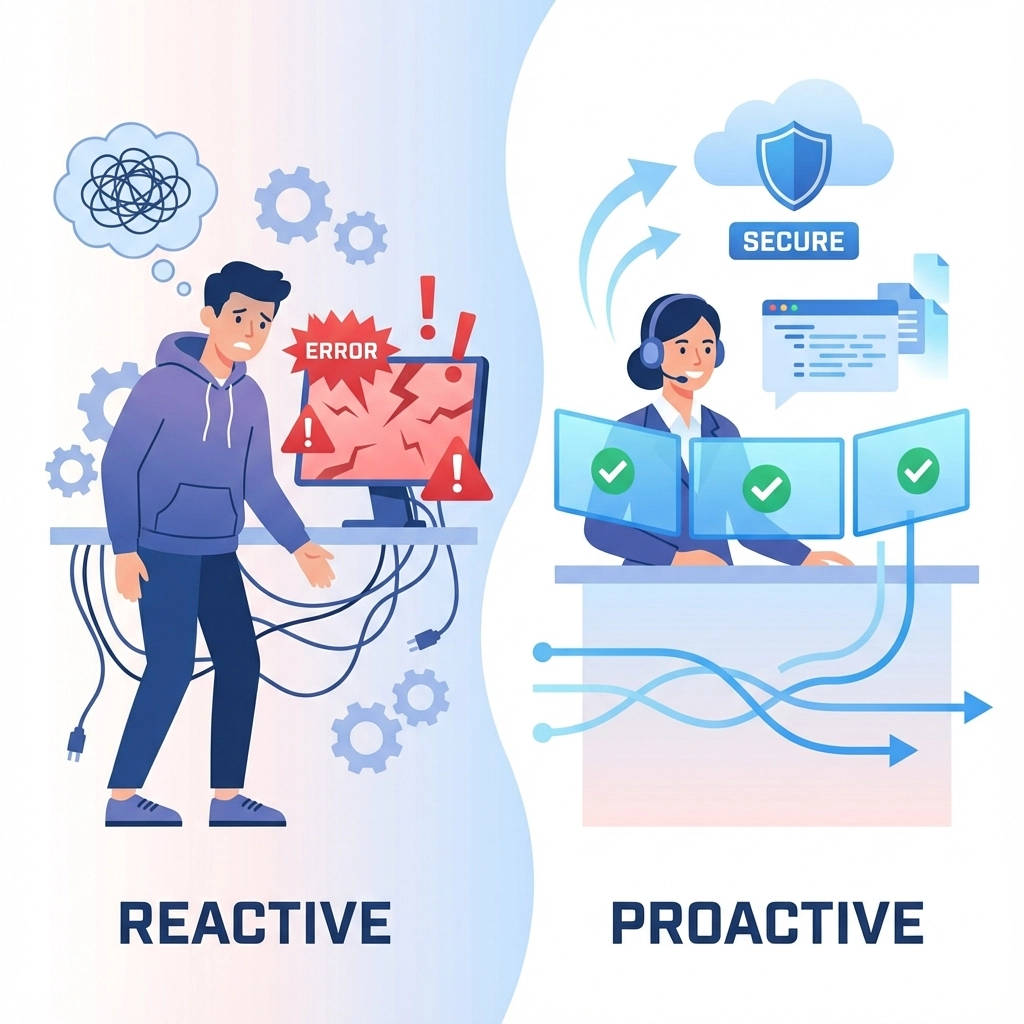
  • Proactive planning rather than just reactive support
  • Clear metrics that demonstrate value and ROI
  • Business expertise alongside technical knowledge

image_5

The goal isn't to spend more on IT: it's to spend smarter. Strategic IT support often costs less than the traditional break-fix model when you factor in prevented downtime, eliminated waste, and improved productivity.

The Bottom Line

Technology isn't going anywhere. The question isn't whether to invest in IT, but how to make those investments work harder for your business.

Companies that treat IT strategically don't just save money: they use technology to create competitive advantages, improve customer experiences, and enable growth that wouldn't be possible otherwise.

Ready to transform your IT from a cost center into a strategic asset? Get in touch to discuss how professional IT support can drive real business value for your organisation.

The businesses winning in 2026 aren't the ones with the biggest IT budgets. They're the ones making the smartest technology decisions. Which category will your business be in?

Let's be honest – choosing managed IT services feels like navigating a minefield of sales pitches and technical jargon. You know your business needs IT support, but how do we separate what's essential from what's just expensive fluff?

Managed IT services are simply outsourced IT functions where you contract with a vendor to handle some or all of your technology needs on a subscription basis. Think of it as having an IT department without the overhead of hiring full-time staff.

The challenge isn't finding providers – it's finding the right one without getting talked into services you don't actually need.

Start by Understanding What You Actually Need

Before we even talk to potential providers, we need to get clear on what our business actually requires. This isn't about the latest tech trends – it's about solving real problems that are costing us time or money.

Ask yourself these questions:

  • What IT problems keep happening repeatedly?
  • How much time do we waste dealing with tech issues?
  • What would happen if our systems went down for a day?
  • Are we compliant with industry regulations?
  • Do we have reliable backups?

Write down specific pain points. "My computer is slow sometimes" isn't helpful. "Our accounting software crashes twice a week and we lose 3 hours of productivity each time" is much more useful.

image_1

The Two Types of IT Support (And Why One Matters More)

IT providers typically offer two approaches:

Reactive Support (Break-Fix): You call when something breaks, they fix it, you pay per incident. It's like calling a plumber only when pipes burst.

Proactive Support (Managed Services): They monitor your systems continuously, prevent problems before they happen, and maintain everything on an ongoing basis. It's like having a maintenance team that keeps your building running smoothly.

For most small businesses, proactive support makes more financial sense. Downtime costs more than prevention, and you get predictable monthly costs instead of surprise repair bills.

Essential Services Worth Paying For

Not every managed IT service is created equal. Here's what actually matters for small businesses:

Network Monitoring and Maintenance

Your provider should actively monitor your systems 24/7 and catch problems before they affect your business. If they're only checking in when you call, that's not managed services – that's expensive break-fix support.

Cybersecurity Management

This isn't optional anymore. We need someone managing firewalls, keeping software updated, training staff on security, and having a response plan for breaches. The average cost of a cyber incident for small businesses is £2,240 – prevention is cheaper.

Data Backup and Recovery

Regular, tested backups stored in multiple locations. Ask potential providers: "If our office burned down tonight, how quickly could we be operational again?" If they can't give you a specific timeframe, keep looking.

Help Desk Support

When staff have tech problems, they need quick resolution. Look for providers offering multiple support channels (phone, email, remote access) with reasonable response times.

image_2

Strategic IT Planning

This is often called "virtual CIO" services. A good provider helps plan your technology roadmap, not just maintain what you have. They should understand your business goals and recommend technology that supports growth.

Red Flags That Signal Overselling

They push long-term contracts immediately. Quality providers are confident enough to offer month-to-month or shorter contracts initially. If they're insisting on 3-year commitments upfront, they might be more worried about locking you in than delivering results.

Everything is "urgent" or "critical." Some providers use scare tactics, claiming your systems are dangerously outdated and need immediate, expensive overhauls. A legitimate assessment should prioritize issues based on actual business risk.

Vague pricing or "all-inclusive" packages. Be suspicious of providers who can't break down costs or explain exactly what services you're paying for. "Unlimited support" often has hidden limits.

They skip the discovery process. If a provider quotes you services without thoroughly understanding your current setup and business needs, they're not doing their job properly.

No references or case studies. Established providers should happily share references from similar businesses. If they can't, or won't, that's concerning.

Smart Questions That Cut Through Sales Pitches

When talking to potential providers, these questions will help you separate the professionals from the sales-focused companies:

"Can you walk me through exactly what's included in your monitoring service?" Good providers will explain their monitoring tools, what they watch for, and how they respond to different types of alerts.

"What's your average response time for different types of issues?" They should have specific metrics, not vague promises like "as fast as possible."

"How do you handle after-hours emergencies?" Find out who actually responds – is it the technician you've been working with, or some random person at a call center?

"Can you show me examples of monthly reports you provide?" Quality providers document their work and show you what they're doing to earn your monthly fee.

"What happens if we're not satisfied with your service?" This reveals their confidence level and commitment to client satisfaction.

image_3

Evaluating Costs Without Getting Burned

Managed IT services typically cost between £50-200 per user per month, depending on what's included. But focusing only on price is dangerous.

Compare total cost of ownership. Factor in:

  • The monthly service fee
  • Costs for additional services not included
  • Your current IT spending (equipment, software, support)
  • Lost productivity from downtime

Ask for references from businesses your size. A provider who mainly serves large enterprises might not understand small business constraints. Similarly, one focused only on very small businesses might not have the resources for your growing company.

Understand what drives cost increases. Will your bill automatically go up if you add employees? What about if you need additional services? Get this in writing.

Making the Final Decision

Once you've narrowed down to 2-3 serious candidates, consider a trial period. Many quality providers offer 30-90 day trials or project-based work so you can evaluate their service quality before committing long-term.

Pay attention to communication style. Do they explain technical issues in business terms? Are they responsive to your questions? Poor communication during the sales process usually gets worse after you sign the contract.

Trust your instincts. If something feels off – whether it's pushy sales tactics, reluctance to provide references, or prices that seem too good to be true – listen to that feeling.

The right managed IT provider becomes a true business partner, helping you use technology to grow rather than just keeping the lights on. Take the time to choose carefully, and don't let anyone pressure you into decisions you're not comfortable with.

Your business deserves IT support that actually supports your goals, not just the provider's sales targets.


Ready to explore how professional IT support can benefit your business? Contact us for an honest conversation about your technology needs – no sales pressure, just practical advice.

Style Switcher

Header Style
Pre Define Colors

Custom Colors
Layout