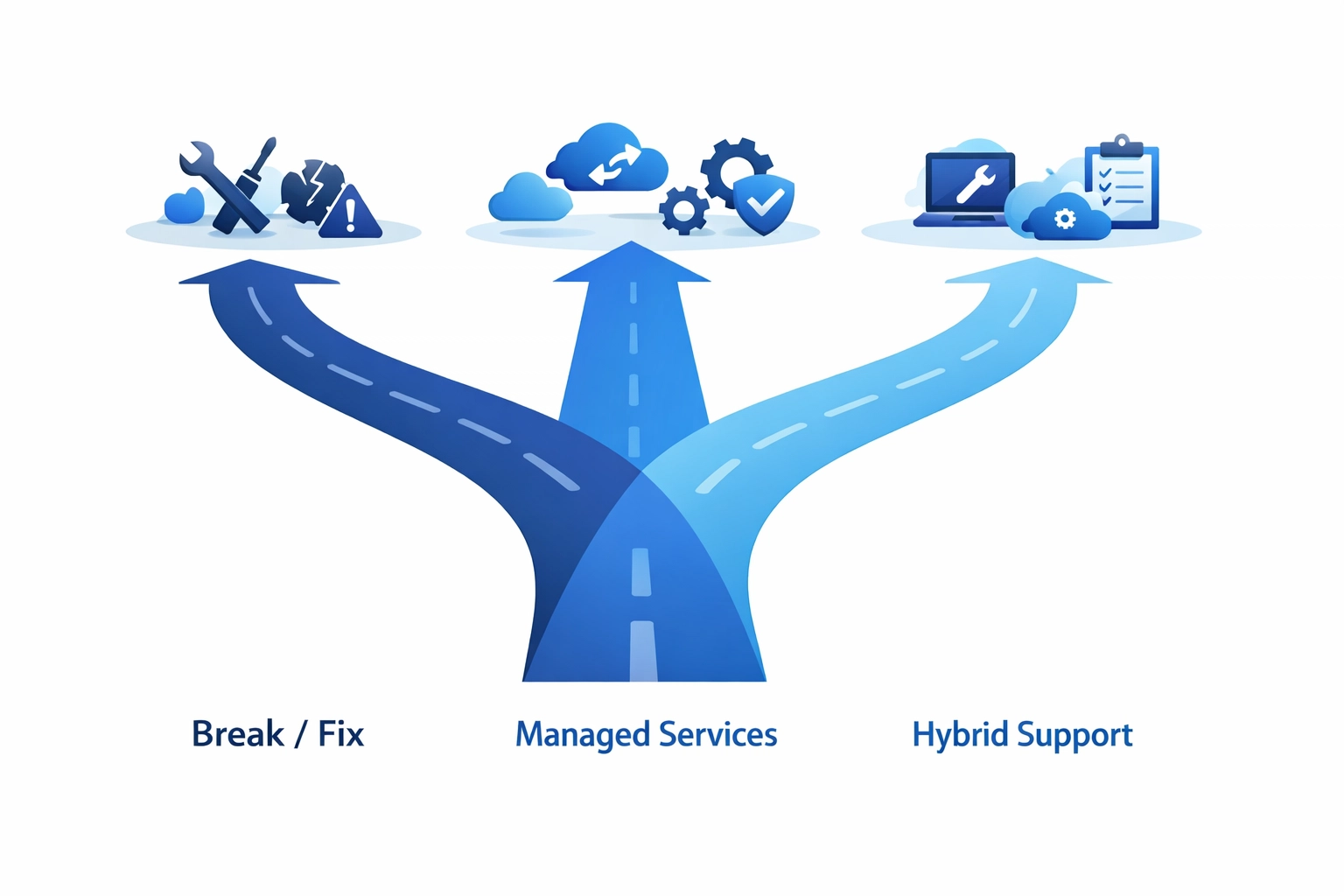
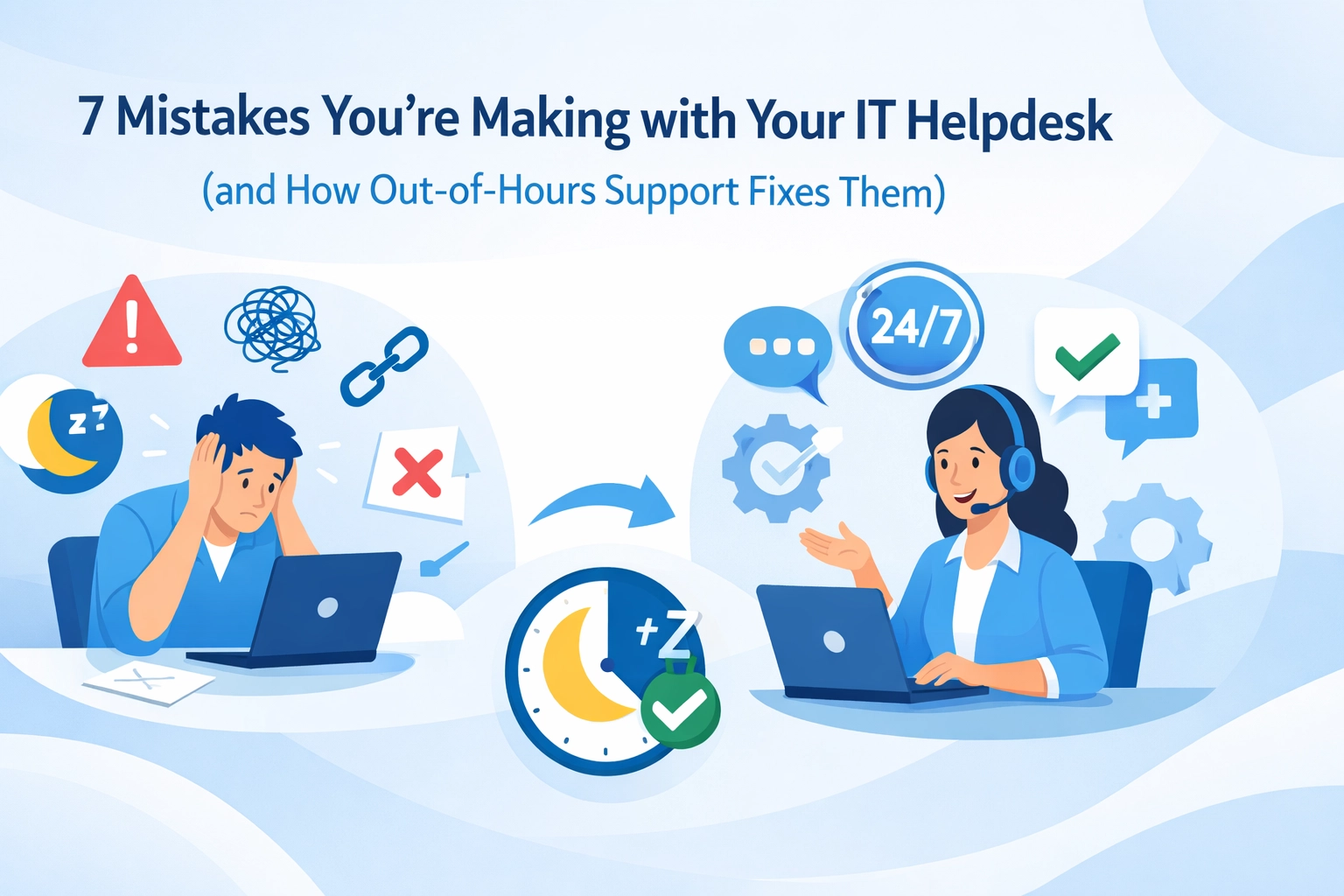
Loading...

Your IT helpdesk should be solving problems, not creating them. But here's the thing, many businesses are making the same avoidable mistakes that frustrate users, burn out teams, and ultimately cost money. Whether we're running an in-house helpdesk or working with an outsourced provider, these issues can quietly damage productivity and relationships.

Let's look at seven common helpdesk mistakes and, more importantly, how we can fix them.

1. We're Not Setting Clear Service Standards

Here's a mistake that's surprisingly common: we tell customers we offer "excellent service" but haven't actually defined what that means. When every technician has a different interpretation of "good support," we get inconsistent experiences that confuse and frustrate users.

IT helpdesk team establishing consistent service standards and quality metrics

The Fix: We need to establish clear, measurable service standards. What's our target response time? How do we communicate with users? What does a resolved ticket actually look like? Once we've got these standards documented, we can train the entire team to deliver consistently. It's about creating a predictable experience that builds trust.

2. We're Avoiding Customer Feedback

It's tempting to dismiss feedback from non-technical users. "They don't understand how complex this is," we might think. But here's the reality, customers aren't always commenting on the technical solution. They're telling us about the experience, the communication, the waiting, the frustration.

The Fix: We should actively collect and analyze feedback through quick surveys after ticket resolution. We don't have to implement every suggestion, but understanding what frustrates users helps us improve the bits that matter most to them. Sometimes the technical fix is perfect, but the communication around it needs work.

Customer feedback loop improving IT support communication and service quality

3. We're Letting Techs Cherry-Pick the Easy Tickets

When technicians can choose which tickets they handle, human nature kicks in. Everyone gravitates toward the quick wins, password resets, simple software issues. Meanwhile, the complex problems sit there getting older and angrier. This isn't just unfair to demanding customers; it also prevents junior technicians from developing advanced skills.

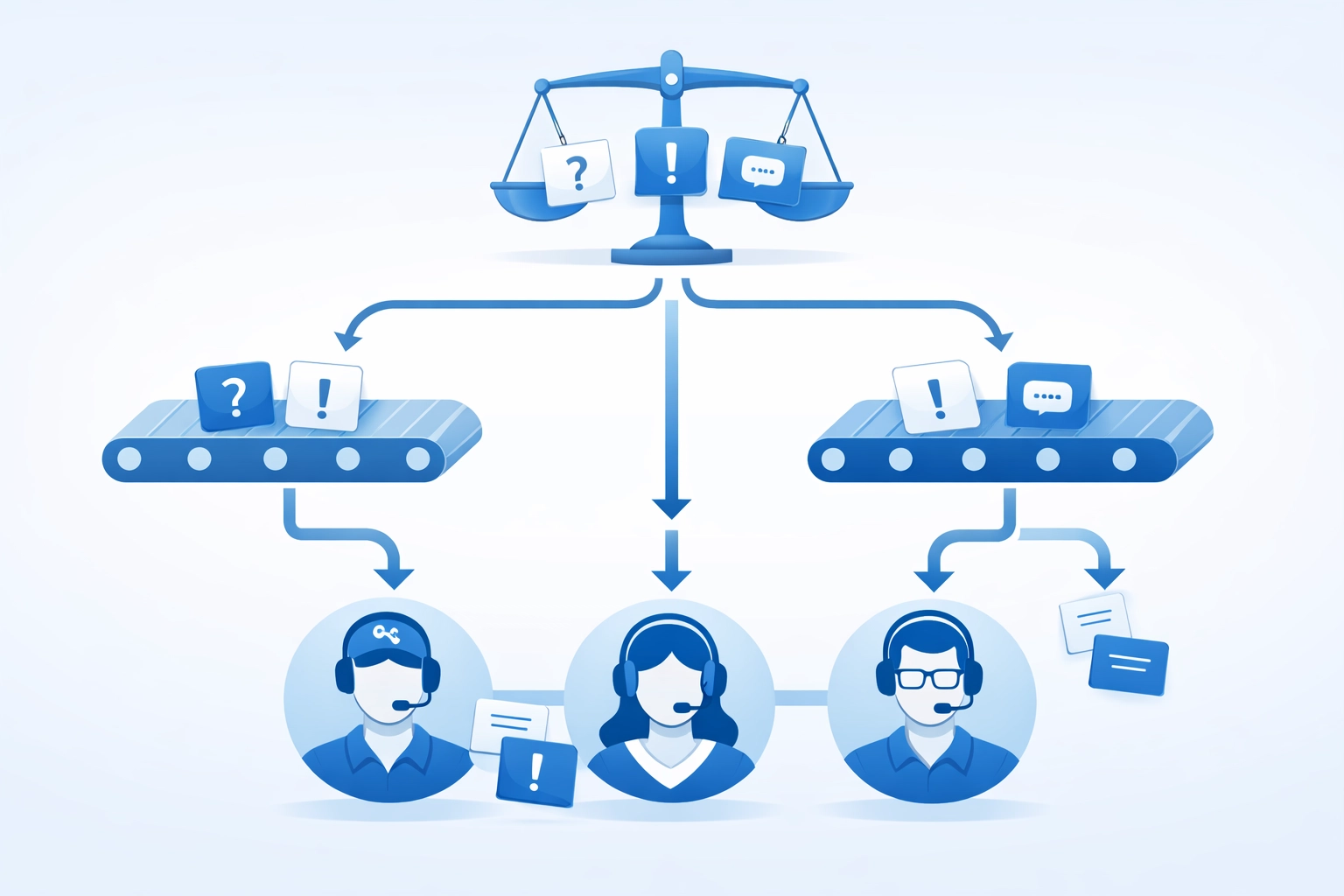
The Fix: We need a ticketing system that routes work based on factors like urgency, expertise required, and workload balance, not difficulty. This distributes the tough jobs fairly, helps team members grow their capabilities, and ensures complex issues get the attention they deserve. Out of hours support becomes especially important here, as proper routing ensures coverage even when the usual experts aren't available.

4. We're Micromanaging Our Team

Nothing kills efficiency faster than requiring approval for every single decision. When technicians can't act independently, ticket resolution slows to a crawl. Customers wait longer, staff satisfaction drops, and managers become bottlenecks.

The Fix: We should grant strategic autonomy to team members based on their experience level. Set clear boundaries, what decisions they can make independently versus what needs escalation, then trust them. Confident technicians work faster, solve problems more creatively, and free up leadership to focus on strategy instead of approving every minor decision.

Balanced IT ticket distribution system ensuring fair workload among technicians

5. We're Using the Wrong Technology

Here's a costly mistake: investing in generic software that wasn't designed for IT helpdesk operations. We end up paying for features we'll never use while missing the ones we actually need. Worse, when our tools don't integrate with each other, we create data silos that waste time and cause errors.

The Fix: We need to choose software specifically built for IT support workflows. Look for platforms that integrate ticketing, asset management, knowledge bases, and reporting in one place. The initial investment might seem higher, but the efficiency gains and reduced errors pay off quickly. For MSPs offering whitelabel support, integrated systems also make it easier to manage multiple clients from one interface.

6. We're Skipping Preventative Maintenance

When we're constantly fighting fires, it's easy to ignore the smoke detector batteries. But here's the problem, neglecting preventative maintenance means we're always in reactive mode. Emergency repairs cost more, often require overtime, and damage our reputation with customers who wonder why their systems keep breaking.

Empowered IT technician making autonomous decisions without micromanagement

The Fix: We should develop a structured maintenance schedule. Regular hardware assessments, timely software updates, security patches, and system health checks prevent the majority of emergency situations. Yes, it requires dedicating resources upfront, but the reduction in urgent after-hours callouts more than compensates. This is where outsourced IT support can really prove its value: having a dedicated team focused on proactive maintenance rather than just fixing what breaks.

7. We're Failing at Ticket Management and Communication

This is probably the most common issue: requests get lost, priorities get confused, and customers have no idea what's happening with their issues. When we don't have a proper ticketing system or we're not using it consistently, everything becomes chaotic. Users submit the same request multiple times because they never heard back. Technicians duplicate work. Nothing gets properly documented.

The Fix: We need a formal ticketing system with proper categorization, priority levels, and automated routing. But here's the equally important part: communication. Every ticket should have regular status updates, even if the update is "we're still working on it." Set expectations about resolution timelines and actually meet them. When delays happen, we should communicate proactively rather than waiting for customers to chase us.

Automation can help here too. Automated acknowledgments, status updates, and closure confirmations reduce the communication burden while keeping everyone informed.

What This Means for Your Business

These seven mistakes share a common thread: they all create friction. Friction slows down resolution times, frustrates users, burns out technicians, and ultimately costs money through lost productivity and damaged relationships.

The good news? None of these issues require massive budgets to fix. They need attention, clear processes, and the right tools. Whether we're managing an internal helpdesk or evaluating IT support providers, these are the questions we should be asking.

For businesses considering outsourced IT helpdesk services, these mistakes also become criteria for choosing the right partner. A quality provider should have clear service standards, welcome feedback, distribute work fairly, empower their technicians, use proper tools, focus on prevention, and communicate transparently.

Making the Changes

We don't have to fix everything at once. Start with the mistake that's causing the most pain right now. Maybe it's the communication gaps around ticket status. Maybe it's the bottleneck created by requiring management approval for routine decisions. Pick one, implement a fix, measure the improvement, then move to the next.

The goal isn't perfection: it's continuous improvement. An IT helpdesk that learns from its mistakes and actively works to fix them will always outperform one that's technically perfect but rigid.

If you're struggling with any of these issues and need an impartial perspective on what's actually happening versus what should be happening, get in touch. Sometimes an outside view can identify the patterns we're too close to see.

Your helpdesk should be an asset, not a source of frustration. These seven fixes can get you there.

Look, we've all been there. You sign up for managed IT services thinking your tech troubles are sorted, then reality hits. Systems still crash at the worst times, communication feels off, and you're left wondering if you made the right call.

Here's the thing, most businesses aren't actually getting what they need from their MSP. And weirdly enough, out-of-hours support isn't just about late-night fixes. It's the litmus test that reveals whether your managed IT services are actually, well, managed.

Let's dig into the seven mistakes we see constantly and how proper out-of-hours coverage fixes them.

1. Setting Unrealistic Expectations (Then Getting Disappointed)

We hear this one a lot: "Our MSP should fix everything instantly, right?"

Not quite. The mistake isn't wanting fast service, it's not defining what "fast" actually means. When you don't have clear service level agreements (SLAs), every little hiccup feels like an emergency, and every delay feels personal.

How out-of-hours support fixes this: A proper out-of-hours setup forces everyone to define response times upfront. When can you expect someone to answer? What qualifies as urgent? When you've got 24/7 coverage with documented SLAs, there's no guesswork. You know exactly what you're getting, and more importantly, when you're getting it.

Service level agreement document showing 24/7 managed IT support coverage and response times

2. Communication That Leaves You More Confused

Ever get off a call with your IT provider and think, "I still don't know what just happened"?

Poor communication is massive in managed IT services. Either you're drowning in technical jargon or getting vague reassurances that tell you nothing. Both are rubbish when you're trying to run a business and just need straight answers.

How out-of-hours support fixes this: Out-of-hours teams can't rely on back-and-forth emails or waiting until morning for clarification. They need clear documentation, proper handover notes, and straightforward communication protocols. When your MSP has solid out-of-hours coverage, they're forced to document everything properly, which means better communication all around, not just at 2am.

3. Nobody Knows Who's in Charge

This one's awkward. Your server goes down, your MSP contacts… someone? But that person can't approve the fix, or doesn't know the passwords, or isn't actually authorized to make decisions.

When roles aren't clearly defined, simple fixes turn into day-long sagas. We've seen businesses miss crucial opportunities because their MSP didn't know who could actually approve equipment upgrades or system changes.

How out-of-hours support fixes this: Out-of-hours coverage requires a proper escalation path. Your MSP needs to know exactly who to contact for what, and when. Building this framework means defining roles clearly, not just for emergencies, but for everything. Once you've got proper out-of-hours procedures in place, you've essentially mapped out your entire decision-making structure.

Clear communication between IT provider and business client about managed services

4. Overpromising and Sneaky Hidden Costs

"Unlimited support!" "99.99% uptime guaranteed!" "Complete coverage!"

Yeah, we've seen the marketing materials too. The problem comes when "unlimited" means "unlimited during business hours for these specific services only" and those extra users, devices, or after-hours calls suddenly cost extra.

How out-of-hours support fixes this: Here's your reality check: ask any MSP about their out-of-hours coverage and pricing. If they're vague, hesitant, or suddenly mentioning "premium tiers," you've found your red flag. Genuine out-of-hours support is either included or it's not. It forces transparent pricing conversations upfront. No surprises, no hidden fees when you actually need help on a Saturday night.

5. Running on Outdated Tools and Manual Processes

Some MSPs are basically winging it with spreadsheets and reactive firefighting. When something breaks, they manually log in, poke around, and hopefully fix it. Rinse and repeat next week when the same issue crops up again.

This approach doesn't scale, doesn't prevent problems, and definitely doesn't work outside normal hours when nobody's actively watching.

How out-of-hours support fixes this: You can't deliver proper 24/7 coverage without robust monitoring tools and automated processes. Out-of-hours teams need real-time alerts, remote management capabilities, and documented procedures. When an MSP commits to out-of-hours support, they're forced to invest in proper tooling. That benefits everyone: your systems get monitored constantly, not just when someone remembers to check.

Network monitoring system with 24/7 out-of-hours IT support coverage structure

6. Underestimating How Complex Your Systems Actually Are

We love it when MSPs say "sure, we can support that!" without really understanding what "that" involves. Your business probably runs on a mix of legacy systems, cloud services, custom software, and who-knows-what-else. It's complicated.

The mistake happens when your MSP agrees to support everything without actually having the expertise. Then when something breaks: especially outside office hours: you're stuck.

How out-of-hours support fixes this: Out-of-hours coverage forces the competency conversation. Can your MSP's night team actually handle your specific systems? Do they understand your industry's requirements? When you discuss out-of-hours support, you're essentially auditing whether they truly know your infrastructure inside out. If they can't confidently support you at midnight, they probably can't support you properly at midday either.

7. Only Reacting After Things Break

This is the big one. Some managed IT services aren't really "managed": they're just break-fix support with a fancier name. They show up when something's on fire, put it out, then disappear until the next emergency.

That's not managing your IT. That's crisis response with extra steps.

How out-of-hours support fixes this: Proper out-of-hours coverage isn't about having someone on call for emergencies. It's about continuous monitoring, automated health checks, proactive patching, and catching problems before they become 3am disasters. When your MSP runs genuine 24/7 operations, they're watching your systems constantly. They spot the warning signs: the server that's running hot, the backup that's taking longer than usual, the suspicious login attempts. Out-of-hours monitoring transforms reactive support into proactive management.

Transparent managed IT services pricing breakdown with no hidden costs

What This Actually Means for Your Business

Here's the uncomfortable truth: if your current MSP can't provide solid out-of-hours support, it's probably a symptom of bigger issues. The problems we've covered: unclear expectations, poor communication, hidden costs, outdated tools, lack of proactivity: they all connect.

Out-of-hours support isn't just about being available at weird times. It's about having proper processes, clear communication, robust tools, and genuine expertise. It's the canary in the coal mine for your entire managed IT relationship.

Making the Switch (Or Having the Conversation)

If you're reading this thinking "yep, that's us," don't panic. Start by having an honest conversation with your current provider about these gaps. Maybe they can step up. Maybe you'll discover they've got capabilities you didn't know about.

But if they're defensive, vague about out-of-hours coverage, or can't clearly explain how they'd handle your specific systems at 2am on a Sunday? That tells you something important.

At Your IT Specialist, we're pretty straightforward about this stuff. Out-of-hours support is baked into how we work because it forces us to do everything properly: clear SLAs, transparent pricing, robust monitoring, documented processes. We're provider-agnostic, which means we're honest about what works and what doesn't, regardless of vendor.

Want to chat about whether your current setup's actually working? Get in touch. We'll give you straight answers, whether that means working with us or just helping you ask your current provider better questions.

Because at the end of the day, managed IT services should make your life easier, not add another thing to worry about. And proper out-of-hours support? That's where the difference really shows.

We've all been there. Your MSP is growing, clients are happy, and then suddenly you're drowning in tickets. Your team's working overtime, response times are slipping, and you're turning away new business because you simply don't have the hands on deck.

The capacity crunch hits every MSP eventually. The question isn't if, but when: and more importantly, how you'll handle it.

Here's the thing: hiring full-time staff takes months. Recruitment, onboarding, training: it's a massive investment. And what happens if that growth spike was temporary? You're stuck with overhead you can't sustain.

That's where outsourced IT resources come in. Not as a replacement for your team, but as a strategic extension of it. Let's look at 10 practical ways outsourcing fixes your capacity problem without the headaches of traditional hiring.

Overwhelmed MSP technician facing capacity crunch with overflow IT support tickets

1. Handle Overflow Tickets When Demand Spikes

Some weeks you're cruising. Other weeks, everyone seems to need help at once. Outsourced support teams can absorb those overflow tickets immediately, keeping your SLAs intact while your core team focuses on complex issues.

We're not talking about shipping everything offshore. We're talking about smart capacity planning: having backup when you need it, without carrying extra staff when you don't.

2. Cover Out-of-Hours Support Without Burning Out Your Team

24/7 support sounds great on your sales deck. Actually delivering it? That's another story.

Running a night shift with internal staff is expensive and exhausting. Outsourced resources operating in different time zones can handle after-hours tickets seamlessly. Your clients get round-the-clock coverage, and your team gets to sleep.

It's worth noting that out-of-hours service isn't just a nice-to-have anymore: it's often the difference between landing that enterprise client or losing them to a competitor.

24/7 round-the-clock IT support coverage with outsourced resources for MSPs

3. Fill Specialist Skill Gaps Instantly

Need someone who speaks fluent Azure? Or a security specialist for compliance projects? Hiring for niche skills is tough: and expensive.

Outsourced IT resources give us access to specialists without the commitment. Need VMware expertise for a migration? Done. Cloud architect for three months? Sorted. When the project wraps, so does the expense.

4. Keep Projects Moving While Maintaining Business as Usual

Here's a classic scenario: you land a big migration project, but your team's already handling daily support. Something's got to give.

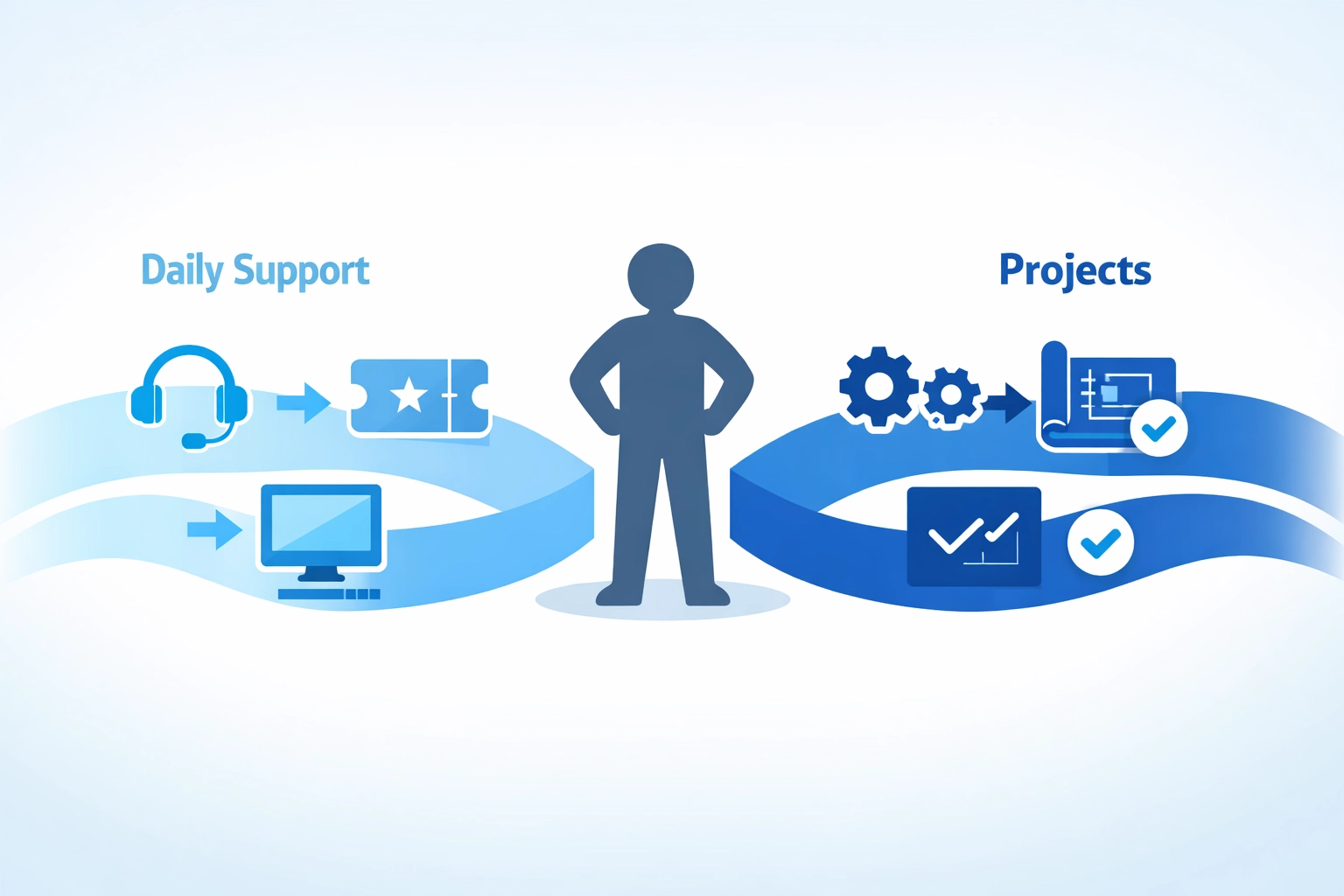
Outsourced resources let us run projects in parallel with BAU support. One team handles the day-to-day tickets while another tackles that infrastructure overhaul. No corners cut, no delays, no burned-out technicians.

5. Scale Up (or Down) Based on Actual Demand

Traditional staffing is binary: someone's either employed or they're not. Outsourcing gives us a volume dial instead of an on-off switch.

Landed a major new client? Ramp up support coverage immediately. Lost a contract? Scale back without redundancies. This flexibility is massive for cash flow and planning.

Accessing specialist IT skills and expertise through outsourced resources

6. Reduce Burnout and Turnover in Your Core Team

Constantly running at 110% capacity isn't sustainable. Burnout leads to mistakes, which leads to unhappy clients, which leads to losing staff: or worse, losing customers.

Outsourced resources take pressure off your core team. Your technicians can focus on high-value work instead of drowning in password resets and basic troubleshooting. Happy team, better retention, higher quality work.

7. Eliminate Hiring Delays and Recruitment Risks

The average IT hire takes 3-6 months from job posting to productive team member. In MSP terms, that's an eternity.

Outsourced IT resources are ready to go: often within days, not months. No recruitment fees, no onboarding overhead, no risk of a bad cultural fit. If someone isn't working out, you can adjust quickly without HR nightmares.

8. Expand Geographic Coverage Without Physical Offices

Want to service clients in different regions but can't justify opening satellite offices? Outsourced teams can provide local support coverage without the infrastructure investment.

This isn't about call centres reading scripts. We're talking about skilled technicians who can handle real technical issues, just operating from different locations. Your clients get better coverage, you avoid massive overhead.

MSP managing parallel workflows for IT projects and daily support tickets

9. Maintain Service Levels During Holidays and Sick Leave

Staff holidays and unexpected illness can wreck your capacity planning. When two technicians are off the same week, suddenly everyone else is scrambling.

Outsourced resources provide consistent coverage regardless of your internal team's availability. No more begging people to cancel holidays or come in sick. Your service levels stay solid year-round.

10. Get Cost Predictability Without Full-Time Overheads

Full-time employees come with hidden costs: pensions, equipment, office space, training, benefits. These add 30-50% on top of base salary.

Outsourced IT resources give us predictable, transparent costs. We pay for what we need, when we need it. No surprise expenses, no long-term liabilities if things slow down. That predictability makes financial planning so much easier.

Making Outsourced IT Resources Work for Your MSP

Here's what we've learned: outsourcing isn't about replacing your team or going cheap. It's about strategic capacity management.

The best MSPs use outsourced resources as a flexible extension of their core team. They handle volume, cover gaps, and provide expertise when needed: without the commitment and overhead of traditional hiring.

Flexible scaling of outsourced IT resources to match MSP capacity demands

Think of it like cloud infrastructure. We wouldn't run our own data centres when we can leverage AWS or Azure for flexibility and scale. The same principle applies to human resources.

What to Look For in Outsourced IT Partners

Not all outsourced providers are created equal. When we're evaluating partners, we focus on:

  • Technical competence – Can they actually solve problems, or just log tickets?
  • Communication skills – Will your clients even notice they're talking to an external resource?
  • Flexibility – Can they scale with your needs, or are you locked into rigid contracts?
  • Cultural fit – Do they align with how you do business?
  • Transparency – Are costs and processes clear, or full of hidden surprises?

Provider-agnostic advice matters here too. The right partner should recommend what genuinely works for your situation, not just what's easiest for them to deliver.

The Bottom Line

Capacity problems kill MSPs. Not immediately: it's death by a thousand missed SLAs, burned-out staff, and opportunities we had to turn down.

Outsourced IT resources aren't the only solution, but they're one of the fastest and most flexible. They let us grow smart instead of growing painful.

The MSPs winning right now aren't necessarily the biggest: they're the ones who've figured out how to deliver consistent, quality service regardless of demand fluctuations. Outsourcing is a big part of that equation.

We can't control when capacity crunches hit. But we can control how we respond to them. Having the right outsourced partners in place means we're ready when opportunity knocks: instead of scrambling to figure out how we'll deliver.

If you're struggling with capacity, it might be time to explore how outsourced IT resources could work for your MSP. The alternative: continuing to stretch your team thin: isn't sustainable. Trust us, we've seen how that story ends.

Let's get straight to it: if you're planning to grow your business in 2026 and beyond, managed IT services will serve you better than break-fix support. It's not even close.

We've seen countless businesses make the switch after realizing that paying per problem just doesn't scale. But before we dive into why managed services wins, let's make sure we're all on the same page about what we're comparing.

What's the Actual Difference?

Break-fix support is exactly what it sounds like. Something breaks, you call someone, they fix it, you pay for that specific fix. It's reactive, unpredictable, and honestly, it's how most businesses start out.

Managed IT services flip the script. You pay a fixed monthly fee, and your IT partner monitors everything proactively, handles updates, manages security, and yes: fixes things when they break. But more importantly, they work to prevent breaks in the first place.

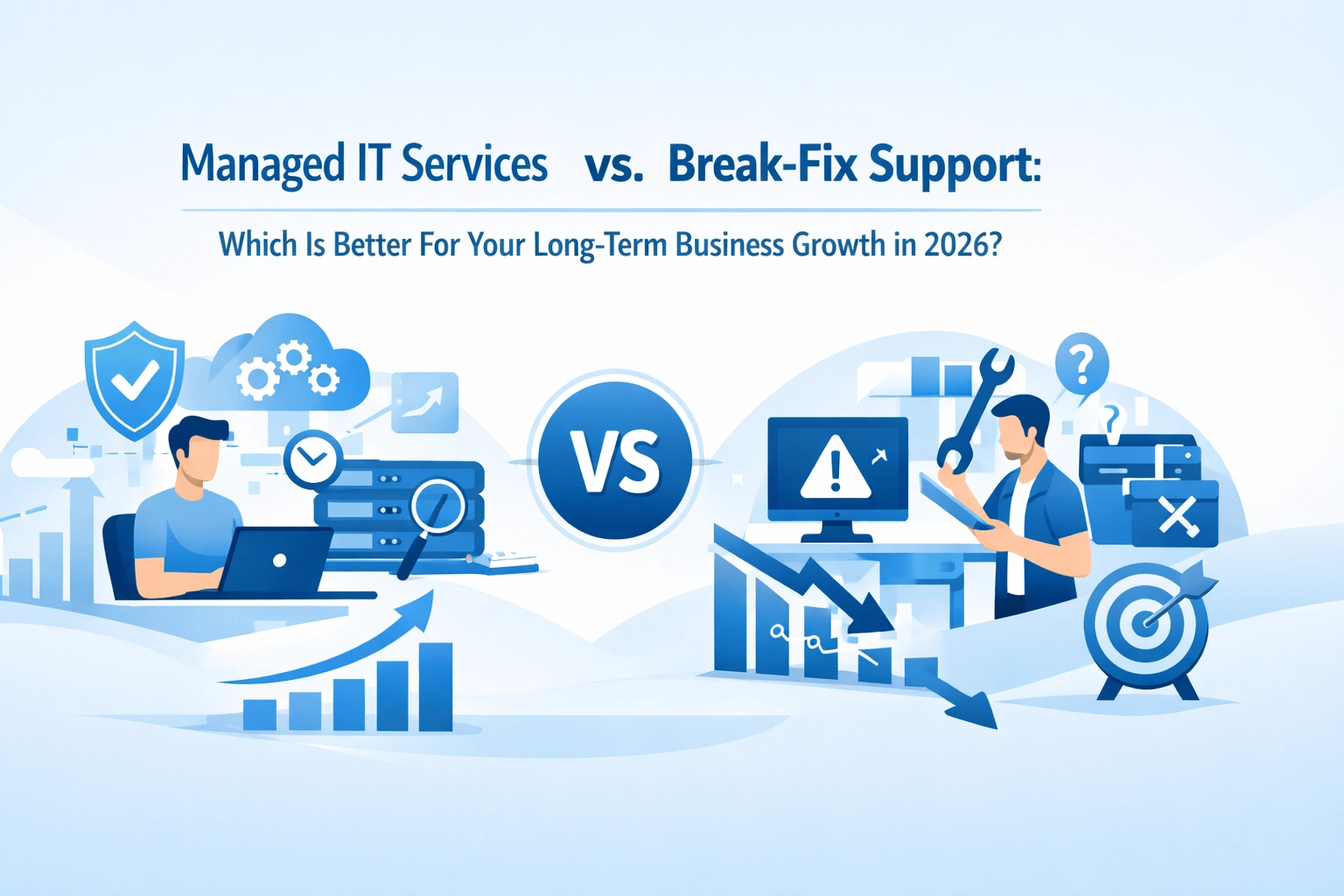
Comparison of chaotic break-fix IT support versus organized managed IT services in business environment

The Break-Fix Model: Why It Feels Cheaper (But Isn't)

When you're running a small operation: maybe five employees, basic tech needs: break-fix seems sensible. You're only paying when something goes wrong, right?

Here's where it gets tricky. Break-fix creates a weird incentive problem. The technician makes money when you have problems. They're not incentivized to make your systems more reliable or advise you on preventative measures. We're not saying they're deliberately creating issues (most aren't), but the business model doesn't reward problem prevention.

Plus, when something does break, you're stuck waiting. No guaranteed response time. No SLA. Your email server's down? Get in the queue. Your team can't access critical files? Hope someone's available today.

For tiny operations spending £1,000-£3,000 annually on IT, break-fix can work. But the moment you hit around 10 users, the math changes dramatically.

Managed IT Services: The Long Game

With managed services, we're talking about a partnership rather than a transaction. Your IT provider succeeds when your systems run smoothly: their incentives actually align with yours.

What you get typically includes:

  • 24/7 monitoring that catches issues before they impact your team
  • Proactive maintenance including updates, patches, and optimization
  • Guaranteed response times through proper SLAs
  • Strategic planning to align your tech with your growth plans
  • Security management that's continuous, not reactive

The monthly cost is predictable. No surprise invoices. No emergency rates. No budgeting headaches trying to guess what might break next quarter.

Connected office network showing managed IT services monitoring and security protection for businesses

Let's Talk Real Numbers

Research shows businesses working with managed service providers cut their annual IT costs by at least 24%, with another third saving between 25% and 49%. That's not small change.

But the savings aren't just direct costs. Think about downtime. When your systems go down with break-fix support, you're paying for:

  • Lost productivity (your team literally can't work)
  • Delayed projects and missed deadlines
  • Customer frustration and potential lost business
  • Emergency technician rates
  • Extended diagnosis and repair time

Managed services minimize these hidden costs through proactive monitoring. Issues get caught and resolved before they cascade into full outages.

We've seen businesses hesitate because the monthly fee feels higher than their occasional break-fix invoices. Then they track their actual costs over a year: including downtime and lost opportunities: and realize they're already spending more than managed services would cost.

Scalability: Where Break-Fix Falls Apart

Here's where it gets really clear. As you grow, break-fix becomes progressively worse.

Add more users? More potential problems. More complexity. More systems that need support. Your break-fix costs don't scale linearly: they accelerate. And coordinating multiple reactive fixes across an expanding infrastructure? That's a nightmare.

Managed IT services grow with you. Your provider plans for expansion. They help you scale infrastructure strategically. They ensure new employees get proper onboarding and access. They recommend solutions that fit your trajectory, not just your current state.

This isn't theoretical. We regularly support businesses through growth phases, and the ones on managed services experience significantly smoother transitions than those scrambling with break-fix models.

Business growth chart with IT infrastructure showing scalability of managed IT services

Security Can't Be an Afterthought

In 2026, security isn't optional. Break-fix models typically treat security as something you request specifically: and pay extra for. Patches get applied when you remember to ask. Vulnerabilities sit unaddressed until they become problems.

Managed services include ongoing security as standard. Continuous threat monitoring. Regular patching. Proactive vulnerability assessments. Compliance support.

As your business handles more customer data, more transactions, and more sensitive information, this proactive security posture becomes critical. Data breaches don't wait for convenient timing, and recovering from one costs exponentially more than preventing it.

But Break-Fix Still Has a Place

We should be honest: managed services aren't for literally everyone. If you're a solo operation or very small team with minimal IT infrastructure, break-fix might suffice. The £1,000-£3,000 annual cost can work when you're that small.

But here's the thing: if you're reading an article about long-term business growth, you're probably already past that point or planning to be. Once you hit around 10-50 users, managed services become both more cost-effective and operationally superior.

The industry knows this. About 71% of IT service providers now offer mixed models, but most are shifting toward managed services as the default for sustainable business operations.

Cybersecurity protection concept illustrating managed IT services defending business systems from threats

What This Means for Your Business in 2026

Technology is becoming more complex, not simpler. Cloud services, hybrid work environments, cybersecurity threats, compliance requirements: the list grows every year.

Break-fix support leaves you playing catch-up, always reactive, never strategic. Managed services give you a technology partner who thinks about where you're heading, not just where you are.

Consider what your business needs to grow:

  • Reliable systems that don't constantly interrupt productivity
  • Predictable costs that let you budget confidently
  • Strategic guidance from people who understand your goals
  • Security and compliance that protect your reputation
  • Scalable infrastructure that supports expansion

Managed IT services deliver on all of these. Break-fix delivers on none.

The Provider-Agnostic Advantage

One thing we emphasize at Your IT Specialist: honest, provider-agnostic advice. We're not trying to lock you into specific vendors or unnecessary solutions. We recommend what actually serves your business.

This matters in the managed vs. break-fix decision. Some businesses genuinely aren't ready for managed services. Others desperately need them but don't realize it yet. We help figure out which camp you're in: without the sales pressure.

And if you do need support beyond standard hours? We've got that covered too. Technology problems don't respect business hours, and your IT support shouldn't either.

Making the Switch

If you're currently on break-fix and thinking about managed services, the transition is more straightforward than you might expect. A good MSP will assess your current infrastructure, identify immediate priorities, and create a transition plan that minimizes disruption.

We've helped countless businesses make this shift. The common theme? They wish they'd done it sooner.
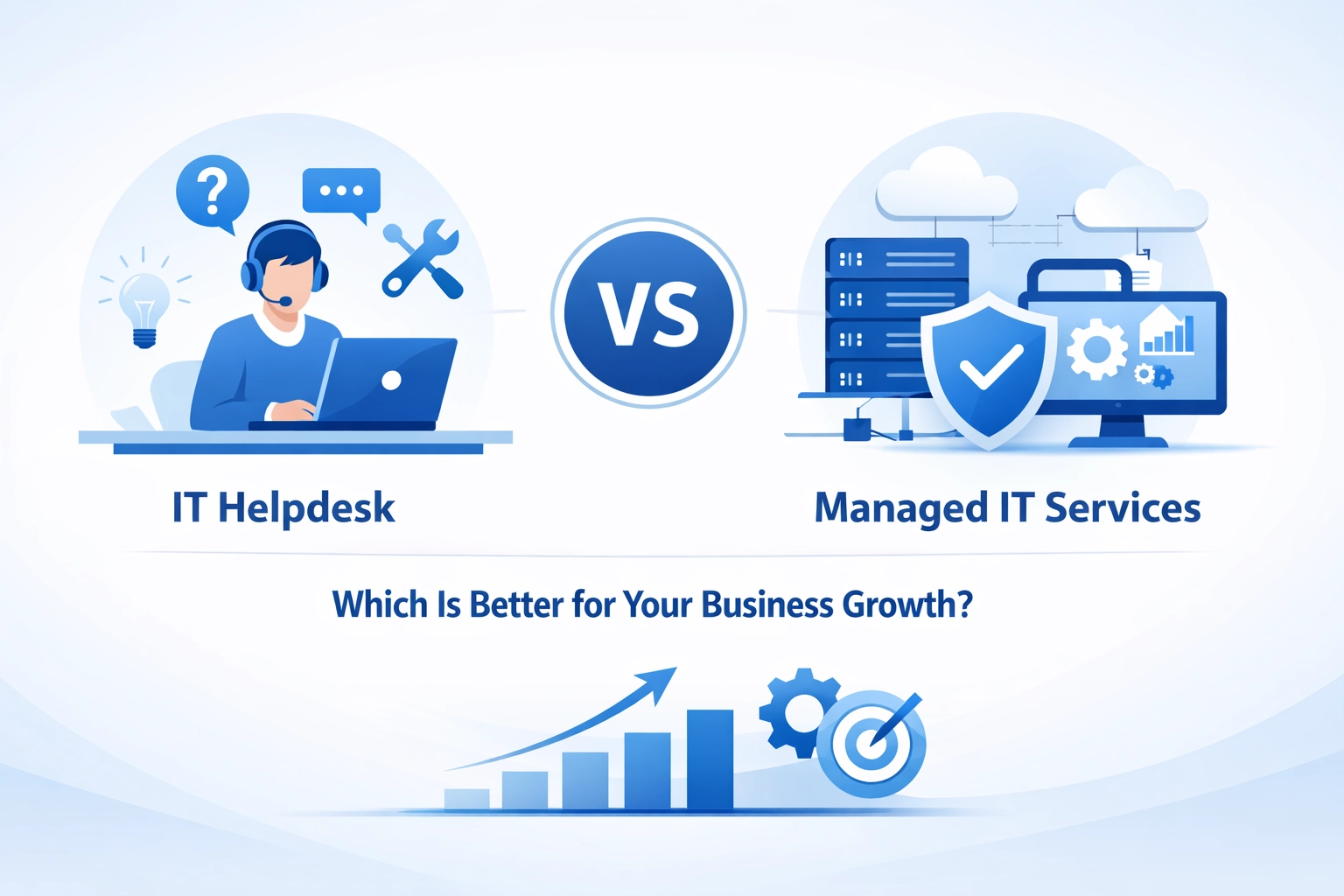
Your IT infrastructure should enable growth, not constrain it. It should be reliable, secure, and strategic. That's what managed services deliver: and why they're the clear winner for long-term business growth in 2026.

Ready to explore what managed IT services could do for your business? Get in touch with us and let's have an honest conversation about your needs. No pressure, no sales pitch: just practical advice about what makes sense for where you're headed.

AI automation promises significant efficiency gains, but many businesses discover their infrastructure can't support it only after investing time and resources. The problem isn't usually the AI tools themselves: it's the foundation they're built on.

We've worked with businesses across various sectors, and we've noticed a pattern. Companies rush to adopt AI-powered automation without checking whether their data infrastructure can handle it. The result? Failed pilots, frustrated teams, and wasted budgets.

Let's explore five data problems that commonly derail AI initiatives and practical ways to address them before they become expensive mistakes.

1. Poor Data Quality and Organization

AI models are only as good as the data we feed them. If our datasets are incomplete, inconsistent, or poorly organized, even the most sophisticated AI won't deliver accurate results.

Chaotic data organization transforming into structured AI-ready infrastructure

This isn't just about having "enough" data: it's about having the right data in the right format. Many businesses discover their historical records contain gaps, duplicate entries, or conflicting information across different systems. When AI tries to learn from this messy foundation, it produces unreliable outputs that can't be trusted for critical decisions.

How to fix it: Start with a data audit. We need to identify what data exists, where it lives, and whether it's fit for purpose. This means establishing clear standards for data entry, implementing validation rules, and regularly cleaning existing datasets. It's not glamorous work, but it's essential. Consider appointing data stewards within each department who understand both the business context and quality requirements.

2. Inadequate Data Governance Policies

Without clear governance frameworks, data becomes increasingly difficult to manage as AI workloads scale. We've seen organizations where different teams use different naming conventions, storage locations, and access protocols. This creates chaos when trying to implement enterprise-wide AI solutions.

Data governance isn't just bureaucracy: it's about establishing who owns what data, who can access it, how it should be used, and how long it should be retained. These questions become critical when AI systems start making decisions based on that data.

How to fix it: Develop a data governance framework before launching AI initiatives. This should define clear ownership, establish data classification levels, and create approval processes for AI model training. We recommend starting small with a pilot department, refining the approach, then scaling across the organization. The framework should be practical and enforceable, not just a document that sits unused.

Data governance framework showing organizational structure and connections

3. Insufficient Data Integration

AI systems depend on seamless integration of data from various sources. When information sits in disconnected silos: customer data in one system, financial data in another, operational data somewhere else: AI can't see the complete picture.

Many businesses run legacy systems that weren't designed to talk to each other. Adding modern AI tools on top of this fragmented infrastructure creates integration nightmares. The AI might have access to some data but miss crucial context from other systems, leading to incomplete or misleading insights.
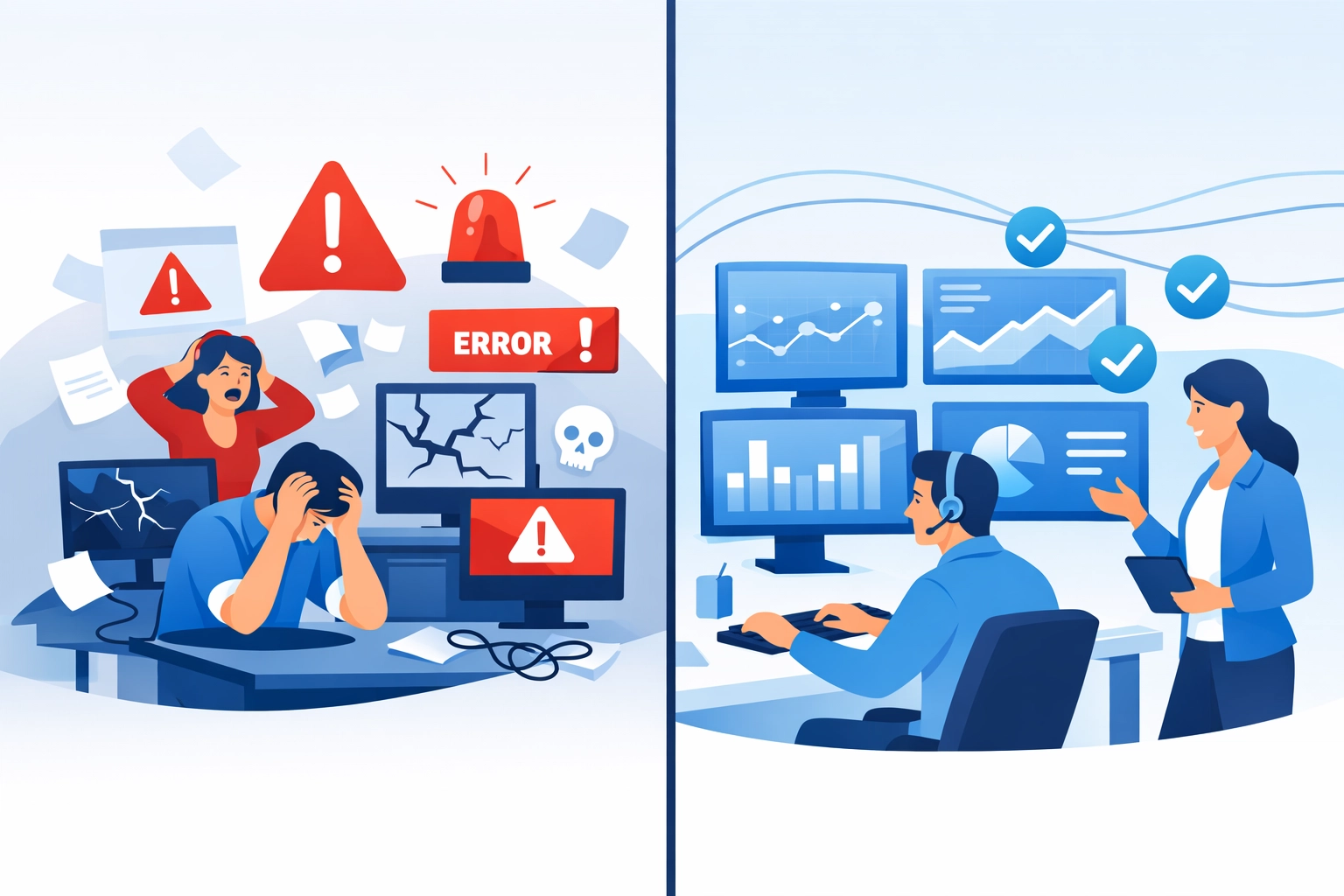

How to fix it: We need to map data flows across our organization and identify integration gaps. Modern middleware and API-based solutions can bridge legacy systems without requiring complete infrastructure overhauls. Cloud-based data warehouses provide centralized locations where data from multiple sources can be normalized and made accessible to AI tools.

The key is starting with business priorities. Which processes would benefit most from AI automation? Focus integration efforts there first, rather than trying to connect everything simultaneously.

4. Infrastructure Limitations

AI processing demands can quickly overwhelm infrastructure that handles traditional workloads just fine. We're talking about significant requirements for storage capacity, processing power, and network bandwidth.

Connected devices with integrated data streams for AI infrastructure

Training AI models and running real-time automation requires substantial computational resources. If our infrastructure can't scale to meet these demands, AI performance suffers: or worse, it impacts other business operations.

How to fix it: Conduct an infrastructure capacity assessment before deploying AI solutions. This should evaluate current utilization levels and project AI-related demands. We might discover our on-premises setup can't scale cost-effectively, making cloud platforms a better option for AI workloads.

Hybrid approaches often work well: keeping sensitive data on-premises while leveraging cloud resources for intensive AI processing. The important thing is planning for scalability from the start. Network infrastructure that supports automated workflows needs to handle high data volumes without manual intervention.

5. Weak Backup and Disaster Recovery Procedures

AI-dependent workflows create new vulnerabilities. When automation handles critical processes, system failures or data loss have immediate and severe impacts. Yet many backup strategies were designed for traditional IT environments and don't account for AI-specific requirements.

AI models themselves need protection: not just the data they process. Losing trained models means losing months of refinement and optimization. We've seen businesses lose significant investment when inadequate backup procedures failed to protect their AI assets.

How to fix it: Review backup and disaster recovery plans with AI workflows in mind. This includes:

  • Regular backups of trained AI models and their configurations
  • Version control for model iterations
  • Redundancy for data sources that feed AI systems
  • Testing recovery procedures specifically for AI-dependent processes
  • Clear recovery time objectives that account for AI system restoration

We can't afford single points of failure in AI-enhanced operations. Redundancy and robust recovery procedures aren't optional extras: they're fundamental requirements.

Taking Action: The AI Readiness Audit

Before investing heavily in AI automation, we recommend conducting a structured readiness audit. This assessment identifies infrastructure gaps and data problems while they're still manageable.

Modern IT infrastructure and servers for AI-ready data operations

An effective audit evaluates:

  • Current data quality, completeness, and organization
  • Existing governance policies and enforcement mechanisms
  • Integration capabilities across systems
  • Infrastructure capacity and scalability options
  • Backup and disaster recovery adequacy

This isn't about achieving perfection before starting. It's about understanding our baseline and addressing critical gaps that would otherwise cause AI initiatives to fail.

The Provider-Agnostic Advantage

One challenge we consistently see is businesses locked into single-vendor solutions that don't integrate well with their existing infrastructure. When evaluating AI readiness, it's crucial to maintain flexibility.

A provider-agnostic approach means we can recommend solutions based on what actually works for our specific situation: not what a particular vendor happens to sell. This honest assessment often reveals that incremental improvements to existing infrastructure deliver better results than complete platform replacements.

Moving Forward

AI automation offers genuine benefits, but only when built on solid foundations. These five data problems aren't rare edge cases: they're common challenges that affect most organizations to some degree.

The good news? They're all fixable with proper planning and structured approaches. We don't need perfect data or unlimited infrastructure budgets. We need realistic assessments of our current state and practical roadmaps for improvement.

If you're considering AI automation, start with an honest evaluation of your data infrastructure. Identify problems early, address them systematically, and build AI solutions on foundations that can actually support them.

Need help assessing your AI readiness? Get in touch to discuss how we can evaluate your infrastructure and develop a practical roadmap for AI adoption.

Let's be honest – scaling an MSP is tough. We've all been there, riding that wave of new clients and feeling great about the growth, until we hit that inevitable wall. The tickets pile up, response times slip, and suddenly we're scrambling to hire more bodies to fill the gaps.

But here's the thing: throwing more in-house staff at the problem isn't always the smartest move. In fact, for most MSPs looking to scale managed IT services efficiently, whitelabel partnerships often beat traditional hiring hands down.

The In-House Hiring Trap We've All Fallen Into

When client demand spikes, our first instinct is usually to post job listings. It feels like the "proper" way to grow, right? We want our own team, our own culture, complete control over every interaction.

The reality? Hiring in-house comes with a stack of challenges that can actually slow us down:

The recruitment nightmare – Finding skilled IT professionals takes months, not weeks. We're competing with every other MSP and enterprise IT department for the same talent pool. And when we finally find someone decent, they've usually got three other offers on the table.

The onboarding drain – Even after we hire someone, we're looking at 3-6 months before they're truly productive. Someone senior needs to babysit them through systems, processes, and client quirks. That's expensive time we can't bill for.

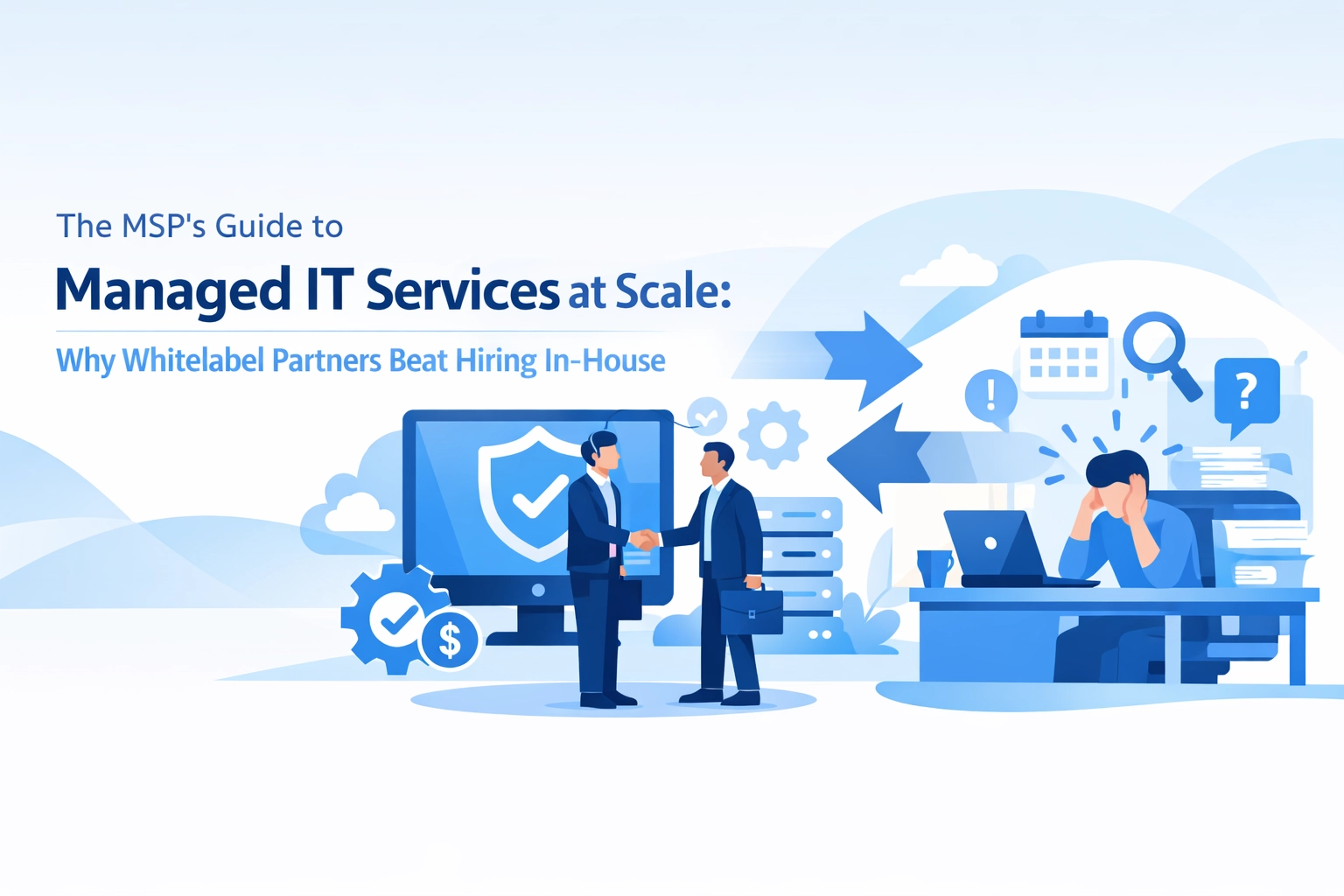
MSP manager overwhelmed by hidden costs of hiring in-house IT staff including expenses and overhead

The overhead explosion – Salary is just the start. We're talking National Insurance, pension contributions, equipment, software licenses, training costs, office space, and benefits. That £35k technician? They're costing us closer to £50k when we add it all up.

The utilisation problem – Here's the kicker: our in-house team isn't billable 100% of the time. They're in meetings, doing admin, on holiday, off sick, or covering gaps when ticket volume drops. We're paying full-time wages for part-time productivity.

Why Whitelabel Partners Actually Make More Sense

Whitelabel partnerships flip the entire model on its head. Instead of building capacity we might not always need, we tap into existing expertise exactly when we need it.

Think of it as the difference between buying a van and using Uber. Sometimes you need the van. But often, you just need to get somewhere efficiently without the insurance, maintenance, and parking headaches.

Instant capacity – A good whitelabel partner gives us immediate access to skilled technicians. No recruitment. No onboarding. No waiting around. We can take on that new 50-user client tomorrow without breaking a sweat.

Flexible scaling – Client workload fluctuates. That's just how it goes. With outsourced IT support, we scale up during busy periods and scale back when things quiet down. We're only paying for what we actually use.

Predictable costs – Whitelabel services usually work on clear, agreed rates. We know exactly what we're spending, which makes margins easier to manage. No surprise costs, no budgeting for recruitment agencies or sudden salary negotiations.

Modular building blocks representing scalable managed IT services and flexible outsourced support

Access to specialists – Need someone who knows Azure inside-out for a specific project? Or a security expert for a compliance audit? Whitelabel partners often give us access to specialists we'd never afford to keep on permanent staff.

The Real Benefits That Actually Move the Needle

Let's dig into what this means for our business in practical terms.

Better margins, faster – When we consolidate vendor relationships and use whitelabel partners strategically, we're reducing operational complexity. Our existing team spends less time managing multiple platforms and more time delivering value. That directly improves profitability.

We've seen MSPs increase their margins by 15-20% simply by shifting routine helpdesk work to a trusted whitelabel partner while keeping their senior team focused on strategic client relationships and high-value projects.

Out of hours coverage without the pain – Offering 24/7 support sounds great until we realise what it actually costs to staff. Night shifts, weekend rotations, and holiday cover can destroy team morale and explode our wage bill. A whitelabel partner with out-of-hours capability solves this instantly.

Clock showing 24/7 IT support coverage with day and night symbols for out-of-hours service

Avoiding the staffing crisis – Here's a pattern we see constantly: an MSP grows quickly, hires aggressively to keep up, then hits a rough patch and suddenly has too many staff on the books. That's painful. Whitelabel partnerships let us grow without overcommitting to fixed costs.

Focus on what we do best – This might be the biggest win. When we're not constantly firefighting recruitment and training issues, we can focus on client relationships, strategic planning, and business development. You know, the stuff that actually grows the business.

Automation Plus Partnership: The Winning Combo

The research is clear on this: the smartest MSPs aren't just choosing between in-house and outsourced. They're automating everything that doesn't need human judgment and partnering strategically for the rest.

We should be upgrading our technology stack to handle routine tasks automatically – ticket routing, password resets, system monitoring, basic troubleshooting. Then we use whitelabel partners to handle the tier-one support that still needs a human touch, while our in-house team tackles complex issues and client-facing strategy.

This modular approach means we're building by blueprint, not by guesswork. We add capabilities when data supports it, not because we're panicking about ticket volume.

When Does In-House Actually Make Sense?

Look, we're not saying never hire in-house. That'd be daft. There are definitely times when building your own team is the right call:

  • When we've got consistent, predictable workload that keeps people busy
  • For client-facing roles where relationship continuity really matters
  • When we need someone embedded in our specific tools and processes long-term
  • For strategic positions that define our competitive advantage

But for scalable managed IT services delivery? Especially helpdesk, remote IT support, and routine maintenance? Whitelabel partnerships usually win.

Interlocking gears combining IT automation and human collaboration in whitelabel partnerships

Making the Switch Without the Stress

If we're thinking about adding whitelabel capacity, start small. We don't need to outsource everything overnight. Pick one area – maybe after-hours support or overflow tickets – and test it out.

Look for partners who align with our values. We need people who'll deliver the same quality of service our clients expect from us. Provider-agnostic advice matters. Honest, long-term relationships matter. Find a whitelabel partner who gets that.

The best partnerships feel like an extension of our team, not a separate entity. Our clients shouldn't notice any difference in service quality – they should just notice faster response times and better availability.

The Bottom Line

Scaling managed IT services doesn't have to mean scaling headcount at the same pace. Smart MSPs are figuring out that whitelabel partnerships offer flexibility, expertise, and cost efficiency that traditional hiring just can't match.

We're not saying fire everyone and outsource the lot. We're saying be strategic. Build capacity that scales with demand. Invest in automation. Partner with specialists who complement our strengths.

The MSPs winning at scale are the ones who've stopped trying to do everything themselves and started building smart networks of capability.

Want to explore how whitelabel IT support could work for your MSP? Get in touch with us – we're always happy to chat through the options without any sales pressure. Because at the end of the day, this stuff should be about finding what actually works for your business.

Let's be honest , the idea that IT problems only happen between 9 and 5 is about as realistic as expecting your car to only break down during garage opening hours. Yet plenty of businesses still operate with IT support that clocks off at 5pm and vanishes until Monday morning.

In 2026, that approach isn't just inconvenient. It's genuinely risky.

We're not talking about minor annoyances here. When your systems go down at 11pm on a Saturday, and your team can't access critical files for a Monday morning presentation, that's not just frustrating , it's potentially business-ending. Let's dig into why after-hours remote IT support has shifted from "nice to have" to "absolutely essential."

When Problems Don't Keep Business Hours

Technical issues have never been particularly considerate about timing. Servers don't check the calendar before crashing. Cyberattacks don't wait for your IT manager to finish their morning coffee.

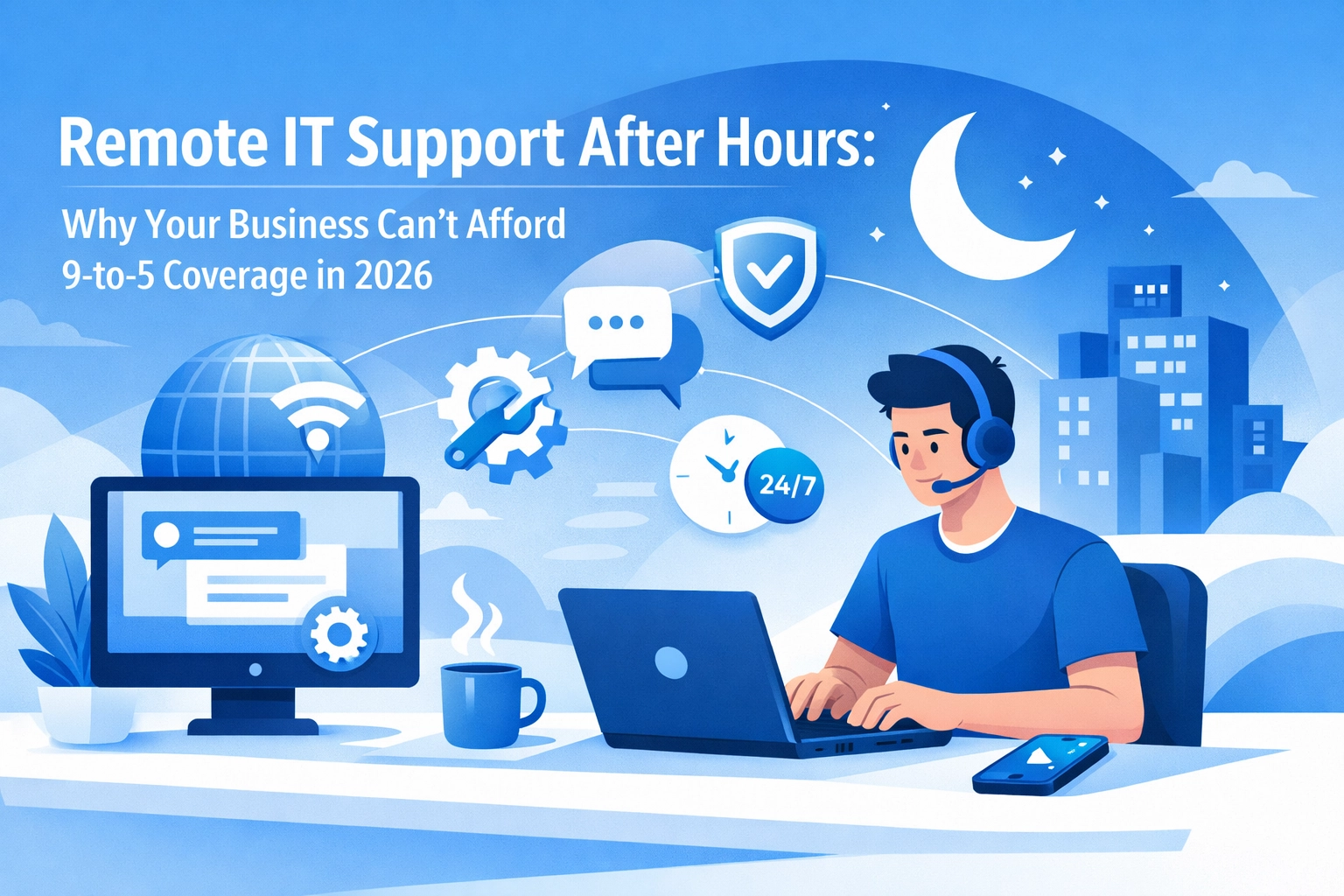
Late-night IT emergency showing laptop error at 11:47 PM requiring after-hours remote IT support

The reality we're seeing in 2026 is that downtime costs have skyrocketed. Every hour your systems are offline, you're bleeding productivity and revenue. If that hour happens at 2am and there's nobody available to fix it until 9am, you've lost seven hours before anyone even starts looking at the problem.

We've watched businesses lose thousands in a single evening because their payment processing went down during peak online shopping hours. The fix? Five minutes of work. But those five minutes didn't happen until the next business day, and by then, customers had already moved on to competitors.

Remote IT support that operates outside standard hours means issues get addressed when they happen, not when it's convenient for your support provider's schedule. It's the difference between a minor inconvenience and a major crisis.

Your Team Doesn't Work 9-to-5 Anymore (Why Should Your IT Support?)

Here's something that's fundamentally changed since the pandemic shook everything up: the traditional 40-hour work week is increasingly rare. Your team might include someone starting at 6am, another finishing at 10pm, and a developer working from three time zones away.

Remote workers across different time zones needing flexible IT support beyond 9-to-5 hours

If Sarah in accounts can't log into the system at 7pm when she's trying to close the month's books, she can't just "wait until tomorrow." That deadline doesn't move. If Mark's laptop won't connect to the VPN at midnight because he's working with clients in Australia, he needs help now, not in nine hours.

This isn't about being demanding. It's about matching IT support to how businesses actually operate in 2026. Remote work hasn't just changed where we work , it's completely restructured when we work. Your IT infrastructure needs to reflect that reality.

After-hours remote IT support ensures that every member of your team, regardless of when or where they're working, has access to technical assistance. It levels the playing field and removes the productivity penalties that come with flexible working arrangements.

Cybercriminals Work Weekends (And Nights, And Holidays)

Let's talk about something slightly less comfortable: security threats don't take time off.

In fact, many cyberattacks are specifically timed for weekends and evenings when they're less likely to be immediately detected. Hackers know that most businesses have reduced monitoring outside business hours. They're counting on it.

24/7 cybersecurity protection shield defending against after-hours cyber threats and attacks

A ransomware attack that starts at 11pm Friday night and isn't discovered until Monday morning has given attackers a 60-hour head start to encrypt your data, exfiltrate sensitive information, and establish persistent access to your systems. That's not a scenario we want to find ourselves in.

Continuous monitoring and immediate incident response aren't luxuries anymore , they're baseline requirements for any business that takes data security seriously. When suspicious activity is detected at 3am, waiting six hours to investigate isn't acceptable. By then, the damage is done.

After-hours remote IT support provides that continuous watchfulness. Systems can be monitored, threats can be identified, and responses can be initiated immediately, regardless of what time the clock shows.

The Economics Actually Make Sense

Right, let's address the elephant in the room: surely 24/7 coverage must be prohibitively expensive?

Actually, no. Not if you approach it sensibly.

Maintaining an in-house team to provide round-the-clock coverage would indeed be eye-wateringly expensive. You'd need multiple shifts, specialized staff for different areas, and enough redundancy to cover holidays and sick leave. For most businesses, that's completely unrealistic.

But outsourced remote IT support changes the economics entirely. Managed service providers can offer after-hours coverage at a fraction of what it would cost to build internally, because they're spreading that cost across multiple clients. They've already got the infrastructure, the processes, and the personnel in place.

Cost comparison showing outsourced IT support savings versus expensive in-house staffing

What you're paying for is access to that existing capability, not funding its entire creation. It's the same principle as why renting a van for moving house makes more sense than buying one you'll use once.

At Your IT Specialist, we've built our entire service model around providing that out-of-hours support without the premium price tag typically associated with 24/7 coverage. It's one of the reasons we exist : because businesses need this capability, but they need it to be affordable and sustainable.

How After-Hours Support Actually Works

There's sometimes a misconception that after-hours IT support means dealing with skeleton crews or junior staff who can't really help with complex issues. That's not how it should work.

Proper after-hours remote IT support should provide the same quality and expertise as daytime support. The person helping you at 10pm should be just as capable as the person who'd help you at 10am.

The remote aspect is crucial here. Because support is delivered remotely, geographical constraints disappear. Your support team doesn't need to be in the same city, or even the same country. They just need secure access to your systems and the expertise to solve your problems.

This also means we can provide genuine 24/7 coverage without anyone working unreasonable hours. Different team members cover different shifts, and because we're provider-agnostic, we can work with whatever systems and platforms you're using. We're not trying to sell you specific solutions : we're focused on keeping your existing setup running smoothly.

What This Means For Your Business

The shift to expecting after-hours IT support availability isn't about being demanding or unreasonable. It's about acknowledging that business continuity in 2026 requires IT support that matches how modern businesses actually operate.

If you're currently limited to business-hours support, we'd recommend having a conversation about what happens when (not if) something goes wrong outside those hours. Who responds? How quickly? What's the escalation process?

These aren't theoretical questions. At some point, probably sooner than you'd like, you'll face a technical issue that can't wait until Monday morning. Having a plan for that scenario is just sensible business continuity planning.

For MSPs reading this, there's another angle worth considering: offering after-hours support can be a genuine differentiator in a crowded market. Many of your competitors won't want the complexity of managing 24/7 coverage. If you can solve that problem, either through your own expanded team or through whitelabel partnerships, you've got a compelling advantage.

Moving Forward

The businesses thriving in 2026 aren't necessarily the ones with the biggest IT budgets. They're the ones who've matched their IT support model to their actual operational needs.

If your business operates beyond standard hours, serves customers in multiple time zones, or relies on always-available systems, then 9-to-5 IT support is creating unnecessary risk. The good news? Solving this doesn't require radical changes or enormous investment.

It requires partnering with an IT support provider who understands that protecting your business means being available when you need them, not just when it's convenient for their schedule. That's not revolutionary : it's just realistic about how businesses work in 2026.

We've built our service specifically around this need, providing out-of-hours remote IT support that businesses can actually afford and rely on. Because ultimately, peace of mind shouldn't be a luxury reserved for enterprises with unlimited budgets. It should be accessible to any business that needs it.

Your systems are running 24/7. Your support probably should be too.

Here's the thing about growing businesses, technology can either accelerate our progress or slam the brakes on everything we're trying to achieve. The support model we choose makes all the difference.

Most of us have experienced both sides of this. There's the helpdesk approach where we ring someone when things break, and there's managed IT services where someone's already watching our systems before problems even start. But which one actually helps us grow faster?

Let's break this down without the jargon.

What We're Actually Comparing

An IT helpdesk is basically a reactive support team. Something breaks, we call them, they fix it. It's straightforward, we pay for what we use, when we use it. Think of it like calling a plumber when a pipe bursts.

Managed IT services work differently. It's more like having a maintenance team that checks our pipes regularly, spots potential issues before they become floods, and has a plan ready if something does go wrong. They're monitoring our systems continuously and working to prevent problems rather than just fixing them.

Reactive IT helpdesk support versus proactive managed IT services comparison diagram

Neither approach is inherently "wrong", they just serve different needs. The question isn't which is better overall, but which is better for where we're trying to go.

The Reactive vs Proactive Reality

Here's where things get interesting. With a traditional helpdesk, we're essentially playing defense. An email server goes down at 3pm on a Tuesday? We call for help. Staff can't access shared files? Another call. Each incident creates downtime, disrupts workflow, and costs us in ways that aren't immediately obvious.

When we're small and systems are simple, that's manageable. But as we grow, the stakes change completely.

Managed services flip this model. Systems are monitored 24/7, which means potential failures get caught before they impact our team. That server issue? It's detected and resolved at 2am before anyone even arrives at the office. The storage running low? It's expanded before we hit capacity limits.

The difference compounds as we scale. Five employees affected by downtime is one thing. Fifty employees? That's a different conversation with finance about lost productivity.

The Real Cost Conversation We Need to Have

Let's talk money, because that's usually where this decision gets made.

IT helpdesk support feels cheaper upfront. We're only paying when we need help, right? No monthly commitment, no ongoing costs. But here's what we've learned from working with hundreds of businesses, unpredictable IT costs are rarely cheaper in the long run.

Predictable managed IT costs compared to unpredictable helpdesk support expenses

Think about it this way: One major incident that takes down our systems for half a day can cost more than several months of managed services. And that's just the direct cost, we're not even counting the opportunities we miss or the customers we disappoint when we're offline.

Managed IT services operate on a fixed monthly fee. We know exactly what we're spending, which makes budgeting actually possible. Research suggests that over a typical three-year period, managed services can cost roughly 40% less than maintaining equivalent in-house support capabilities.

But it's not just about total cost, it's about predictability. Finance teams love predictable costs. Growth plans need predictable costs. We can't scale confidently when we don't know if next month's IT bill will be £500 or £5,000.

When We're Not in the Office (But Still Need IT)

Here's a scenario we've all lived through: It's Friday at 6pm, everyone's gone home, and a critical system fails. Or it's Sunday morning, and we need to access files for a Monday presentation but can't connect remotely.

Traditional helpdesk support typically works business hours, maybe 9-5 on weekdays. Outside those hours? We're often on our own or paying premium rates for emergency support.

Managed services usually include 24/7 coverage with defined response times written into service level agreements. Not as a nice-to-have, but as standard. This becomes crucial as we grow, especially if we're supporting remote teams, have clients in different time zones, or simply can't afford to wait until Monday morning for fixes.

24/7 managed IT support providing round-the-clock business coverage and remote assistance

At Your IT Specialist, we've seen this play out countless times. Businesses that operate with out-of-hours support capability grow more confidently because they know systems are protected around the clock. That peace of mind changes how we make decisions about expansion.

The Expertise Gap That Grows With Us

Small businesses can often manage with general IT support. But as we grow, our needs become more specialized. We're implementing collaboration platforms, securing remote access, integrating cloud services, managing compliance requirements.

Helpdesk support is typically single-tier, one team handling everything from password resets to network architecture questions. That works until our requirements outpace their expertise.

Managed IT services bring specialist knowledge across multiple domains. Cybersecurity experts, cloud architects, network specialists, and yes, general support staff too. We're not just getting someone to fix problems: we're getting access to strategic expertise that can guide our technology decisions as we scale.

This matters more than we might think. The difference between good and poor technology decisions compounds over time. Choose the wrong infrastructure approach early, and we'll pay for it (literally and operationally) for years.

Who Should Choose What?

Let's be practical about this.

We might be fine with IT helpdesk support if:

  • We're a small team (under 10 people) with straightforward technology needs
  • Our systems are simple and we rarely have critical issues
  • We have someone internally who can handle first-line support
  • Downtime doesn't significantly impact our revenue or operations
  • We prefer maintaining complete control over all IT decisions

We probably need managed IT services if:

  • We're growing or planning to grow in the next 12-24 months
  • We have remote or hybrid workers who need reliable system access
  • Downtime directly impacts our ability to serve customers or generate revenue
  • We're in a regulated industry with compliance requirements
  • Our internal IT team is stretched thin dealing with basic issues instead of strategic projects
  • We need specialized expertise we can't afford to hire full-time

Business growth journey showing evolving IT needs from basic helpdesk to managed services

And here's something for MSPs reading this: if you're providing services to clients but need additional capacity or specialized skills, partnering with a whitelabel provider can give you managed service capabilities without the overhead of hiring specialists in every domain.

The Growth Factor Nobody Talks About

Here's what we've observed working with businesses at different stages: The companies that scale successfully are the ones where IT enables growth rather than limiting it.

With helpdesk support, we're often working around IT limitations. We can't roll out that new initiative because we're not sure our systems can handle it. We can't open that new location because we need IT on-site for setup and ongoing support.

Managed services shift IT from a constraint to an enabler. We're having strategic conversations about where the business is going and how technology can get us there. Systems are monitored and optimized for performance. Security is proactive rather than reactive. When we need to scale up, the infrastructure conversation happens before it becomes urgent.

That's the difference that compounds. We're not just paying for better support: we're investing in the capability to grow without technology becoming the bottleneck.

Making the Right Choice for Right Now

The honest answer is that there's no universal "best" option. What matters is matching the approach to where we are and where we're heading.

If we're genuinely happy with our current IT setup and growth isn't a priority, helpdesk support might serve us well. It's flexible, we only pay for what we use, and we maintain direct control.

But if we're serious about growth: expanding our team, adding locations, improving reliability, or freeing up internal resources for strategic work: managed IT services typically provide better value and capability.

The question we should be asking isn't just "what's this going to cost?" but "what's this going to enable?"

At Your IT Specialist, we work with businesses at every stage, providing provider-agnostic advice on what actually makes sense for their situation. Not what earns us the biggest contract, but what serves their growth objectives. That's the kind of honest, long-term relationship that helps businesses thrive.

IT infrastructure as business growth enabler versus technology limitations and constraints

Whatever we choose, the key is making an informed decision based on where we're going, not just where we are right now. Because by the time we've outgrown our IT support model, we're already behind.

Need help figuring out which approach makes sense for your business? Get in touch with us: we can walk through your specific situation and provide straightforward recommendations without the sales pressure.

Let's cut through the noise. If you're looking into business IT support for the first time, you've probably noticed something odd: most guides are written by IT providers who want to sell you their specific solution. That's not what we're doing here.

This guide gives you the knowledge to evaluate any IT support provider, understand what services you actually need, and spot the difference between genuine value and clever sales tactics.

What "Provider-Agnostic" Actually Means

Provider-agnostic advice means we're not pushing a specific vendor, platform, or solution. We're giving you the framework to make informed decisions based on what your business needs, not what someone wants to sell you.

Think of it like learning to assess cars before buying one. Once you understand what makes a reliable vehicle, you can walk into any dealership and know what questions to ask. That's what we're doing here: giving you the literacy to navigate IT support confidently.

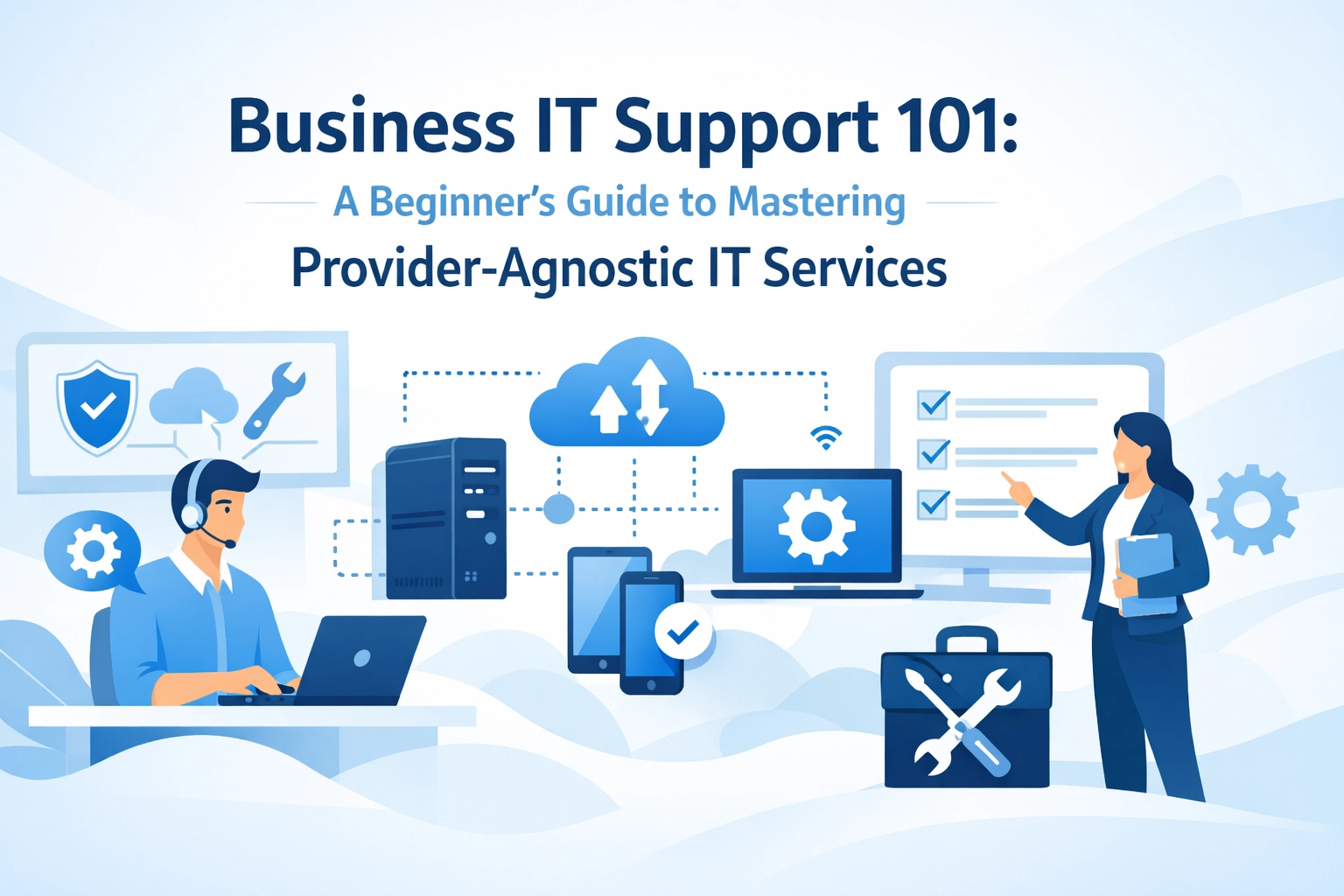
Business professionals collaborating on provider-agnostic IT support strategy with cloud services

The Core Services Every Business Needs

Business IT support isn't one thing: it's a collection of services that keep your technology running smoothly. Here's what actually matters:

Helpdesk Support

This is your first line of defence when something goes wrong. Someone can't access their email? Printer acting up? Software behaving strangely? Helpdesk support handles these day-to-day issues, usually over phone or chat.

The quality here varies massively between providers. Good helpdesk support resolves about 75% of issues on first contact. Poor helpdesk support becomes a frustrating game of phone tag.

Remote IT Support

When problems get more complex, remote support kicks in. Technicians access your systems directly (with permission) to handle things like malware removal, software updates, or configuration changes. This is faster and cheaper than sending someone onsite for issues that don't require physical access.

Onsite Support

Some problems need hands-on attention. Installing new hardware, fixing broken equipment, or setting up network infrastructure requires someone to actually be there. Even in 2026, we can't fix a broken server through remote access alone.

Network Management

Your network is the backbone of everything. If it's slow, unstable, or insecure, nothing else matters. Network management keeps your connectivity stable and fast, whether you're running a small office or multiple locations.

Modern IT helpdesk workspace showing multiple support channels for business IT services

Cybersecurity Services

This isn't optional anymore. Email filtering, endpoint protection, firewalls, and security awareness training protect you from threats that can shut down your business overnight. We've seen companies lose everything to ransomware because they thought basic antivirus was enough.

Hardware and Software Management

From procurement through installation to ongoing licensing and updates, someone needs to manage your technology assets. This prevents the chaos of unknown licenses, outdated software, and equipment that fails when you need it most.

Business Continuity and Disaster Recovery

What happens if your server crashes? What if there's a fire? Flood? Cyberattack? Business continuity planning and disaster recovery ensure you can keep operating: or at least recover quickly: when things go wrong.

Understanding Support Models

Providers offer different engagement models, and there's no universal "best" option. Here's what each means:

Break/Fix (Pay-As-You-Go)

You pay when something breaks. No ongoing costs, but also no proactive maintenance. This works for very small businesses with minimal technology needs, but it's usually more expensive and disruptive long-term.

Managed IT Services

Comprehensive ongoing support where the provider monitors, maintains, and manages your entire IT infrastructure. You pay a fixed monthly fee, and they keep everything running smoothly. This typically includes 24/7 monitoring, regular maintenance, and unlimited support.

Helpdesk-Only Model

You get remote support for issues as they arise, but not full infrastructure management. It's a middle ground: more affordable than managed services, more proactive than break/fix.

Hybrid Approaches

Many businesses combine models. Perhaps managed services for critical infrastructure, with break/fix for less essential systems. Or internal IT staff supplemented by external specialists for specific areas.

Multi-level office illustration depicting onsite, remote, and managed IT support services

The Tiered Support System

Most IT providers use a tiered approach to handle issues efficiently:

Tier 0 (Self-Service) – Knowledge bases, FAQs, and video tutorials let staff resolve simple issues themselves. This is surprisingly effective for basic problems like password resets or printer setup.

Tier 1 (First-Line Support) – Frontline technicians who handle common issues using standard procedures. They resolve about 75% of tickets.

Tier 2 and Beyond – Specialists who tackle complex problems requiring deep technical knowledge. Issues get escalated here when Tier 1 can't resolve them.

Understanding this helps you evaluate providers. Ask how they route issues, what percentage of tickets are resolved at Tier 1, and how escalation works.

How to Evaluate Any Provider (Without the Sales Pitch)

Here's what to look for, regardless of which company you're considering:

Expertise in Your Context

Do they understand businesses like yours? A provider who mainly works with healthcare practices might not be the best fit for a manufacturing company. Industry experience matters because different sectors have different technology needs and compliance requirements.

Genuine Responsiveness

Ask about response times and get them in writing. "We respond quickly" means nothing. "We respond to critical issues within 15 minutes, 24/7" is a commitment. Check their Service Level Agreements (SLAs) carefully.

Transparent Pricing

If a provider can't clearly explain their pricing structure, that's a red flag. You should understand exactly what you're paying for and what costs extra. Watch for hidden fees that appear after you've signed.

Out-of-Hours Coverage

Technology problems don't respect office hours. If your systems go down at 9 PM on Friday, what happens? At Your IT Specialist, we believe out-of-hours support isn't a luxury: it's essential protection for your business.

Long-Term Relationship Approach

Be wary of providers who lock you into lengthy contracts with punitive exit clauses. Quality providers earn your continued business by delivering value, not by making it painful to leave.

Three pathways comparing break-fix, managed services, and hybrid IT support models

Making IT Support Actually Work for You

Having IT support is one thing. Getting value from it is another. Here's how to maximize any support relationship:

Communicate Clearly When Issues Arise

"The computer isn't working" doesn't help anyone. "I can't access my email on Outlook: I'm getting an error message that says 'cannot connect to server'" gives technicians what they need to help quickly.

Request Proactive Reviews

Don't wait for problems. Ask your provider to conduct regular system health checks. Catching issues before they cause downtime saves money and stress.

Document Everything Important

When technicians make changes or fix issues, make sure they document what was done. This prevents repeated problems and helps with knowledge transfer if you change providers.

Stay Informed About Security

Ask your IT support to educate your team on current threats. Phishing tactics evolve constantly: what worked last year might not protect you today.

Give Feedback

Good providers want to improve. If something's not working for you, speak up. If something's working brilliantly, tell them that too.

What Provider-Agnostic Actually Looks Like in Practice

When we say provider-agnostic, here's what that means practically: If you're using Microsoft 365 and considering Google Workspace, we'll give you an honest comparison based on your needs: not commission structures. If you're evaluating connectivity options, we'll explain the real differences between fibre providers without steering you toward the one that pays us more.

This approach builds trust. We'd rather give you advice that saves you money and headaches, even if it means less immediate revenue for us, because we're playing the long game. Businesses built on honest relationships last longer than those built on pushy sales tactics.

Business professional evaluating IT provider criteria including security and responsiveness

Your Next Steps

Start by auditing what you currently have. What IT services are you using? What's working well? What's causing frustration? What risks are you carrying?

Then identify gaps. Are you adequately protected against cyber threats? What happens if your main system fails? How quickly can you get support when problems arise?

Finally, have conversations with providers: but now you know what questions to ask and what answers to expect. You're not walking in blind.

Business IT support doesn't need to be complicated or confusing. With the right knowledge, you can make decisions that actually serve your business instead of just serving a sales quota.

Need help figuring out what your business actually needs? Get in touch: we're happy to have an honest conversation about your situation, even if we're not the right fit.

Choosing business IT support isn't like picking a coffee blend. Get it wrong, and we're talking lost data, security breaches, and those lovely 3am emergency calls when everything's on fire.

The problem? Most businesses sign contracts based on price alone or slick sales pitches. Then they're stuck with a provider who can't actually deliver what they need.

Let's fix that. Here are the 10 questions we need to ask before signing anything: and why they matter.

1. What Types of IT Support Do You Actually Provide?

This seems basic, but it's amazing how many providers are vague about what they do.

We need clarity on whether they offer:

  • Break-fix support (they show up when things break)
  • Proactive managed services (they monitor systems to prevent problems)
  • Specialist services like cybersecurity, cloud migration, or compliance support

Break-fix might work for a tiny business with simple needs. But most of us need someone watching the store 24/7, catching issues before they become disasters.

If a provider can't clearly explain their service model in plain English, that's a red flag.

Three types of business IT support services: break-fix, managed services, and specialist support

2. What Do Your Service Level Agreements Actually Guarantee?

SLAs aren't just corporate waffle: they're legally binding promises about response times and service quality.

We should ask:

  • What's the response time for critical issues versus routine requests?
  • How are SLAs tracked and reported?
  • What happens if they miss their targets?
  • Can SLAs be customized for our specific business needs?

A provider who offers out-of-hours support (like, say, at 2am on Sunday) needs to spell that out in the SLA. If it's not in writing, it doesn't exist.

And here's the kicker: what penalties apply if they don't meet their commitments? If there aren't any, the SLA is basically decorative.

3. Do You Have Experience With Businesses Like Ours?

Industry experience matters more than we might think.

A provider who's brilliant with retail systems might not understand the compliance requirements of healthcare or finance. They might not know the specific software our industry depends on.

We should ask for:

  • Case studies from similar businesses
  • References we can actually contact
  • Examples of industry-specific challenges they've solved

This isn't about being difficult: it's about finding someone who already speaks our language and understands our pain points.

4. What Certifications and Vendor Authorizations Do You Hold?

Certifications prove a provider meets specific standards. Vendor authorizations (like Microsoft Partner or Cisco certifications) show they're trained on the systems they'll be supporting.

We're not just looking for alphabet soup after their name. We need to know:

  • Are certifications current?
  • Does the actual person working on our account hold these qualifications?
  • Are they authorized by the vendors whose products we use?

This matters because unauthorized providers can't access certain vendor support channels, which can slow down problem resolution.

24/7 IT support response time guarantee visualization with clock and timer

5. How Do You Handle Security and Compliance?

In 2026, this isn't optional. We need concrete answers about:

  • Firewall and network security approaches
  • Multi-factor authentication implementation
  • Encrypted backup procedures
  • Staff security training
  • Compliance with regulations like GDPR or industry-specific requirements

We should also confirm they carry professional liability insurance. If they make a mistake that costs us money or exposes our data, insurance protects everyone.

A provider who gets vague about security practices isn't ready to protect our business.

6. What Happens When Critical Systems Fail?

Everything breaks eventually. What matters is how quickly the provider responds.

We need to understand:

  • Emergency response procedures
  • Target response time for critical failures (ideally within an hour)
  • Remote monitoring and diagnostic capabilities
  • Procedures for minimizing downtime

A provider offering genuine out-of-hours support should explain exactly how that works. Do they have staff on call? Is it actually 24/7 or just "reasonable hours"? Who do we contact, and how?

This question reveals whether we're getting real emergency support or just lip service.

7. What's Your Disaster Recovery Plan?

When disaster strikes: ransomware, hardware failure, natural disasters: we need our data and systems back fast.

Critical questions include:

  • How often are backups performed?
  • Where is backup data stored?
  • How quickly can systems be restored?
  • Are recovery procedures tested regularly?

A provider who hasn't tested their disaster recovery plan is basically crossing their fingers and hoping. We can't afford hope: we need proven processes.

Business professional partnering with IT specialist showing certification credentials

8. Who Will Actually Work on Our Account?

Here's a common bait-and-switch: we meet senior consultants during sales, then get handed off to junior technicians after signing.

We should clarify:

  • Size and structure of their technical team
  • Who we'll interact with day-to-day
  • Who oversees our account
  • Whether they communicate in plain language or technobabble

There's nothing wrong with junior staff handling routine issues, but we need to know senior expertise is available when needed. And we need people who can explain technical issues without making us feel stupid.

9. Can You Support Our Growth Plans?

Our IT needs today aren't our IT needs in two years. A good provider grows with us.

We should ask about:

  • Cloud migration support
  • System upgrade planning
  • Integration of new software or services
  • Proactive recommendations for technology improvements

Provider-agnostic advice is gold here. We want someone who recommends the best solution for our business, not whatever vendor pays them the highest commission.

10. What Does Your Contract Include, and What Guarantees Apply?

Finally, let's talk about the fine print. We need to understand:

  • What's included in standard pricing versus what costs extra
  • Contract length and termination terms
  • Guaranteed deliverables
  • What happens if guarantees aren't met
  • Ongoing support availability (helpdesk hours, response times)

A provider confident in their service won't hide behind vague terms or lock us into inflexible multi-year contracts.

If the contract feels one-sided or unclear, that's our signal to walk away.

The Bottom Line

Choosing business IT support is about finding a long-term partner, not just a vendor. These questions help us cut through sales pitches and evaluate what providers actually deliver.

The right provider will answer these questions confidently and clearly. They won't dodge, deflect, or blind us with jargon. They'll show us exactly what we're getting and stand behind their commitments.

Take the time to ask these questions. Our business's technology: and sanity( depends on getting this choice right.)

Style Switcher

Header Style
Pre Define Colors

Custom Colors
Layout