
Loading...

Scaling an MSP can often feel like a balancing act. We want to grow, but the cost of hiring new staff can be high. We might worry about maintaining quality while taking on more clients. This is where whitelabel IT resources can help us change the way we work.

By using a behind-the-scenes team, we can offer more services without the stress of extra payroll. It lets us focus on building relationships with our clients. We can provide high-level support while someone else handles the technical heavy lifting.

The Challenge of Growing an MSP

Growing a business is exciting, but it brings specific hurdles. We've likely all faced the moment when our team is at full capacity. We can't take on new work, but we aren't quite ready to hire a full-time engineer.

If we hire too soon, we risk our profit margins. If we wait too long, our service quality might slip. It's a tricky spot to be in. We also have to think about training and equipment for every new hire.

Whitelabel services offer us a middle ground. We can access a whole team of experts as we need them. It's a way to grow that feels much safer and more controlled. You can read more about how whitelabel partners beat hiring in-house for many growing firms.

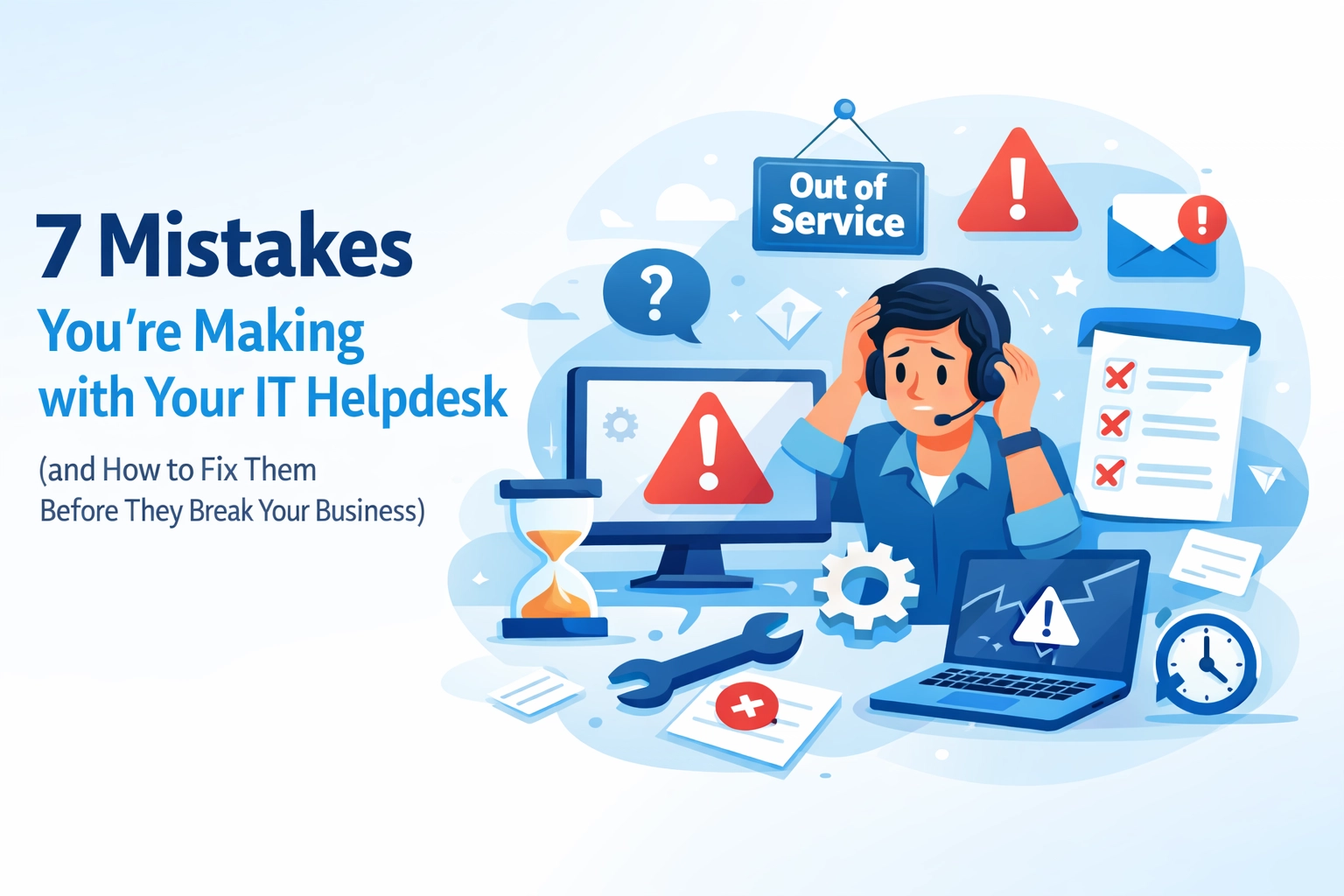
True 24/7 Support Without the Burnout

Clients often expect help at all hours. Offering round-the-clock support is a great selling point, but it's hard to manage. We don't want our best engineers working at 3 AM. It leads to burnout and mistakes.

24/7 support and global communication icons

With whitelabel support, we can offer 24/7 coverage easily. We don't have to worry about night shifts or weekend rotas.

  • Consistency: Our clients get the same high-quality help at midnight as they do at midday.
  • Response Times: We can meet strict SLAs without putting pressure on our local team.
  • Brand Loyalty: The support is provided under our brand. Clients only see the great service we're providing.

This approach lets us sleep better knowing our clients are looked after. We've explored why after-hours coverage is essential in 2026 in our previous guides.

A Specialized Team Behind the Scenes

Sometimes we get requests for projects that are outside our usual scope. Maybe it's a complex Linux server migration or a large-scale network cabling job. We might not have that specific skill in-house today.

Technicians working on IT infrastructure in the background

Instead of turning the work away, we can use our whitelabel partners. We get access to specialists in:

  • Infrastructure: From server OS management to virtual machine setup.
  • Hardware: Professional installation for networking and cabling.
  • Development: Custom application work and cloud automations.

We can act as the single point of contact for our clients. We provide the solution, and our expert partners do the work. It's a win-win for everyone involved. If we're struggling with capacity, this specialized support is a fast fix.

Flexibility Through Hourly and Block-Time Services

One of the best things about whitelabel resources is the flexibility. We don't have to commit to huge monthly contracts if we don't want to.

Hourglass and blocks representing flexible IT service models

We can choose how we want to pay:

  1. Hourly Services: Great for one-off tasks or small fixes.
  2. Block-Time: Perfect for a set amount of work each month.
  3. Fixed-Time: Ideal for specific projects with a clear end date.

This means our costs only go up when our revenue does. If things get quiet, we can scale back. We aren't stuck with a high fixed overhead. It makes our business much more resilient to changes in the market.

Boosting Security and Infrastructure

Security is a major concern for every business. Clients look to us to keep their data safe. Managing firewalls, antivirus, and patches for hundreds of endpoints is a lot of work.

Digital lock and shield representing IT security and growth

Whitelabel security services can take this off our plate. We can offer:

  • Vulnerability Assessments: Identifying risks before they become problems.
  • Log Analysis: Constant monitoring for suspicious activity.
  • Patch Management: Ensuring all software is up to date and secure.

We can provide these enterprise-grade security features at a fraction of the cost of building them ourselves. It adds huge value to our service offerings. We've put together a list of 10 things every MSP should know before starting with these services.

Maintaining Our Professional Standards

When we use whitelabel resources, we're still in charge. We set the standards and the policies. Our partners follow our lead. This ensures our clients always get the experience they expect from us.

We can provide:

  • Impartial Advice: Since we're provider-agnostic, we focus on what's best for the client.
  • Out of Hours Work: We can handle upgrades when the client's office is empty.
  • Honest Relationships: We use these extra resources to strengthen our bond with clients, not replace it.

We can be more than just a vendor. We become a long-term partner that can handle any challenge.

Moving Forward Together

Scaling doesn't have to be a source of stress. We can grow our MSPs in a way that is sustainable and profitable. By using whitelabel resources, we're giving ourselves the tools to succeed.

We can offer more services, stay open longer, and provide deeper expertise. All of this happens while keeping our costs under control. It's a modern way to run a service-based business.

If we're ready to take the next step, we can start by looking at our current gaps. Is it 24/7 support? Is it specialized security? Once we know what we need, we can find the right partner to help us fill that gap.

We can build something great together. Let's look forward to a more flexible, scalable future for our businesses.
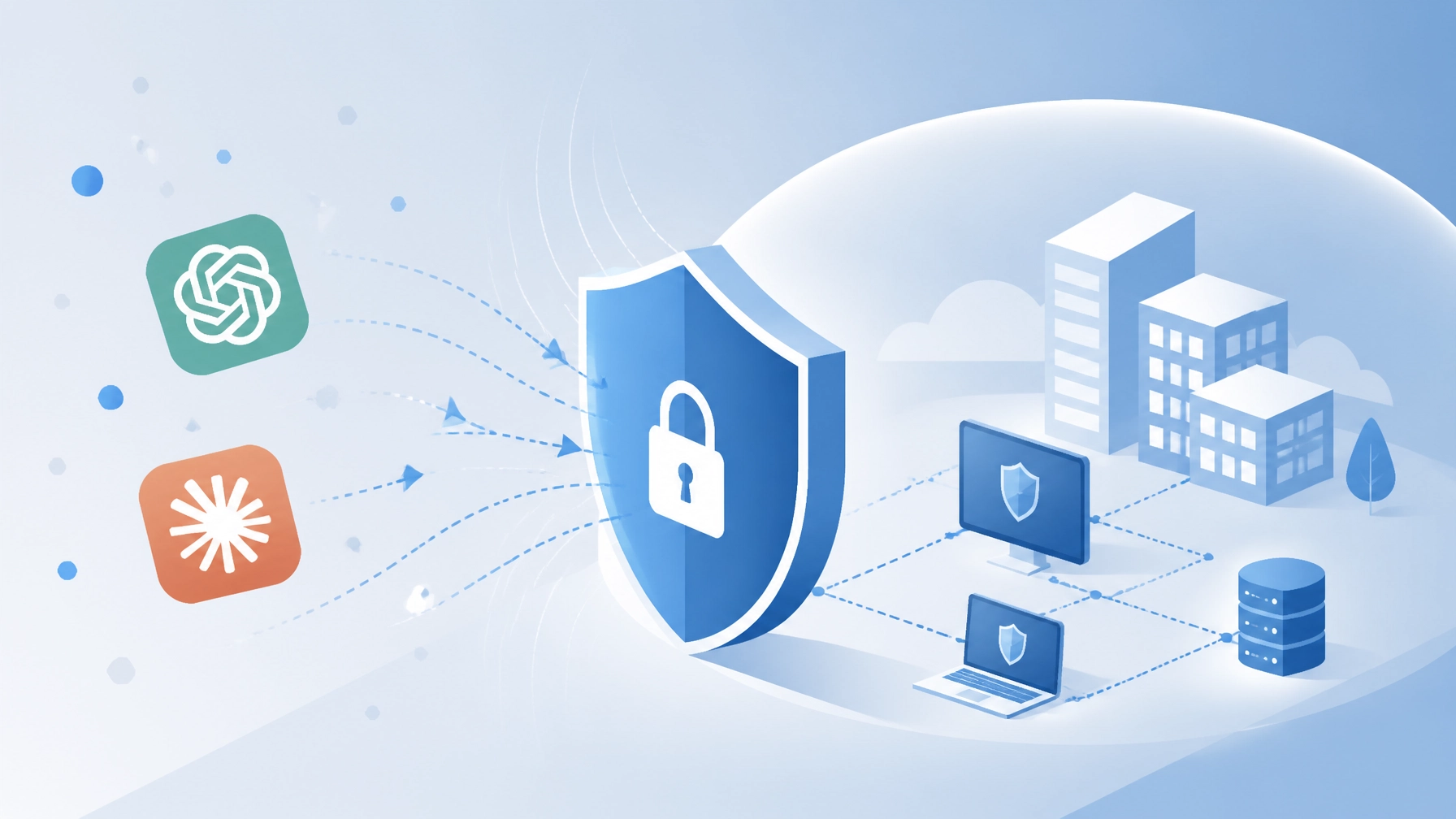
AI tools like ChatGPT, Claude, and DeepSeek have changed how we work. We use them to write emails, analyze data, and solve problems faster. This popularity is exciting, but it also creates a new path for digital threats. Recently, we've seen a sharp rise in "fake" AI tools designed to harm businesses.

The Massive Surge in AI-Themed Threats

A new report from Kaspersky in 2026 shows a worrying trend. Attacks using fake AI software have increased five times compared to last year. Between January and April 2026 alone, over 33,000 attacks targeted small and medium-sized businesses. These attacks don't come from the AI itself. Instead, they come from criminals who hide malware inside files that look like AI installers.

A minimalist flat design vector illustration showing a rising trend line representing the surge of cyber threats

When we look at the data, three names appear most often. ChatGPT accounts for about 42% of these fake files. Claude follows at 24%, and DeepSeek is at 20%. These are the tools our teams know and trust. This trust is exactly what attackers are trying to use against us.

How These Scams Work

Most of these threats don't come through the official AI websites. Instead, they appear when we look for "shortcuts" or "free versions." Here are the common ways these fake tools find their way onto our systems:

  • Fake Desktop Installers: Most major AI tools run in a web browser. Criminals create "desktop versions" that look official but are actually trojans.
  • Malicious Browser Extensions: Some extensions promise to add AI features to our browser but steal our saved passwords instead.
  • Phishing Emails: We might receive an email offering "early access" to a new AI model. Clicking the link can download a file that locks our data.
  • Social Media Ads: Adverts on platforms like Facebook or LinkedIn sometimes promote "pro" versions of AI for free. These often lead to dangerous downloads.

Once these files are on a computer, they can do a lot of damage. They might steal login details, watch what we type, or even give hackers remote access to our entire network.

Why SMBs Are the Main Target

Small and medium-sized businesses are often the focus of these campaigns. We might not have a dedicated security team watching every download. We also rely heavily on tools that help us stay competitive. Attackers know that if they can get one person to download a fake app, they might get access to the whole company’s data.

At Your IT Specialist, we see this as a shared challenge. We can't simply stop using AI, as it is too valuable for our growth. Instead, we can work together to build safer habits. If you're worried about your current setup, our cyber security services can help identify where you might be at risk.

Spotting a Fake AI Tool

We can protect ourselves by staying alert. Most fake tools have a few "tells" that give them away. Here is what we should look out for:

  1. Unusual Download Sources: If a tool isn't from the official website (like openai.com or anthropic.com), we should avoid it.
  2. Requests for Admin Rights: A simple chat tool shouldn't need full control over our computer. If an installer asks for deep permissions, it's a red flag.
  3. Typos and Bad Design: While some fakes look good, many have small errors in the text or blurry logos.
  4. Too Good to Be True: If someone offers a "free lifetime subscription" to a service that usually costs money, it's likely a scam.

Conceptual minimalist illustration of a Safe Zone versus a Danger Zone for AI apps

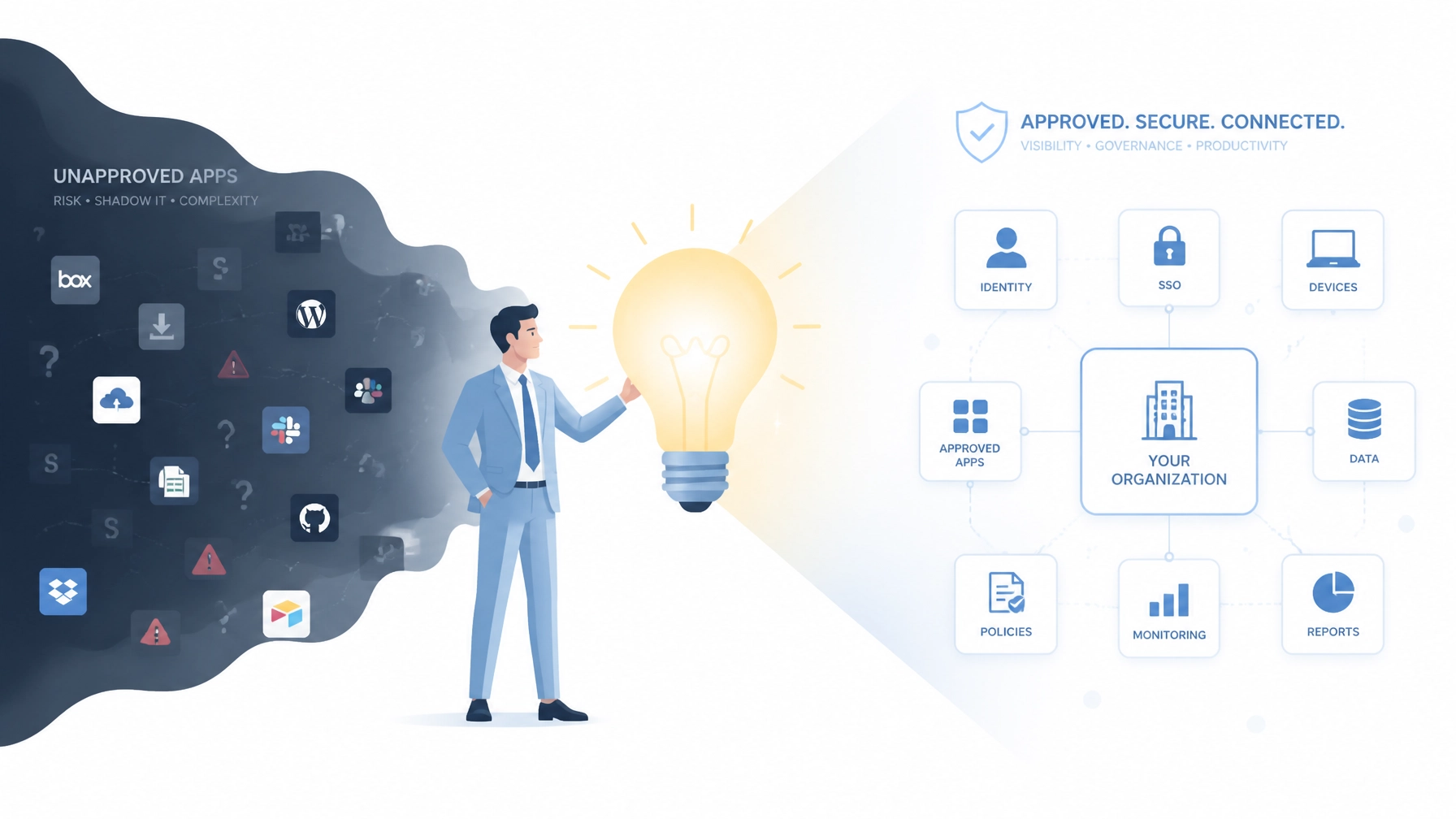
Handling "Shadow IT" and Unsanctioned Apps

Sometimes, our team members might use AI tools without telling us. This is often called "Shadow IT." People do this because they want to do a better job, but it can create security gaps. We can't always see what apps are being used on every laptop or phone.

Instead of banning these tools, we can offer better alternatives. We can create a list of "Approved AI Tools" for our team. This gives everyone the power of AI while keeping our business safe. We can also use network switching and routing services to monitor for unusual traffic that might indicate a compromised device.

Practical Steps to Stay Secure

We don't have to be security experts to stay safe. A few simple changes can make a big difference:

  • Use Official Web Apps: Encourage everyone to use the web version of AI tools rather than downloading apps.
  • Update Software Regularly: Hackers love old software. Regular patching and management closes the holes they try to use.
  • Install Strong Antivirus: A good antivirus can stop a fake installer before it even starts.
  • Enable Multi-Factor Authentication (MFA): If a hacker does steal a password, MFA can stop them from getting into the account.

How Your IT Specialist Can Help

We know that keeping up with every new threat is difficult. That’s why we offer IT support that takes the pressure off your team. We focus on finding the best, most cost-effective solutions for your specific needs.

Our security support includes:

  • Firewall Installation and Support: We build a digital wall around your business.
  • Antivirus Installation: We ensure every device is protected with the latest tools.
  • Vulnerability Assessments: We look for the weak spots before the hackers do.
  • Out of Hours Support: We can perform upgrades at night or on weekends so your team isn't disrupted. You can learn more about this on our telecom support page.

Modern vector illustration of an IT expert helping a business professional at a desk

Moving Forward Together

The rise of fake AI tools is a serious challenge, but it is one we can handle. By staying informed and using the right tools, we can keep our businesses running smoothly. We don't need to fear new technology. We just need to be smart about how we bring it into our offices.

If you have questions about which AI tools are safe or want to check your current security, we're here to help. We pride ourselves on being provider-agnostic and giving honest advice. Our goal is a long-term relationship, not a quick sale.

Let's make sure your business is ready for the future of AI. You can reach out to us through our website to discuss a security audit or to learn more about our connectivity and ISP services.

We’ve seen the workplace change quite a bit over the last few years. By 2026, the hybrid model isn’t just a trend; it’s how we get things done. But managing a team that’s split between the kitchen table and the office desk can sometimes feel like a bit of a juggle. We’ve all been there: a meeting is about to start, and someone’s connection drops, or a laptop decides it’s the perfect time for a three-hour update.

In the past, we might have waited for things to break before calling for help. This "break-fix" approach worked okay when everyone sat in the same building. Today, it can slow us down more than we’d like. That’s why we’re shifting our focus toward proactive remote IT support. It’s about catching those little digital hiccups before they turn into big headaches for our teams.

Moving Beyond the "Wait and See" Approach

We can’t always predict when technology will act up, but we can definitely be better prepared. Traditional IT support usually kicks in after a problem has already stopped someone from working. In a hybrid world, that downtime is expensive. If an employee at home can't access their files, they're often stuck until a ticket is resolved.

We prefer a more forward-thinking method. By using proactive monitoring, we can keep an eye on the health of every device in the fleet, no matter where it's located. It’s like having a digital health check running in the background. If a hard drive is starting to fail or a security patch is missing, we can handle it quietly without bothering anyone.

A digital dashboard on a laptop screen showing green checkmarks and proactive monitoring graphs

Keeping Productivity Steady Across the Map

When we work in different locations, we rely heavily on our tools. Whether it's telecom support for our VOIP systems or cloud applications for collaboration, these tools need to be rock solid. If they aren't, our productivity can take a hit.

We’ve found that the best way to support hybrid teams is to be remote-first. This means we prioritize fixing things from afar so there’s no waiting for a technician to drive across town. Most issues with Windows or Linux desktops can be resolved in minutes through a secure remote connection. It’s faster, simpler, and keeps our projects moving.

If we encounter a more complex hardware issue, we can still arrange site visits, but we find that 95% of daily frustrations can be solved without us ever stepping foot in the office. This approach lets us focus on what really matters: keeping our teams connected and creative.

Security That Follows Us Home

Managing security for a hybrid team can feel a little daunting. We aren't just protecting one office network anymore; we're looking after dozens of home networks, too. It’s easy for a device to fall behind on updates when it isn't plugged into the main office server every day.

We handle this by implementing automated patching and vulnerability assessments. We make sure every laptop has the latest antivirus and firewall settings, regardless of where it’s being used. If we spot a potential threat, we can isolate the device and fix the issue before it spreads. This proactive stance means we don't have to worry as much about the "what ifs" of remote work.

A laptop and smartphone connected by a secure blue shield icon representing remote security

For businesses that need specialized help, we even offer whitelabel IT contract services. This allows other providers to use our expertise to support their own clients' remote fleets securely and professionally.

Better Experiences for Our Employees

At the end of the day, technology should just work. We know that when tools are frustrating, it can lead to burnout. No one likes spending their Friday afternoon wrestling with a VPN that won't connect.

By investing in proactive business IT support, we’re actually investing in our people. When we take the tech stress off their plates, they can focus on their actual jobs. We use simple, everyday language and clear steps to help them through any issues. We want our IT helpdesk to feel like a helpful colleague, not a hurdle to jump over.

A professional worker in a home office with a support online icon floating nearby

If we notice a team is struggling with a specific piece of software, we don't just fix the errors; we might suggest a custom application development project to build something that fits our workflow better. It’s all about finding the best long-term solution, not just a quick patch.

Support That Doesn't Punch a Clock

Hybrid work often means flexible hours. Someone might prefer to start early or work a little later to balance their home life. If an IT issue pops up at 7:00 PM, waiting until 9:00 AM the next day isn't always an option.

We offer out-of-hours support to make sure help is available when our teams are actually working. Whether it’s an emergency server fix or a simple password reset, we can handle it outside of standard business hours. This minimizes disruption and ensures that when the sun comes up, everyone is ready to go.

A clock face with a glowing blue network line symbolizing 24/7 remote IT support

Looking Toward a Seamless Future

As we head further into 2026, the lines between "at work" and "at home" will continue to blur. Our IT strategy needs to be as flexible as we are. We can't rely on old-fashioned methods to solve modern problems.

If we focus on proactive monitoring, rapid remote response, and impartial advice, we can create a tech environment that supports us rather than slows us down. We don't need the most expensive gadgets; we just need the right ones, set up correctly and looked after properly.

We'd love to help you look at your current setup. Maybe a quick audit of your network switching and routing could reveal ways to make your remote connections even smoother. Let’s chat about how we can make your hybrid team’s technology feel effortless.

Finding the right talent can feel like a full-time job. We've all been there, spending weeks sorting through resumes, conducting interviews, and hoping the new hire is a good fit. When we're trying to grow our Managed Service Provider (MSP) business, these long recruitment cycles can slow us down. Sometimes, we might even have to turn away new clients because we simply don't have enough hands on deck.

It's a common challenge, but there's a simpler way to keep moving forward. By using whitelabel IT contract services, we can add expert engineers to our team overnight. We don't have to worry about job ads or training periods. Instead, we can focus on what we do best: looking after our clients.

In this post, we'll look at five ways whitelabel resources help us scale without the usual hiring headaches.

1. Instant Speed to Deployment

When we win a big new contract, we're usually excited to get started right away. However, if we need to hire a new engineer first, that excitement can quickly turn into stress. Most skilled professionals have notice periods of a month or more. By the time they've joined and settled in, we might have already missed our project deadlines.

Whitelabel resources give us a shortcut. Since these teams are already trained and ready to go, we can deploy them the moment we need them. Whether it's a large-scale hardware rollout or a complex software migration, we can say "yes" to new business with confidence. We can scale our capacity in days rather than months, keeping our momentum high and our clients happy.

2. Turning Fixed Costs into Flexible Growth

A line chart showing revenue growth with stable payroll costs

Hiring a full-time employee is a significant financial commitment. We have to consider salaries, taxes, benefits, and office space. If our workload drops for a month or two, those fixed costs can put a lot of pressure on our margins. It can be a bit of a balancing act trying to match our staff levels to our current client list.

With whitelabel IT support, we can change how we look at our expenses. Instead of a heavy monthly payroll, we can treat IT resources as a flexible cost. We only pay for the capacity we actually use. This means when we're busy, we scale up, and when things are quieter, we scale back. It's a much more sustainable way to grow our business without taking on unnecessary financial risk. We can keep our overheads low while still providing top-tier managed IT services to our clients.

3. 24/7 Coverage Without the Night Shifts

A digital clock and globe signifying 24/7 global IT support

Our clients expect their systems to work around the clock. However, providing 24/7 support internally is incredibly difficult for most small to medium MSPs. We don't want to burn out our best engineers by asking them to handle middle-of-the-night emergencies. It’s also tough to find people who actually enjoy working the graveyard shift.

We can solve this by leaning on whitelabel partners who already have "follow-the-sun" teams in place. They can handle the late-night tickets and system alerts while we sleep. If a server goes down at 3 AM, they're on it. This ensures our clients always get a fast response, and our internal team stays fresh and focused during regular business hours. It's a great way to offer enterprise-level availability without the logistical nightmare of managing a rotating shift pattern.

4. Access to a Global Talent Pool

Diverse silhouettes of IT professionals representing an extended talent pool

Technology moves fast. One day we might need someone who's an expert in telecommunications and data services, and the next, we might need a specialist in network switching and routing. It's almost impossible to find one person who knows everything, and it's expensive to hire a different specialist for every niche.

Whitelabeling gives us access to a massive library of skills. We aren't limited to the people who live near our office. We can tap into specialists across different time zones and disciplines whenever a specific project requires it. If we have a client who needs a custom cloud application or a complex VOIP installation, we can bring in the right experts for that specific job. We get to look like the experts in every field because we have a world-class team backing us up.

5. Keeping Your Brand Front and Center

Two puzzle pieces coming together to represent seamless whitelabel integration

One of the best things about whitelabel resources is that they're completely invisible to the end client. When an engineer answers a call or logs into a server, they do it as a member of our team. We don't have to worry about confusing our customers with different company names or logos.

This helps us build stronger relationships with our clients. They see us as a capable, well-staffed organisation that can handle any challenge they throw our way. We maintain full control over the client experience and the branding, while the whitelabel team handles the technical heavy lifting in the background. It's a true partnership where we can focus on strategy and account management while our extended team takes care of the "how."

Ready to Scale Your MSP?

We can't always predict when the next big opportunity will come our way. But we can make sure we're ready for it. By moving away from traditional recruitment and embracing whitelabel IT resources, we can build a more flexible, profitable, and stress-free business.

If you're finding it hard to keep up with demand or just want to explore how an outsourced team could help you grow, we'd love to chat. We can help with everything from connectivity and ISP services to full-scale infrastructure projects. Let's look at how we can work together to take your MSP to the next level.


Choosing how to manage our technology can feel like a heavy task. We often find ourselves at a crossroads: do we stick with a provider who specialises in one specific brand, or do we look for someone who can work with everything?

This choice usually boils down to two main models: vendor-agnostic IT consulting and commission-based IT support. Both have their place, but they offer very different experiences for our businesses.

In this guide, we'll explore these models. We'll look at how they affect our costs, our flexibility, and the long-term health of our IT infrastructure. By the end, we'll have a clearer picture of which path fits our unique needs best.

What is the Commission-Based Model?

Many traditional IT providers operate on a commission-based system. In this setup, the provider often has formal partnerships with specific hardware or software vendors. When they recommend a product to us, they might receive a percentage of the sale or a referral fee.

How it works

In this model, the provider's revenue is tied to the specific tools they sell. They might be "Gold Partners" with a specific firewall brand or a preferred reseller for a certain cloud platform.

Potential limitations we face

While these providers often know their chosen products inside and out, we might run into a few hurdles:

  • Recommendation bias: It can be hard to know if a suggestion is truly the best fit or if it's simply the one that pays the best commission.
  • Narrow scope: If our problem can't be fixed by their specific vendor's tools, they might struggle to offer a creative alternative.
  • Sales targets: Sometimes, providers are under pressure to meet quarterly sales quotas, which can lead to us being offered upgrades we don't quite need yet.

If we've already committed to a single ecosystem: like being a 100% Microsoft or 100% Cisco house: this model can provide deep expertise. However, for those of us who want more choice, it can feel a bit restrictive.

A minimalist flat design illustration of a balance scale comparing business needs with diverse technology icons in blue and white.

What is Vendor-Agnostic IT Consulting?

At the other end of the spectrum is the vendor-agnostic approach. This is the model we champion at Your IT Specialist. Here, the consultant doesn't take commissions from vendors. Instead, we focus purely on finding the right tool for the job, regardless of who makes it.

The core philosophy

Our goal is to act as an impartial advisor. We look across the entire market to find solutions that match our business goals, budget, and technical requirements. We aren't tied to any single brand's sales targets, which lets us stay focused on what actually works for us.

The benefits we see

  • True objectivity: We can trust that advice is based on performance and reliability, not kickbacks.
  • Bespoke solutions: We can mix and match the best tools from different providers to create a custom setup that works perfectly for our workflow.
  • Better bargaining power: Since we aren't locked into one vendor, we can shop around for the most competitive pricing.

This model is particularly helpful when we're looking for IT consulting that prioritises our long-term interests over a quick sale.

A Side-by-Side Comparison

To make things simpler, let's look at how these two models compare across the areas that matter most to our day-to-day operations.

Feature Commission-Based Support Vendor-Agnostic Consulting
Primary Goal Selling specific products/services Finding the best fit for our needs
Objectivity Can be influenced by sales targets High; no financial ties to vendors
Solution Choice Limited to partner brands Whole-of-market options
Cost Structure Possible discounts on one brand Competitive pricing across all brands
Flexibility High risk of "vendor lock-in" Easy to switch or integrate new tools
Support Depth Very deep in one specific stack Broad expertise across many platforms

How the Model Affects Our Costs

When we talk about Managed IT services, cost is always a big part of the conversation. It isn't just about the initial price tag; it's about the "Total Cost of Ownership" over several years.

Initial Savings vs. Long-Term Value

A commission-based provider might offer us a "great deal" on a specific set of hardware. While the upfront cost looks lower, we might find ourselves paying more later for:

  • Unnecessary features: Buying a high-end system that has more "bells and whistles" than we'll ever use.
  • Licensing traps: Getting stuck with expensive monthly subscriptions that are hard to cancel.
  • Integration hurdles: Spending more on labour to force different systems to work together because our provider only sells one brand.

The Agnostic Advantage

With a vendor-agnostic approach, we often see better long-term value. By selecting tools that are a perfect fit, we avoid "over-provisioning." We also have the freedom to choose pricing plans that scale with us. If a cheaper or better software comes along next year, we aren't "locked in" by a commission agreement, so we can make the switch easily.

A modern vector illustration showing a line graph trending upwards with icons for ideas and security, representing long-term IT value.

Avoiding "Vendor Lock-In"

One of the biggest risks we face in IT outsourcing is vendor lock-in. This happens when we become so dependent on one provider's ecosystem that it becomes too expensive or complicated to leave.

Imagine our entire network, security, and cloud storage are all tied to one brand through one provider. If that brand raises its prices by 30% tomorrow, what can we do? If their service quality drops, how easily can we move?

By choosing an impartial path, we keep the keys to our own kingdom. We can use a mix of Linux and Windows, various cloud providers, and different hardware brands. This diversity makes our business more resilient. If one vendor has a major security breach or a price hike, we can pivot more quickly because our infrastructure isn't a "monolith."

How to Choose the Right Path for Us

If we're still unsure which model fits our business, we can ask ourselves a few simple questions:

  1. Do we already have a massive investment in one brand? If we're already fully committed to one ecosystem and it's working well, a specialised partner might be the right call.
  2. Do we value flexibility? If we're a growing business that needs to stay agile, an agnostic consultant can help us scale without getting stuck.
  3. Is budget our biggest concern? If so, an agnostic provider can help us find "best-of-breed" solutions that offer the most bang for our buck, rather than just the ones with the best marketing budget.
  4. Do we need honest, third-party advice? If we're planning a major outsourced project, having someone who doesn't care which brand we buy can be incredibly refreshing.

Why We Believe in the Impartial Approach

At Your IT Specialist, we've seen first-hand how much easier life is when your IT partner isn't trying to "sell" you something. We prefer to build long-term relationships based on honesty.

We offer a range of services designed to keep us running smoothly without the pressure of sales quotas:

  • Out of Hours Support: We handle upgrades when we're not working, so there's no downtime for our team.
  • Impartial Advice: Whether it's choosing a new CRM or upgrading a server, we give we the facts so we can make the best choice.
  • Remote-First Support: We focus on fixing things quickly from our desks, keeping costs down and efficiency up.

We don't want to be just another vendor; we want to be part of our team. When we succeed, we succeed.

A clean minimalist flat design illustration of two abstract figures collaborating over a digital network blueprint.

Moving Forward with Confidence

Technology shouldn't be a source of stress or a series of expensive "surprises." By understanding the difference between these two support models, we can choose a partner that aligns with our actual goals.

If we're looking for a partner who values transparency as much as we do, we're here to help. We can start with a simple conversation about where we are now and where we want our technology to take us.

Instead of worrying about being "sold to," let's focus on building a stable, flexible, and cost-effective foundation for our business. We can explore our pricing options or get in touch to see how an impartial view can make a difference.

Let's make our IT work for us, not the other way around.

We’ve all been there. It’s 6 PM on a Friday, and a critical server goes offline. Or perhaps it’s a Tuesday evening, and we’re trying to finish a big project when our network connection drops. If we rely on standard 9-to-5 IT support, these moments can feel quite stressful.

In the past, business happened strictly during office hours. Today, our teams are more flexible. We work from home, we collaborate across different time zones, and our systems are always on. When our support stops the moment we clock out, we might find ourselves facing hurdles that could have been avoided.

At Your IT Specialist, we believe IT should support us whenever we need it. Let’s look at why the traditional 9-to-5 model might be holding us back and how out-of-hours service can help us thrive.

1. Security Threats Don't Sleep

Cybersecurity is a 24/7 concern. Hackers don't wait for a 9 AM start to launch an attack. In fact, many threats are timed specifically for when they think nobody is watching. If we only have support during the day, a threat detected at 8 PM might not be addressed until the next morning.

By then, the situation could be more difficult to manage. Out-of-hours IT support allows for continuous monitoring. If something unusual happens at 2 AM, we can catch it immediately. This proactive approach helps keep our data safe while we’re away from our desks. We can rest easier knowing that someone is always looking out for our Security Support needs.

A minimalist flat design showing a digital shield protecting a server at night

2. Reducing the True Cost of Downtime

Downtime is more than just a technical glitch; it’s lost time and revenue. If a system fails on a Saturday morning and we don't have weekend support, that system stays down for over 48 hours. This can be quite costly for businesses that rely on online sales or remote access.

When we have out-of-hours coverage, we can address these issues as they happen. Instead of waiting for Monday morning, we can get things back on track in minutes or hours. This keeps our momentum going and ensures our customers don't experience any gaps in service. We can find a solution that fits our budget without sacrificing the uptime we need.

3. Daytime Maintenance Can Slow Us Down

We all know that systems need updates. However, running a major software upgrade at 2 PM on a Wednesday isn't always ideal. It can slow down our computers and interrupt our meetings. If our IT support only works when we do, they might be forced to perform maintenance during our busiest hours.

Out-of-hours support changes this. We can schedule Software Installation and Support or server patches for 11 PM or during the weekend. This way, the work happens while the office is quiet. When we log in the next morning, everything is updated and ready to go. We can stay productive without the "spinning wheel" of an update screen.

4. Supporting Our Global and Remote Teams

Many of us now work with people in different parts of the world. If we have a colleague in a different time zone, their "9-to-5" might be our middle of the night. If they run into a technical issue, waiting for our local office to open can be frustrating for them.

Remote IT support that extends beyond standard hours ensures that everyone on the team feels supported, regardless of where they are. It creates a more inclusive work environment. We can provide the same high-quality Remote Support to our global staff that we give to those in the local office.

A modern vector illustration showing a global network with blue connecting lines

5. Preventing the "Monday Morning Crash"

There’s a specific kind of stress that comes from walking into the office on Monday morning only to find that the Wi-Fi is down or a printer won't connect. These "surprises" can derail our entire morning and make the start of the week feel much harder than it needs to be.

With out-of-hours monitoring, we can catch these glitches over the weekend. Our team can fix a router issue on Sunday so that it’s working perfectly by 8:30 AM Monday. We can help ensure your Wifi Infrastructure is always ready for the morning rush.

6. Flexible Work Patterns Need Flexible Help

More of us are choosing to start our days early or finish a bit later to balance our personal lives. If a team member is finishing a report at 7 PM and their VPN fails, they shouldn't have to stop working because support has gone home.

By offering support outside of the usual window, we show our team that we value their flexibility. We can provide help when they actually need it, not just when it’s convenient for a schedule. It’s a simple way to make the workday feel smoother for everyone.

7. Backups and Nightly Processes

Most of our critical data backups happen at night to avoid slowing down our daytime internet speeds. But what happens if a backup fails at 3 AM? If we wait until the next day to notice, we might miss an entire cycle of data protection.

Out-of-hours service allows us to monitor these nightly tasks in real-time. If a backup skips a beat, we can jump in and restart it. This ensures our IT Consulting advice on data safety is backed up by real-world action. We can maintain our "best practice" policies without any gaps.

A minimalist flat design illustration of a server being upgraded with stylized gears

8. Meeting Rising Customer Expectations

Our customers have grown used to an "always-on" world. They might visit our website or use our portal at any time of day or night. If a customer encounters a technical bug on our site on a Sunday evening, they expect it to be fixed quickly.

If we can’t address these issues until Monday, we risk losing that customer to a competitor. Having out-of-hours support helps us maintain a professional image. We can show our clients that we are reliable and that we care about their experience at every hour.

9. Peace of Mind for Business Owners

Running a business can be a lot of work. We often carry the weight of "what if" scenarios in our heads. What if the server crashes? What if we get hacked over the holidays? This mental load can lead to burnout.

Knowing that we have a trusted partner like Your IT Specialist handling things 24/7/364 can offer a lot of relief. We can enjoy our evenings and weekends with our families, knowing that the technical side of things is in safe hands. We can focus on growing the business while the experts handle the Business IT support.

A minimalist illustration of a professional working calmly at a desk during the evening

10. Seamless Large-Scale Projects

When it’s time for a major change: like a Hardware Installation or moving to a new office: doing it during the day can be chaotic. There are cables everywhere, and staff can't get to their desks.

We can manage these Outsourced Project Development tasks during the night or over a long weekend. By the time the team returns, the new hardware is set up, tested, and ready for use. It makes large transitions feel almost invisible to the rest of the company.

Moving Forward Together

Switching to an out-of-hours model doesn't have to be complicated or expensive. At Your IT Specialist, we pride ourselves on being provider-agnostic. We don't push for the most expensive gadgets; we look for the solution that genuinely helps us work better.

Whether we need help with Ethernet Copper Services or simply want a friendly voice at the end of the phone on a Sunday night, we're here to help. We value long-term, honest relationships and want to see our partners succeed.

If you’re feeling the limitations of a 9-to-5 support schedule, why not reach out? We can have a chat about how our out-of-hours services can give us the freedom to work whenever; and wherever: we choose.

Let's make sure our IT works as hard as we do!

We all love finding new ways to work faster. Lately, that often means trying out new AI tools to draft emails, write code, or summarize meetings. It feels like a superpower, doesn't it?

But when we use these tools without a plan, we enter the world of "Shadow AI." This just means using AI software that our IT team hasn't checked or approved yet. While we want to be productive, using unvetted tools can create some quiet risks for our businesses.

Don't worry, this isn't about stopping innovation. It's about making sure we innovate safely. We've seen a few common mistakes that happen when we dive into AI too quickly. Here's how we can spot them and what honest IT consulting can do to help us stay on track.

1. The "Invisible" AI: Not knowing what's in our toolkit

The first mistake we often make is losing track of which tools our teams are actually using. It's easy for someone to download a browser extension or sign up for a "free" trial without telling anyone.

When we don't have visibility, we can't protect our data. We might have five different departments using five different AI tools that all do the same thing. This creates "tool sprawl" and makes our security harder to manage.

The Fix: We can start by doing a simple audit of our current software. A good IT support services partner can help us run a network scan to see where data is flowing. Once we see the full picture, we can decide which tools are worth keeping and which ones are too risky.

2. Pasting Sensitive Secrets into Public Prompts

Minimalist vector illustration of a document being placed into a secure digital vault

It’s so tempting to paste a long legal contract or a messy spreadsheet into an AI to get a quick summary. However, many free AI tools use the information we give them to train their future models.

This means our private client data or trade secrets could technically become part of the AI's public knowledge base. We definitely don't want our confidential plans helping a competitor's AI prompt later!

The Fix: We can look into "Enterprise" versions of AI tools. These usually come with a promise that our data won't be used for training. We can also set up internal guidelines about what kind of data is okay to share and what needs to stay "offline." Taking a look at our security vs. savings guide can help us weigh these risks properly.

3. Forgetting About the GDPR Trap

We put a lot of work into making sure our businesses are GDPR compliant. But when we use Shadow AI, we might accidentally send customer data to servers in countries that don't meet our privacy standards.

If we don't know where the AI's servers are located, we can't be sure we're following the law. This can lead to some tricky legal conversations that we'd all rather avoid.

The Fix: Impartial IT consulting helps us check the "Data Residency" of the tools we want to use. We can help you find provider-agnostic solutions that keep your data within the right borders. It’s all about finding a setup that respects the rules without slowing us down.

4. Trusting the "Hallucinations" Too Much

Balanced scale illustration showing AI icon versus a magnifying glass and checklist

AI is smart, but it's not always right. Sometimes it "hallucinates", it makes up facts that sound very convincing. If we use these outputs in a business report or a client email without double-checking, we could end up sharing incorrect information.

Relying too much on AI without human oversight can hurt our reputation. We want our clients to know they're getting accurate, thoughtful advice from us.

The Fix: We can create a "Human-in-the-Loop" policy. This just means we always have a real person review and verify what the AI creates. It keeps the quality high and ensures we stay responsible for the work we produce.

5. Using the "Free" Version for Professional Work

"Free" tools are great for personal projects, but they often lack the security features businesses need. They might not have two-factor authentication or the ability for us to manage user accounts centrally.

When a team member leaves the company, we might not be able to revoke their access to that "free" AI account where they've stored months of work notes. This creates a big security gap.

The Fix: We can move toward managed business IT support models. By using tools that integrate with our existing logins (like Microsoft 365 or Google Workspace), we keep control over who has access to what. It’s much safer and easier to manage in the long run.

6. Lacking a Clear AI "Game Plan"

A lighthouse casting a beam of light across a sea of vendor logos

Often, Shadow AI happens because we haven't given our teams a clear alternative. If we don't tell our staff which tools are safe to use, they'll find their own.

Without a policy, everyone is just guessing. This leads to confusion and inconsistent work across the company. We all perform better when we know the rules of the game.

The Fix: We can draft a simple "Acceptable Use Policy" for AI. It doesn't have to be long or full of jargon. It just needs to say: "Here are the tools we've checked, here’s how we use them, and here’s who to ask if you want to try something new." Having an honest IT partner to help guide this conversation makes it much smoother.

7. Buying the Hype Instead of the Help

It's easy to get excited by fancy marketing and buy the most expensive AI suite on the market. But sometimes, we don't actually need the most expensive version to get the job done.

Many businesses end up paying for "AI features" they never use. This is just another way for costs to spiral out of control without adding real value to our daily work.

The Fix: This is where "provider-agnostic" advice really shines. We don't care which brand you use; we just want to find the one that fits your budget and your needs. We can help you check if your IT infrastructure is AI-ready before you spend a penny on new subscriptions.

Looking Forward Together

A team in an office looking at a large screen displaying a clear AI Roadmap

AI is a fantastic tool that can truly help us grow. The goal isn't to say "no" to these new technologies: it's to say "yes" in a way that protects everything we've built.

By moving from "Shadow AI" to "Sanctioned AI," we can:

  • Keep our client data safe and secure.
  • Make sure we stay compliant with regulations.
  • Save money by only paying for what we need.
  • Give our teams the confidence to use tools that are actually approved.

If you're wondering where to start, we're here to help. We offer impartial IT consulting that focuses on finding the right solution for your specific business, not just the trendiest one.

We can help you audit your current tools and build a roadmap that makes sense for you. Why not take a look at our Managed IT Services vs. Break-Fix guide to see which support model might fit your new AI strategy best?

We're excited to see how AI helps your business reach its next milestone. Let's make sure we get there safely together!

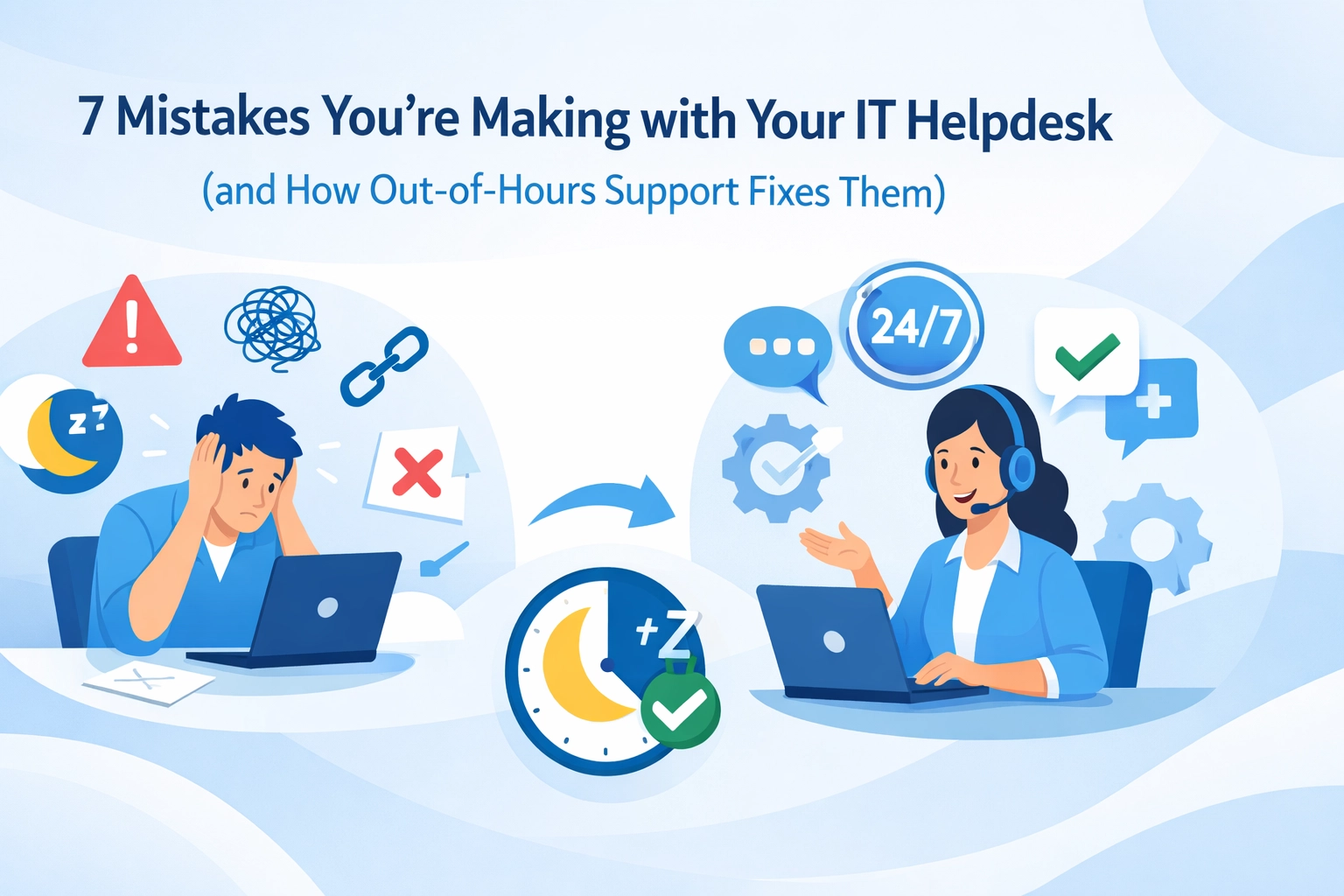
Let's be honest: most IT helpdesks aren't broken. They're just… incomplete. We've seen hundreds of businesses struggle with the same pattern: brilliant support during office hours, then radio silence when something goes wrong at 7pm on a Tuesday.

Here's the thing: your competitors are working evenings. Your clients expect responses faster than ever. And that server doesn't care if it's 3am when it decides to have a meltdown.

So let's talk about the seven mistakes we see businesses making with their IT helpdesk setup: and how proper out-of-hours support actually fixes them.

1. Thinking "Business Hours" Means the Same Thing It Did in 2015

Remember when 9-5 actually meant something? Those days are gone.

We're working with businesses that have teams logging in at 6am to catch up before the kids wake up. Sales reps closing deals at 9pm because that's when their client in another timezone is available. Remote workers scattered across different countries.

The mistake: Assuming your IT support can clock off at 5:30pm and everything will be fine until tomorrow.

How out-of-hours support fixes it: It meets your team where they actually are. When someone in your Manchester office needs help at 7:30am, or your consultant in Spain hits a VPN issue at 10pm, there's someone available. Not an answering machine. Not a ticket that sits until morning. An actual person who can help.

Modern office workspace showing day-to-night transition illustrating extended IT helpdesk business hours

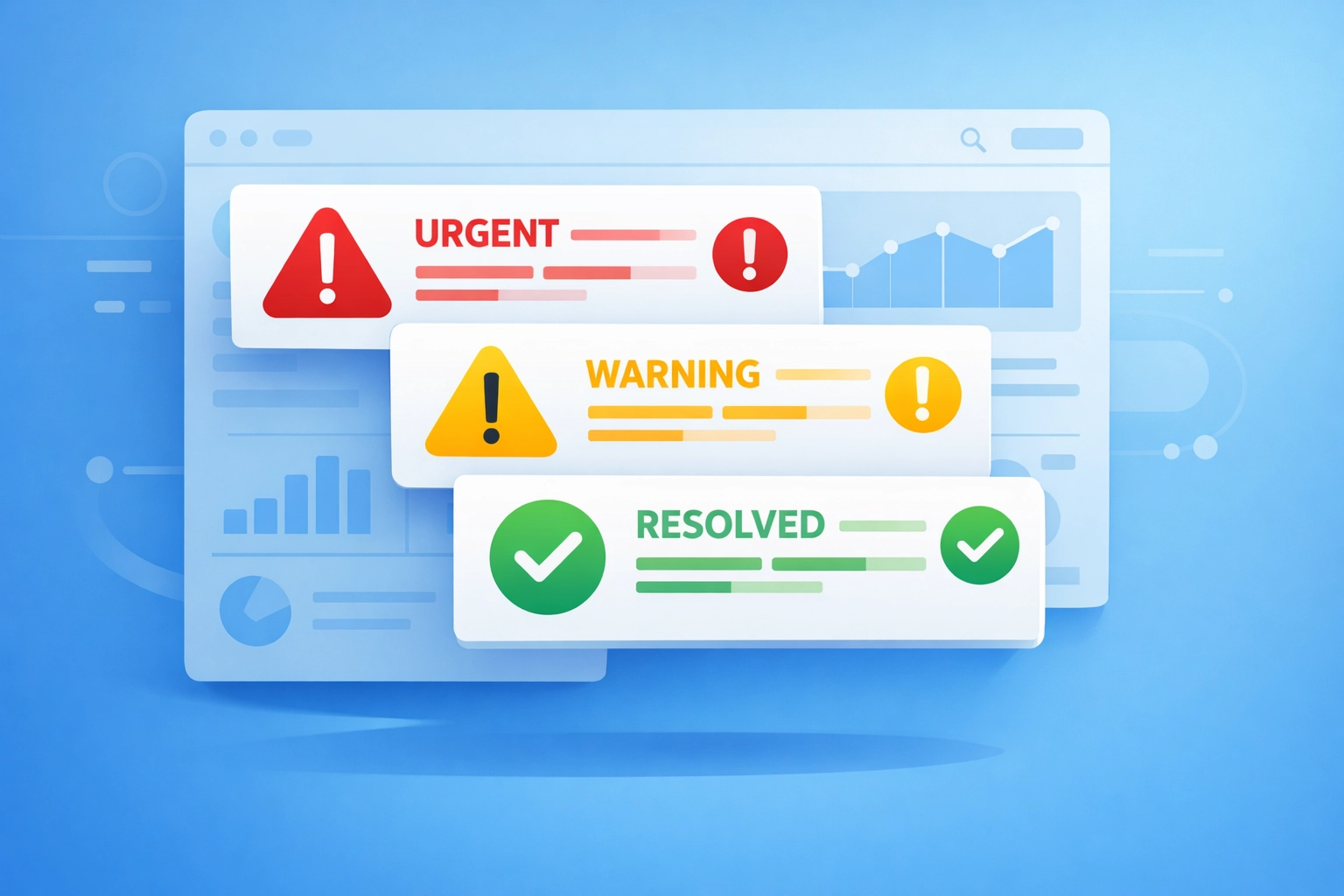
2. Treating Emergencies Like Regular Tickets

Here's a scenario we hear constantly: The payment system goes down at 6pm. A ticket gets logged. It sits in the queue. By morning, you've lost an evening's worth of transactions and spent the night fielding angry customer emails.

The mistake: Using the same process for "printer won't connect" and "we literally can't take payments right now."

How out-of-hours support fixes it: Proper escalation protocols that understand urgency. Out-of-hours teams are specifically trained to identify genuine emergencies and act fast. They're not processing tickets in order: they're triaging based on business impact. That payment system issue? It gets someone on it immediately, not in 12 hours.

3. Hoping Nothing Breaks When No One's Watching

We've all done it. Crossed our fingers and hoped the servers behave themselves overnight. Maybe set up some monitoring that sends emails no one checks until morning.

The mistake: Reactive rather than proactive monitoring outside business hours.

How out-of-hours support fixes it: Continuous monitoring means issues get caught early. That hard drive that's showing warning signs at 11pm? It gets addressed before it fails completely at 2am. The backup that's running slow? Someone notices and investigates before it times out. We're not just responding to problems: we're preventing them from becoming disasters.

IT helpdesk dashboard showing emergency ticket prioritization with urgent, warning, and resolved alerts

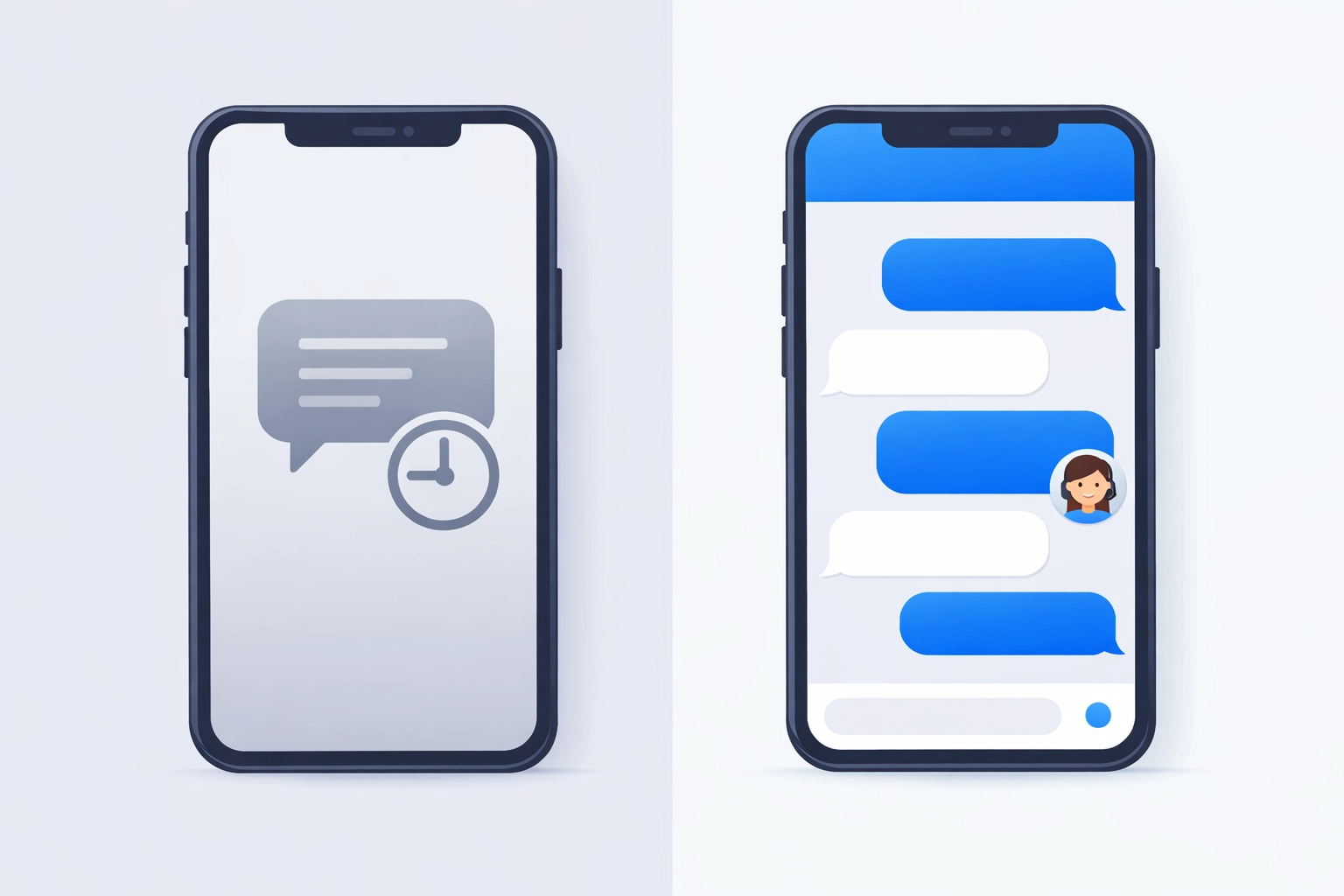
4. Losing Customers Because "We'll Get Back to You Tomorrow"

Your client's website goes down at 8pm. They contact you. They get an auto-reply saying someone will be in touch during business hours. By morning, they've already contacted three other IT providers.

The mistake: Thinking clients will wait patiently for morning just because it's convenient for your schedule.

How out-of-hours support fixes it: Immediate response builds trust. Even if the fix takes time, knowing someone's actively working on it changes everything. We've seen MSPs retain clients specifically because they answered the phone at 10pm when everyone else had gone home. That's the difference between a transaction and a relationship.

5. Burning Out Your On-Call Staff

Here's what happens when you don't have proper out-of-hours coverage: You rotate your existing team through on-call duties. They're exhausted. Their phone pings at 2am. They're bleary-eyed trying to troubleshoot while half-asleep. Next morning, they're still expected to deliver brilliant service despite getting three hours of broken sleep.

The mistake: Treating after-hours support as something your day team can just "handle" on rotation.

How out-of-hours support fixes it: Dedicated evening and night shift specialists who are fresh, alert, and actually awake when they're helping clients. Your day team focuses on daytime work. The evening team focuses on evenings. Everyone performs better because no one's trying to do both.

Server room with 24/7 monitoring systems displaying real-time health metrics and status indicators

6. Missing Your SLA Targets Without Realising It

You promise 4-hour response times. Ticket comes in at 4pm. No one sees it until 9am next morning. That's 17 hours. Technically you didn't break your SLA because you only count "business hours": but try explaining that distinction to an frustrated client.

The mistake: SLAs that sound good on paper but don't reflect how your clients actually experience support.

How out-of-hours support fixes it: True 24/7 response times. When we say 4-hour SLA, we mean it at 2pm and at 2am. Your clients don't need to understand the fine print about business hours: they just know their issues get handled promptly, every single time.

7. Treating Out-of-Hours Support as a "Premium Extra"

This is the big one. We see businesses positioning after-hours support as some luxury add-on rather than a fundamental part of modern IT helpdesk operations.

The mistake: Thinking comprehensive support is somehow optional in 2026.

How out-of-hours support fixes it: It's not about gold-plating your service: it's about meeting basic expectations. When your competitors offer round-the-clock support and you don't, you're not being budget-conscious. You're being left behind.

Comparison of automated IT support messages versus live helpdesk chat responses on mobile phones

The Real Cost of Getting It Wrong

Let's talk numbers for a second. Every hour of unplanned downtime costs businesses an average of £4,000 to £8,000. A critical system failure that waits until morning? That's 12-15 hours of potential impact.

But there's also the stuff that's harder to measure. The client who quietly moves to another provider. The team member who's fed up with tech issues disrupting their evening work. The opportunities missed because systems weren't available when they needed to be.

We're not saying every business needs 24/7/365 coverage with instant response times. We're saying most businesses need more than they currently have: and they're leaving money on the table by not addressing it.

Making It Work Without Breaking the Bank

Here's the good news: fixing these mistakes doesn't mean hiring a full night shift or tripling your IT budget.

Smart out-of-hours support means being strategic. Maybe you need full coverage during your busy season but lighter support the rest of the year. Maybe you need immediate response for critical systems but next-morning is fine for everything else.

For MSPs, whitelabel out-of-hours support lets you offer comprehensive coverage without the overhead. Your clients get brilliant service. You keep the relationship. Someone else handles the 2am server restart.

What Actually Matters

At the end of the day, we're talking about reliability. When your team needs help, can they get it? When something breaks, does it get fixed? When a client calls, does someone answer?

These aren't complicated questions, but they're the ones that determine whether your IT support is actually supporting your business or just ticking boxes during office hours.

If you're making some of these mistakes, don't panic. Most businesses are. The difference between staying stuck and moving forward is just being willing to address them.

Want to talk about what proper out-of-hours support could look like for your business? We're happy to chat: provider-agnostic advice, no pressure, just honest conversation about what you actually need. Get in touch with us and let's figure it out together.

Your IT helpdesk should be solving problems, not creating them. But here's the thing, many businesses are making the same avoidable mistakes that frustrate users, burn out teams, and ultimately cost money. Whether we're running an in-house helpdesk or working with an outsourced provider, these issues can quietly damage productivity and relationships.

Let's look at seven common helpdesk mistakes and, more importantly, how we can fix them.

1. We're Not Setting Clear Service Standards

Here's a mistake that's surprisingly common: we tell customers we offer "excellent service" but haven't actually defined what that means. When every technician has a different interpretation of "good support," we get inconsistent experiences that confuse and frustrate users.

IT helpdesk team establishing consistent service standards and quality metrics

The Fix: We need to establish clear, measurable service standards. What's our target response time? How do we communicate with users? What does a resolved ticket actually look like? Once we've got these standards documented, we can train the entire team to deliver consistently. It's about creating a predictable experience that builds trust.

2. We're Avoiding Customer Feedback

It's tempting to dismiss feedback from non-technical users. "They don't understand how complex this is," we might think. But here's the reality, customers aren't always commenting on the technical solution. They're telling us about the experience, the communication, the waiting, the frustration.

The Fix: We should actively collect and analyze feedback through quick surveys after ticket resolution. We don't have to implement every suggestion, but understanding what frustrates users helps us improve the bits that matter most to them. Sometimes the technical fix is perfect, but the communication around it needs work.

Customer feedback loop improving IT support communication and service quality

3. We're Letting Techs Cherry-Pick the Easy Tickets

When technicians can choose which tickets they handle, human nature kicks in. Everyone gravitates toward the quick wins, password resets, simple software issues. Meanwhile, the complex problems sit there getting older and angrier. This isn't just unfair to demanding customers; it also prevents junior technicians from developing advanced skills.

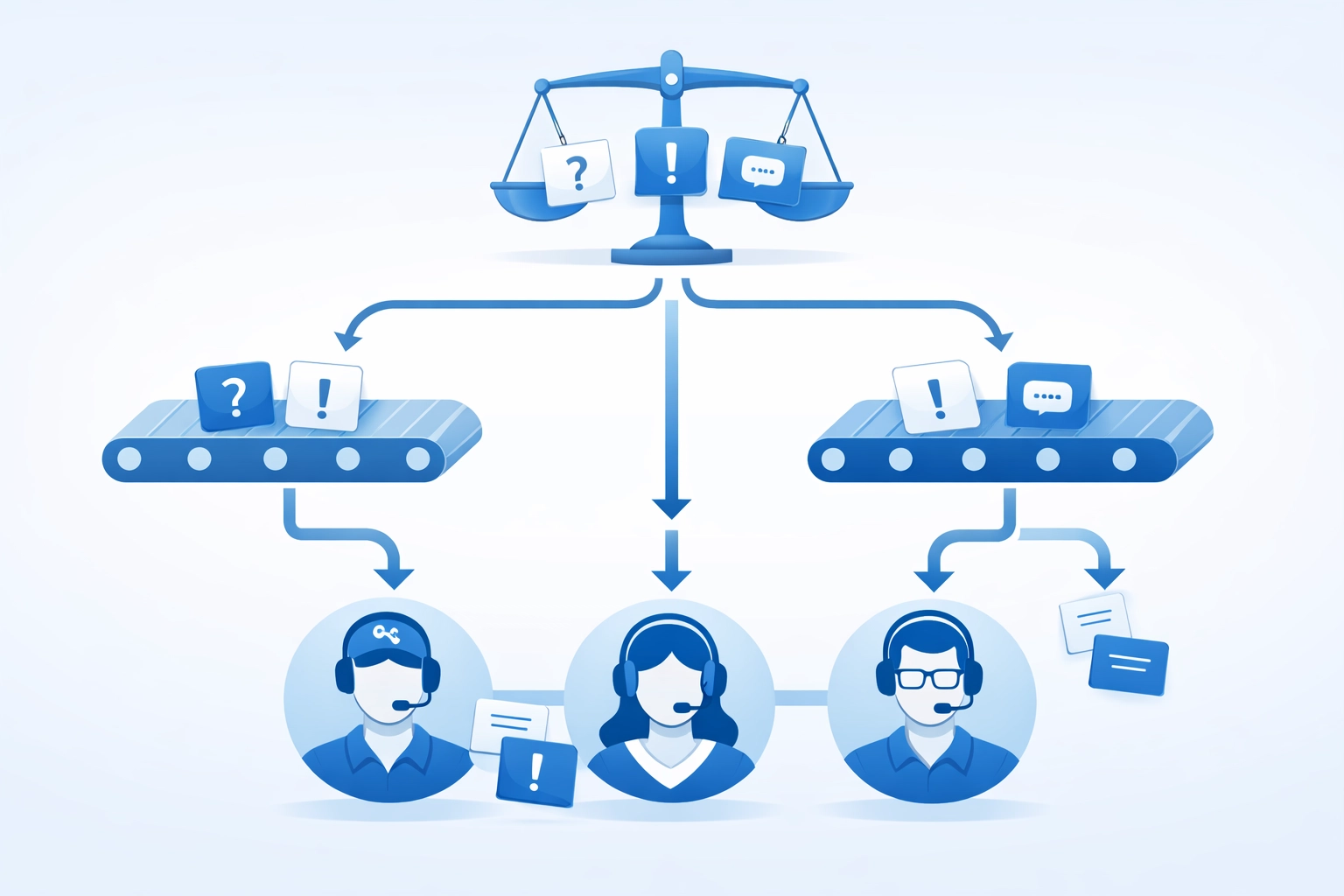
The Fix: We need a ticketing system that routes work based on factors like urgency, expertise required, and workload balance, not difficulty. This distributes the tough jobs fairly, helps team members grow their capabilities, and ensures complex issues get the attention they deserve. Out of hours support becomes especially important here, as proper routing ensures coverage even when the usual experts aren't available.

4. We're Micromanaging Our Team

Nothing kills efficiency faster than requiring approval for every single decision. When technicians can't act independently, ticket resolution slows to a crawl. Customers wait longer, staff satisfaction drops, and managers become bottlenecks.

The Fix: We should grant strategic autonomy to team members based on their experience level. Set clear boundaries, what decisions they can make independently versus what needs escalation, then trust them. Confident technicians work faster, solve problems more creatively, and free up leadership to focus on strategy instead of approving every minor decision.

Balanced IT ticket distribution system ensuring fair workload among technicians

5. We're Using the Wrong Technology

Here's a costly mistake: investing in generic software that wasn't designed for IT helpdesk operations. We end up paying for features we'll never use while missing the ones we actually need. Worse, when our tools don't integrate with each other, we create data silos that waste time and cause errors.

The Fix: We need to choose software specifically built for IT support workflows. Look for platforms that integrate ticketing, asset management, knowledge bases, and reporting in one place. The initial investment might seem higher, but the efficiency gains and reduced errors pay off quickly. For MSPs offering whitelabel support, integrated systems also make it easier to manage multiple clients from one interface.

6. We're Skipping Preventative Maintenance

When we're constantly fighting fires, it's easy to ignore the smoke detector batteries. But here's the problem, neglecting preventative maintenance means we're always in reactive mode. Emergency repairs cost more, often require overtime, and damage our reputation with customers who wonder why their systems keep breaking.

Empowered IT technician making autonomous decisions without micromanagement

The Fix: We should develop a structured maintenance schedule. Regular hardware assessments, timely software updates, security patches, and system health checks prevent the majority of emergency situations. Yes, it requires dedicating resources upfront, but the reduction in urgent after-hours callouts more than compensates. This is where outsourced IT support can really prove its value: having a dedicated team focused on proactive maintenance rather than just fixing what breaks.

7. We're Failing at Ticket Management and Communication

This is probably the most common issue: requests get lost, priorities get confused, and customers have no idea what's happening with their issues. When we don't have a proper ticketing system or we're not using it consistently, everything becomes chaotic. Users submit the same request multiple times because they never heard back. Technicians duplicate work. Nothing gets properly documented.

The Fix: We need a formal ticketing system with proper categorization, priority levels, and automated routing. But here's the equally important part: communication. Every ticket should have regular status updates, even if the update is "we're still working on it." Set expectations about resolution timelines and actually meet them. When delays happen, we should communicate proactively rather than waiting for customers to chase us.

Automation can help here too. Automated acknowledgments, status updates, and closure confirmations reduce the communication burden while keeping everyone informed.

What This Means for Your Business

These seven mistakes share a common thread: they all create friction. Friction slows down resolution times, frustrates users, burns out technicians, and ultimately costs money through lost productivity and damaged relationships.

The good news? None of these issues require massive budgets to fix. They need attention, clear processes, and the right tools. Whether we're managing an internal helpdesk or evaluating IT support providers, these are the questions we should be asking.

For businesses considering outsourced IT helpdesk services, these mistakes also become criteria for choosing the right partner. A quality provider should have clear service standards, welcome feedback, distribute work fairly, empower their technicians, use proper tools, focus on prevention, and communicate transparently.

Making the Changes

We don't have to fix everything at once. Start with the mistake that's causing the most pain right now. Maybe it's the communication gaps around ticket status. Maybe it's the bottleneck created by requiring management approval for routine decisions. Pick one, implement a fix, measure the improvement, then move to the next.

The goal isn't perfection: it's continuous improvement. An IT helpdesk that learns from its mistakes and actively works to fix them will always outperform one that's technically perfect but rigid.

If you're struggling with any of these issues and need an impartial perspective on what's actually happening versus what should be happening, get in touch. Sometimes an outside view can identify the patterns we're too close to see.

Your helpdesk should be an asset, not a source of frustration. These seven fixes can get you there.

Look, we've all been there. You sign up for managed IT services thinking your tech troubles are sorted, then reality hits. Systems still crash at the worst times, communication feels off, and you're left wondering if you made the right call.

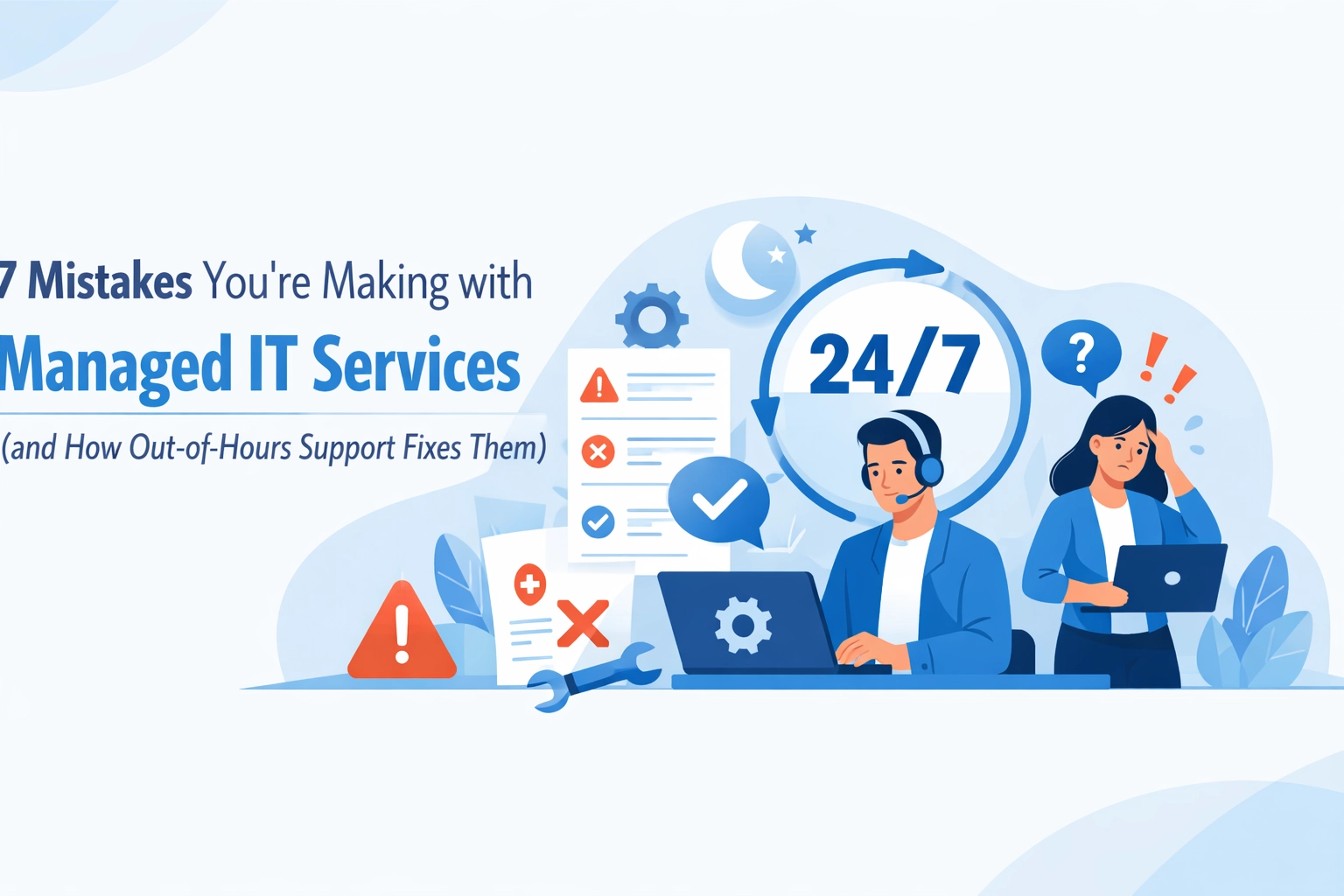
Here's the thing, most businesses aren't actually getting what they need from their MSP. And weirdly enough, out-of-hours support isn't just about late-night fixes. It's the litmus test that reveals whether your managed IT services are actually, well, managed.

Let's dig into the seven mistakes we see constantly and how proper out-of-hours coverage fixes them.

1. Setting Unrealistic Expectations (Then Getting Disappointed)

We hear this one a lot: "Our MSP should fix everything instantly, right?"

Not quite. The mistake isn't wanting fast service, it's not defining what "fast" actually means. When you don't have clear service level agreements (SLAs), every little hiccup feels like an emergency, and every delay feels personal.

How out-of-hours support fixes this: A proper out-of-hours setup forces everyone to define response times upfront. When can you expect someone to answer? What qualifies as urgent? When you've got 24/7 coverage with documented SLAs, there's no guesswork. You know exactly what you're getting, and more importantly, when you're getting it.

Service level agreement document showing 24/7 managed IT support coverage and response times

2. Communication That Leaves You More Confused

Ever get off a call with your IT provider and think, "I still don't know what just happened"?

Poor communication is massive in managed IT services. Either you're drowning in technical jargon or getting vague reassurances that tell you nothing. Both are rubbish when you're trying to run a business and just need straight answers.

How out-of-hours support fixes this: Out-of-hours teams can't rely on back-and-forth emails or waiting until morning for clarification. They need clear documentation, proper handover notes, and straightforward communication protocols. When your MSP has solid out-of-hours coverage, they're forced to document everything properly, which means better communication all around, not just at 2am.

3. Nobody Knows Who's in Charge

This one's awkward. Your server goes down, your MSP contacts… someone? But that person can't approve the fix, or doesn't know the passwords, or isn't actually authorized to make decisions.

When roles aren't clearly defined, simple fixes turn into day-long sagas. We've seen businesses miss crucial opportunities because their MSP didn't know who could actually approve equipment upgrades or system changes.

How out-of-hours support fixes this: Out-of-hours coverage requires a proper escalation path. Your MSP needs to know exactly who to contact for what, and when. Building this framework means defining roles clearly, not just for emergencies, but for everything. Once you've got proper out-of-hours procedures in place, you've essentially mapped out your entire decision-making structure.

Clear communication between IT provider and business client about managed services

4. Overpromising and Sneaky Hidden Costs

"Unlimited support!" "99.99% uptime guaranteed!" "Complete coverage!"

Yeah, we've seen the marketing materials too. The problem comes when "unlimited" means "unlimited during business hours for these specific services only" and those extra users, devices, or after-hours calls suddenly cost extra.

How out-of-hours support fixes this: Here's your reality check: ask any MSP about their out-of-hours coverage and pricing. If they're vague, hesitant, or suddenly mentioning "premium tiers," you've found your red flag. Genuine out-of-hours support is either included or it's not. It forces transparent pricing conversations upfront. No surprises, no hidden fees when you actually need help on a Saturday night.

5. Running on Outdated Tools and Manual Processes

Some MSPs are basically winging it with spreadsheets and reactive firefighting. When something breaks, they manually log in, poke around, and hopefully fix it. Rinse and repeat next week when the same issue crops up again.

This approach doesn't scale, doesn't prevent problems, and definitely doesn't work outside normal hours when nobody's actively watching.

How out-of-hours support fixes this: You can't deliver proper 24/7 coverage without robust monitoring tools and automated processes. Out-of-hours teams need real-time alerts, remote management capabilities, and documented procedures. When an MSP commits to out-of-hours support, they're forced to invest in proper tooling. That benefits everyone: your systems get monitored constantly, not just when someone remembers to check.
Network monitoring system with 24/7 out-of-hours IT support coverage structure

6. Underestimating How Complex Your Systems Actually Are

We love it when MSPs say "sure, we can support that!" without really understanding what "that" involves. Your business probably runs on a mix of legacy systems, cloud services, custom software, and who-knows-what-else. It's complicated.

The mistake happens when your MSP agrees to support everything without actually having the expertise. Then when something breaks: especially outside office hours: you're stuck.

How out-of-hours support fixes this: Out-of-hours coverage forces the competency conversation. Can your MSP's night team actually handle your specific systems? Do they understand your industry's requirements? When you discuss out-of-hours support, you're essentially auditing whether they truly know your infrastructure inside out. If they can't confidently support you at midnight, they probably can't support you properly at midday either.

7. Only Reacting After Things Break

This is the big one. Some managed IT services aren't really "managed": they're just break-fix support with a fancier name. They show up when something's on fire, put it out, then disappear until the next emergency.

That's not managing your IT. That's crisis response with extra steps.

How out-of-hours support fixes this: Proper out-of-hours coverage isn't about having someone on call for emergencies. It's about continuous monitoring, automated health checks, proactive patching, and catching problems before they become 3am disasters. When your MSP runs genuine 24/7 operations, they're watching your systems constantly. They spot the warning signs: the server that's running hot, the backup that's taking longer than usual, the suspicious login attempts. Out-of-hours monitoring transforms reactive support into proactive management.

Transparent managed IT services pricing breakdown with no hidden costs

What This Actually Means for Your Business

Here's the uncomfortable truth: if your current MSP can't provide solid out-of-hours support, it's probably a symptom of bigger issues. The problems we've covered: unclear expectations, poor communication, hidden costs, outdated tools, lack of proactivity: they all connect.

Out-of-hours support isn't just about being available at weird times. It's about having proper processes, clear communication, robust tools, and genuine expertise. It's the canary in the coal mine for your entire managed IT relationship.

Making the Switch (Or Having the Conversation)

If you're reading this thinking "yep, that's us," don't panic. Start by having an honest conversation with your current provider about these gaps. Maybe they can step up. Maybe you'll discover they've got capabilities you didn't know about.

But if they're defensive, vague about out-of-hours coverage, or can't clearly explain how they'd handle your specific systems at 2am on a Sunday? That tells you something important.

At Your IT Specialist, we're pretty straightforward about this stuff. Out-of-hours support is baked into how we work because it forces us to do everything properly: clear SLAs, transparent pricing, robust monitoring, documented processes. We're provider-agnostic, which means we're honest about what works and what doesn't, regardless of vendor.
Want to chat about whether your current setup's actually working? Get in touch. We'll give you straight answers, whether that means working with us or just helping you ask your current provider better questions.
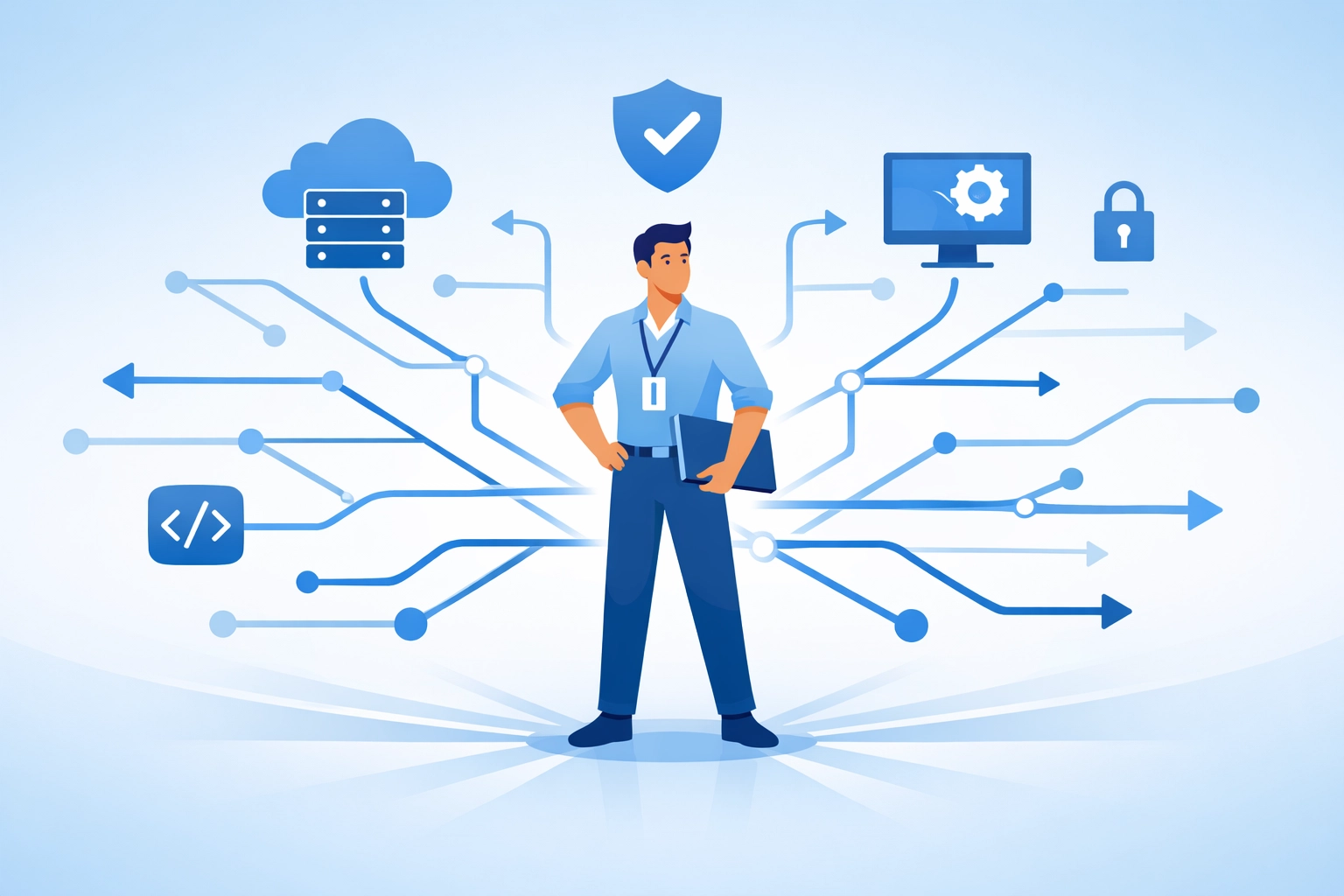
Because at the end of the day, managed IT services should make your life easier, not add another thing to worry about. And proper out-of-hours support? That's where the difference really shows.
Style Switcher

Header Style
Pre Define Colors

Custom Colors
Layout